 Post : bserve | 2026-09-26
Gaming consoles are designed to handle demanding games for long periods, but continuous use can generate significant heat. When the cooling system cannot remove that heat effectively, the console may begin to overheat.
Gaming console overheating can cause performance problems, unexpected shutdowns, loud fan noise, and in serious cases, damage to internal components.
Understanding why a gaming console overheats and knowing the warning signs can help users take action before the problem becomes more serious.
Several factors can contribute to excessive heat inside a gaming console.
Dust is one of the most common causes of overheating.
Over time, dust can collect around:
When airflow becomes restricted, hot air cannot escape efficiently. The cooling system then has to work harder to maintain a suitable operating temperature.
Regular cleaning can help maintain proper airflow.
Gaming consoles need sufficient airflow to keep internal components cool.
Placing a console inside a closed cabinet, against a wall, or in an area with limited ventilation can restrict airflow.
The console should have enough space around its ventilation openings so that fresh air can enter and warm air can leave.
Avoid placing the console directly on materials that can block ventilation openings.
Modern games can place a heavy workload on the processor and graphics hardware.
During long gaming sessions, the console continuously generates heat. Extended operation in a poorly ventilated environment can make the temperature rise further.
Taking breaks can give the system time to cool down, especially when the console is already showing signs of excessive heat.
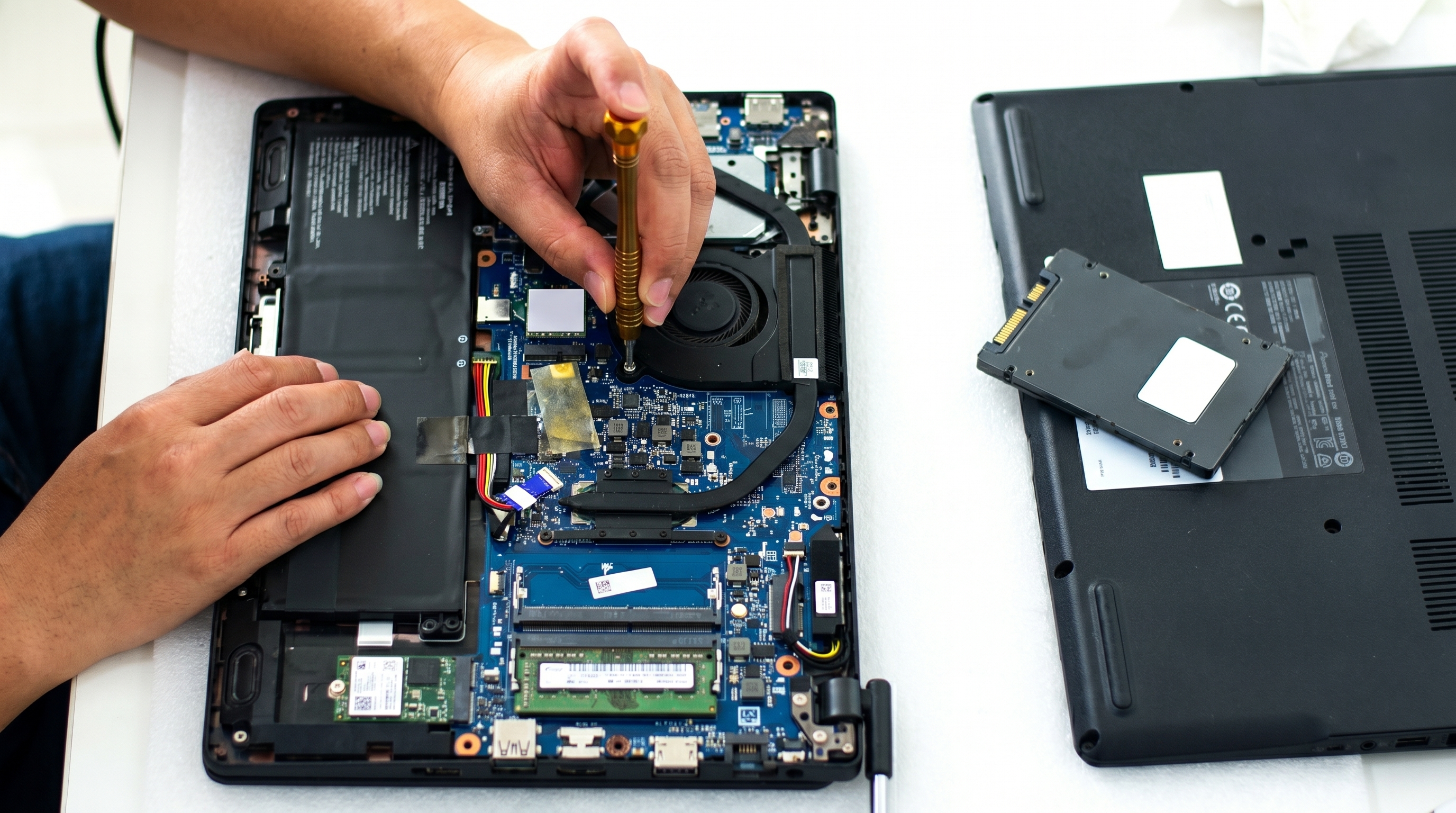
The internal cooling fan plays an important role in moving hot air away from the console's components.
A damaged or malfunctioning fan may produce:
If the fan is not operating correctly, professional inspection may be necessary.
Some gaming consoles use thermal paste between heat-producing components and their cooling system.
Over time, thermal paste can lose its effectiveness. Poor thermal contact can reduce heat transfer and contribute to higher operating temperatures.
Replacing thermal paste requires opening the console and should be performed carefully using suitable materials and procedures.
The surrounding environment can also affect console temperature.
A console operating in a hot room has less opportunity to transfer heat into the surrounding air.
Avoid placing a gaming console near:
A cool, open environment is generally better for electronic equipment.
A console does not always shut down immediately when it starts overheating.
Watch for warning signs such as:
A fan that suddenly becomes much louder than usual may indicate that the cooling system is working harder to control temperature.
Some consoles may shut down automatically when internal temperatures become too high. This can be a protective mechanism designed to prevent further hardware damage.
Excessive heat may be associated with:
These symptoms can also have other causes, so proper diagnosis is important.
Warm air coming from the console's exhaust is normal during operation. However, unusually hot airflow combined with loud fans or shutdowns may indicate a cooling problem.
If the external surface becomes unusually hot during normal use, check the console's ventilation and environment.
Preventive maintenance can reduce the risk of overheating.
Place the console where air can circulate freely.
Avoid tightly enclosed spaces and make sure the ventilation openings are not blocked.
Dust should not be allowed to build up around the ventilation openings.
Regular external cleaning can help maintain airflow.
For internal cleaning, use appropriate methods and avoid damaging sensitive components.
Do not place cloth, bags, books, or other objects over the console while it is operating.
The cooling system needs unobstructed airflow.
Avoid placing the console directly next to devices that produce substantial heat.
Keeping electronics separated can help reduce the surrounding temperature.
If the console suddenly becomes louder, shuts down repeatedly, or becomes significantly hotter than usual, do not ignore the symptoms.
Early diagnosis can help identify a cooling problem before it develops into a more serious hardware fault.
In many cases, overheating is related to maintenance or cooling-system problems and may be repairable.
Depending on the cause, a technician may need to inspect:
The correct repair depends on the specific console model and the cause of overheating.
Avoid replacing components without proper diagnosis because overheating can result from different faults.
Professional inspection is recommended when:
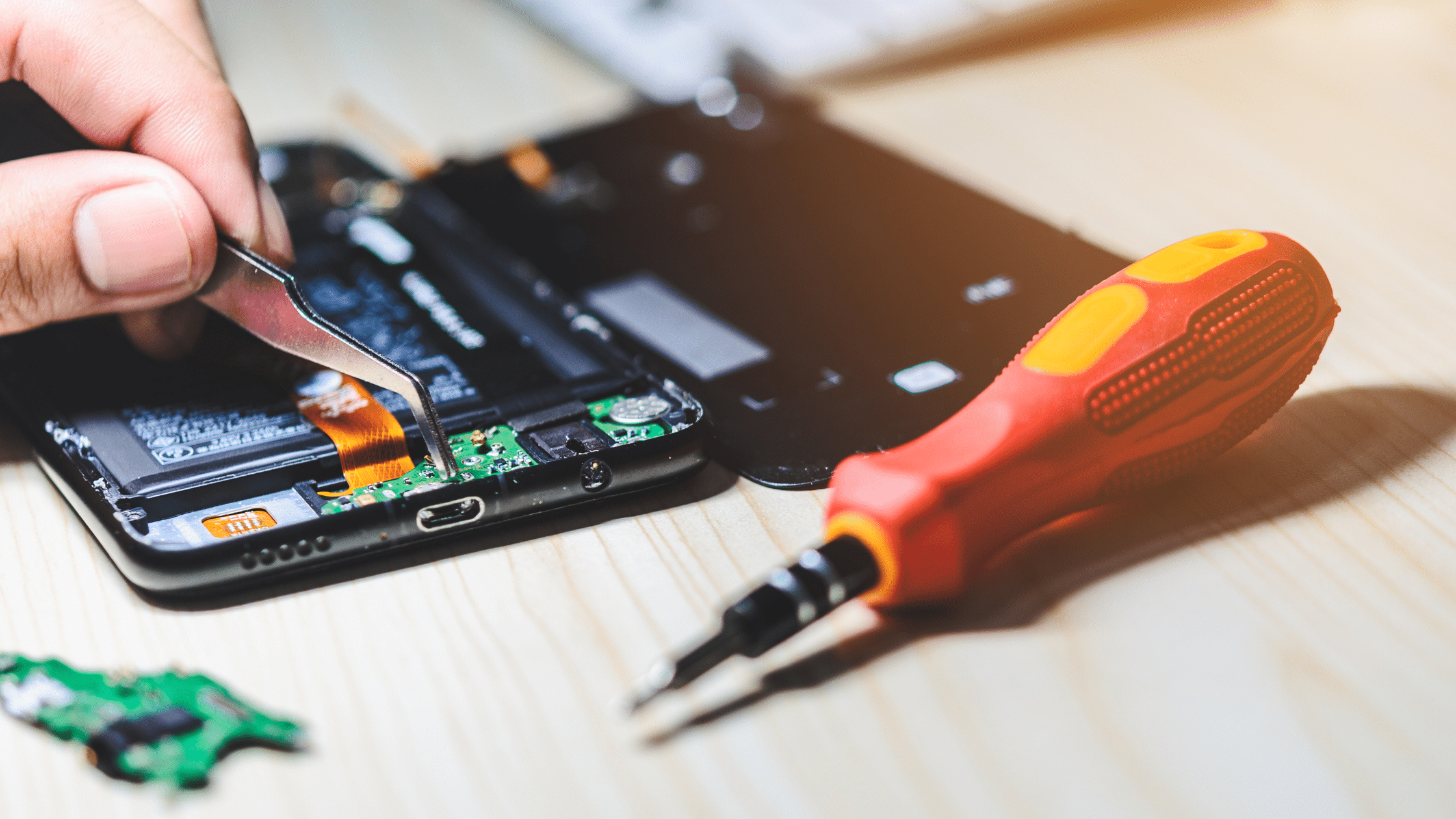
Opening a gaming console without suitable tools and knowledge can damage connectors, cables, boards, or other internal components.
Gaming consoles contain compact electronic components and sophisticated cooling systems. A problem that appears to be simple overheating could sometimes be related to another internal fault.
A professional technician can inspect the device and determine whether the issue is caused by:
Accurate diagnosis helps prevent unnecessary part replacement and can make the repair process more efficient.
Use this simple checklist to help keep your console in good condition:
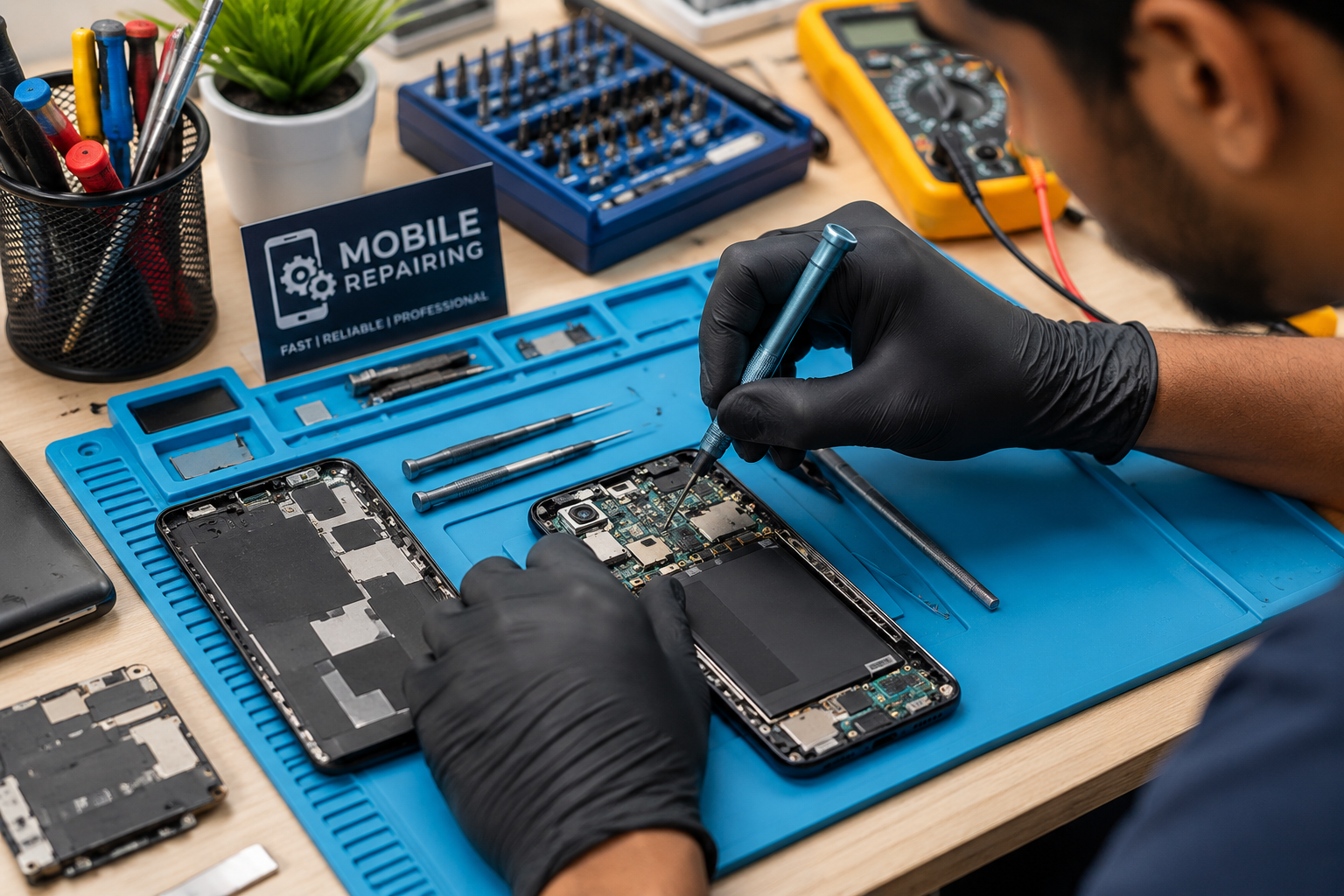
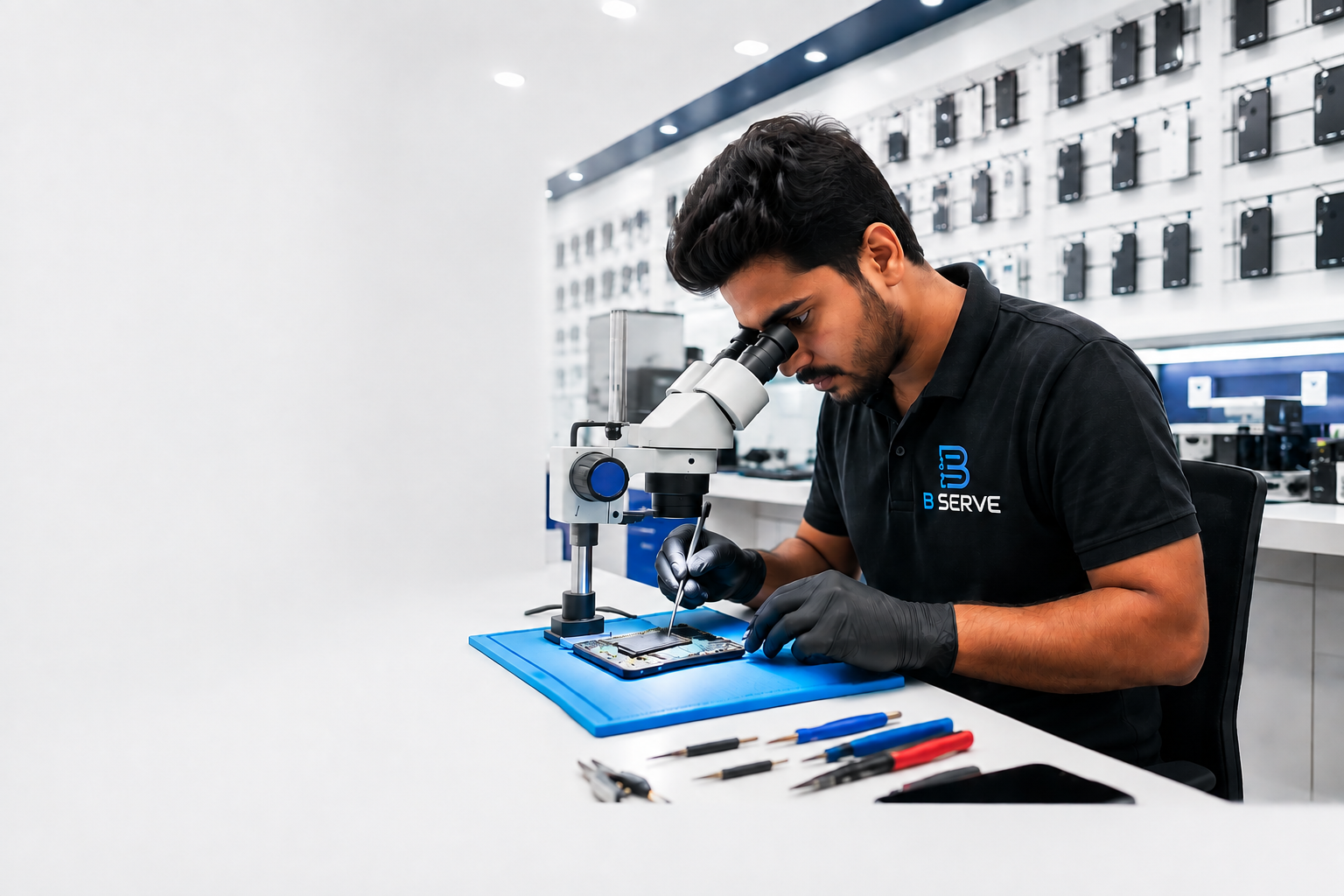
B Serve provides repair services for different types of electronic devices, including smartphones, laptops, tablets, smartwatches, MacBooks, and gaming consoles. The company operates in areas including Kottakkal, Tirur, and Perinthalmanna in Malappuram and provides both in-store and onsite repair options.
B Serve also states that it uses advanced diagnostic tools and genuine-quality spare parts for its repair services.
If a gaming console is repeatedly overheating, shutting down, or showing other hardware problems, professional diagnosis can help identify the actual cause before further damage occurs.
Gaming console overheating should not be ignored. Problems such as blocked ventilation, dust accumulation, faulty cooling fans, thermal issues, long gaming sessions, and high room temperatures can contribute to excessive heat.
Simple maintenance and proper ventilation can help prevent many overheating problems. However, repeated shutdowns, abnormal fan behavior, or extreme heat may indicate an internal fault that requires professional inspection.
Taking care of a gaming console and addressing cooling problems early can help maintain stable performance and extend the useful life of the device.