Blog

Blog

Mobile Phone Camera Not Focusing? Common Causes and Repair Solutions Post : bserve | 2026-09-22

Mobile Phone Camera Not Focusing? Common Causes and Repair Solutions

A smartphone camera is one of the most frequently used features on a modern mobile phone. People use it for taking photos, recording videos, attending video calls, scanning documents, and creating content for social media. When the camera suddenly becomes blurry or refuses to focus, it can make the phone difficult to use.

If your mobile phone camera is not focusing, the problem may be caused by something simple, such as a dirty camera lens, or by a hardware issue involving the camera module or internal components. Identifying the correct cause is important before attempting a repair.

In this guide, we explain the common causes of smartphone camera focusing problems, basic troubleshooting steps, and situations where professional repair may be required.

Common Causes of a Mobile Phone Camera Not Focusing

Several factors can affect smartphone camera focusing performance.

1. Dirty Camera Lens

A dirty camera lens is one of the simplest causes of blurry photos.

Fingerprints, dust, oil, or moisture on the camera glass can prevent the camera from capturing clear images.

Before assuming there is a hardware fault, gently clean the camera lens with a soft microfiber cloth.

Avoid using rough materials that could scratch the camera glass.

2. Camera Software Glitch

Sometimes the camera hardware is working correctly but the camera application may experience a temporary software problem.

A software glitch can cause:

  • Camera freezing
  • Slow focusing
  • Blurry images
  • Camera application crashes
  • Delayed autofocus

Restarting the phone can sometimes resolve temporary software problems. Checking for available system or camera application updates may also help.

3. Damaged Camera Lens

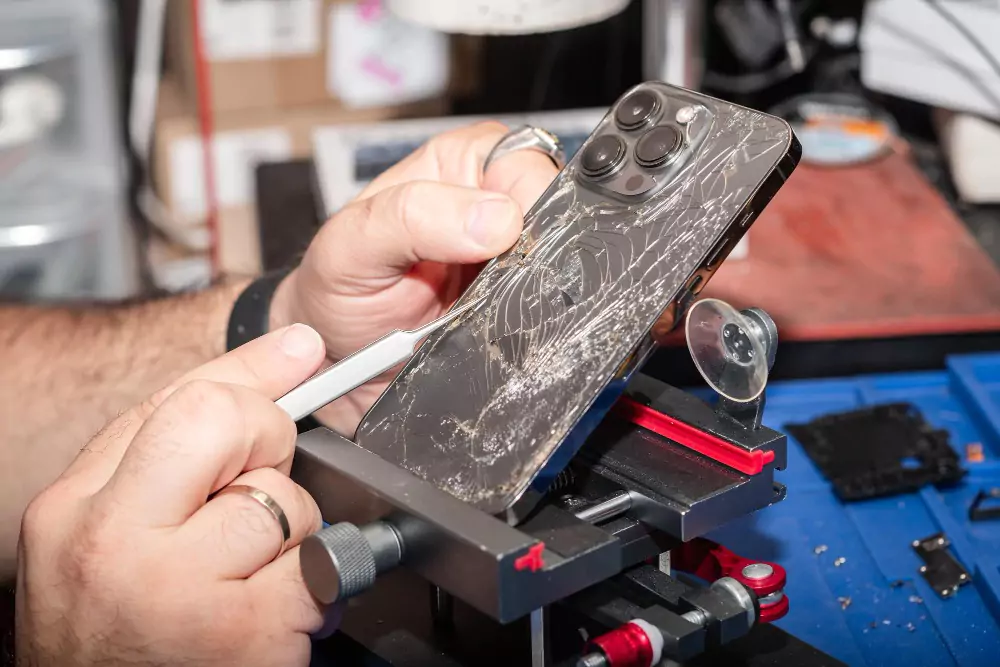
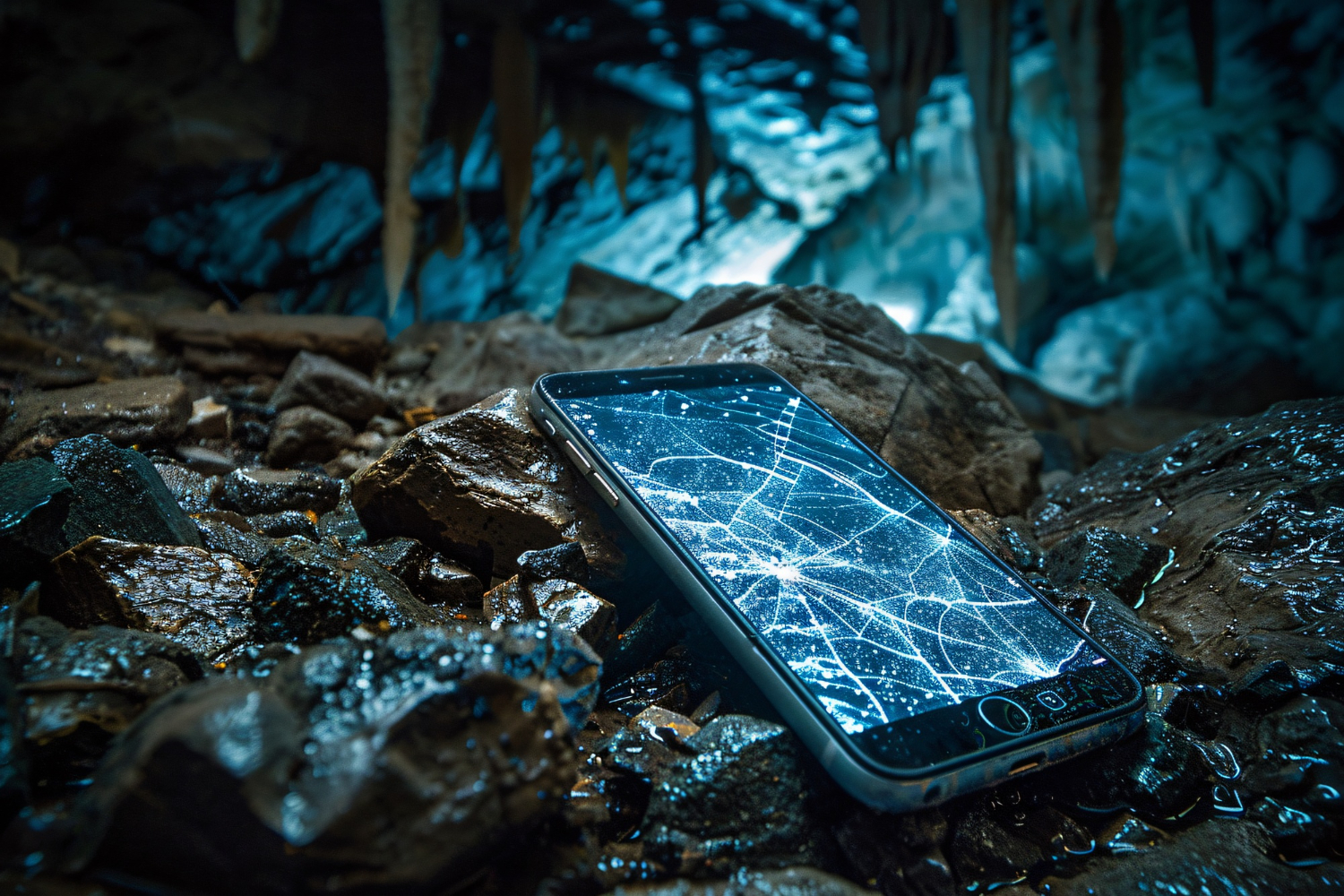
The protective glass over the camera can become cracked or scratched after an accidental drop.

Even when the camera itself is working properly, damaged lens glass can affect image clarity and autofocus performance.

A technician can inspect the camera glass and determine whether it needs replacement.

4. Physical Damage to the Camera Module

If the phone has been dropped, the camera module may become damaged or displaced.

Possible symptoms include:

  • Camera unable to focus
  • Constantly blurry images
  • Shaking image
  • Camera rattling
  • Focus changing unexpectedly
  • Camera application showing an error

In these situations, professional inspection can help determine whether the camera module needs repair or replacement.

5. Moisture Inside the Camera

Moisture can enter a smartphone after exposure to water or high humidity.

If moisture reaches the camera module, it can cause:

  • Foggy camera images
  • Blurry photos
  • Autofocus problems
  • Condensation behind the camera glass
  • Internal corrosion

Water-related camera problems should be addressed quickly because moisture can affect other internal components as well.

6. Autofocus Hardware Problem

Modern smartphone cameras use specialized hardware to achieve accurate focus.

If the autofocus mechanism becomes faulty, the camera may remain blurry even when the lens is clean.

This type of problem generally requires professional diagnosis.

A technician can test the camera module and related connections to identify whether the issue is caused by the camera hardware or another internal component.

How to Troubleshoot a Camera That Will Not Focus

Before visiting a repair center, users can try several basic troubleshooting steps.

Step 1: Clean the Camera Lens

Use a clean microfiber cloth to gently remove fingerprints, dust, and other particles from the camera lens.

Then open the camera application and test the focus again.

Step 2: Restart the Phone

A temporary software issue may affect the camera application.

Restarting the smartphone can refresh the system and resolve minor software glitches.

Step 3: Check the Camera Application

If the camera application is freezing or behaving unusually, check whether an update is available.

On supported Android devices, clearing the camera application's cache may also help with certain temporary problems.

Step 4: Test Different Camera Modes

Try switching between:

  • Photo mode
  • Video mode
  • Portrait mode
  • Front camera
  • Rear camera

If only one camera or mode has focusing problems, this can provide useful information for diagnosis.

Step 5: Remove Accessories Around the Camera

Some camera protectors, cases, or accessories can interfere with the camera lens.

Remove them temporarily and test the camera again.

Step 6: Check for Physical Damage

Look carefully for cracks, scratches, moisture, or signs of impact around the camera area.

If the phone was recently dropped or exposed to water, professional inspection may be necessary.

When Does a Camera Need Professional Repair?

If basic troubleshooting does not solve the problem, the camera may have a hardware fault.

Professional repair may be required when:

  • The camera remains blurry after cleaning
  • Autofocus does not work
  • The camera shakes continuously
  • The camera produces unusual sounds
  • The lens or camera glass is damaged
  • The phone has suffered water damage
  • The camera application repeatedly crashes
  • The camera stopped working after a drop

A trained technician can diagnose the device before recommending a replacement or repair.

What Does a Technician Check?

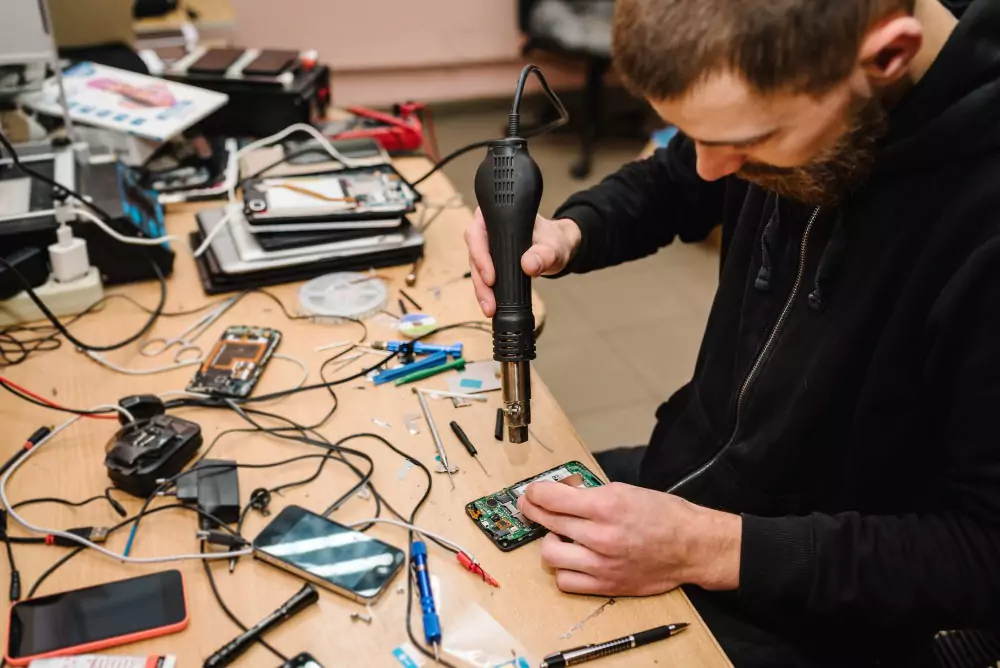
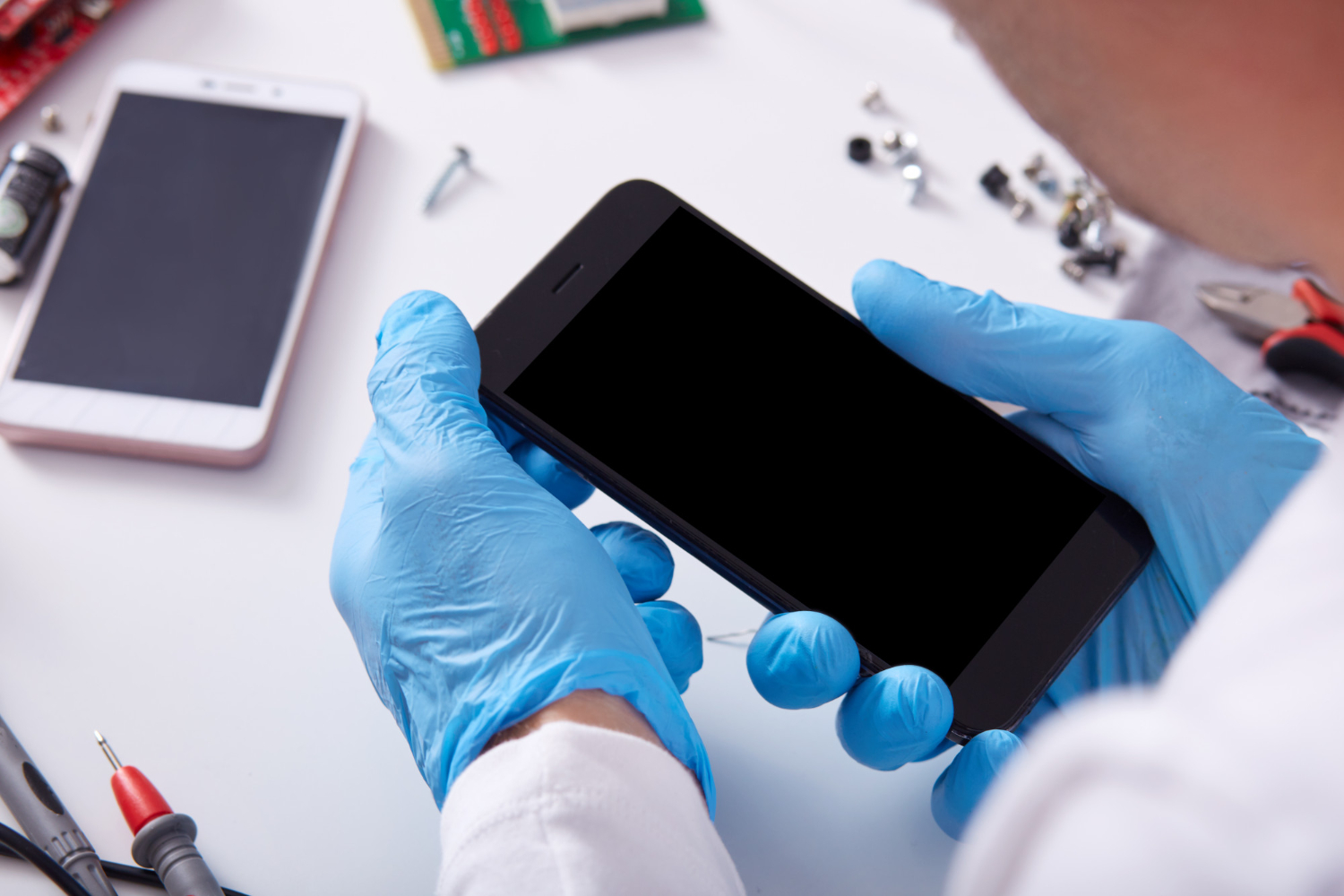
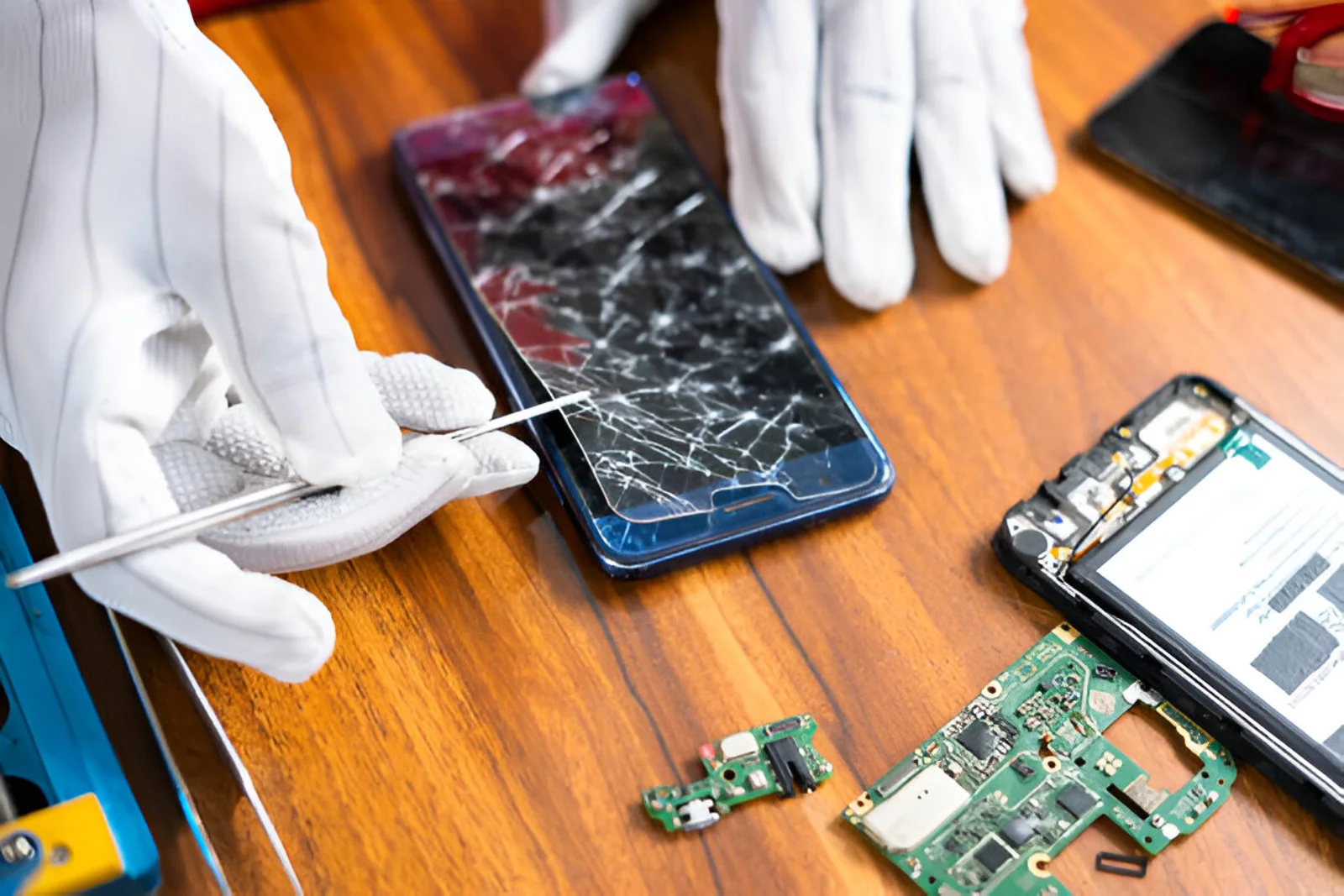
A professional smartphone repair technician may inspect several components to identify the source of the camera problem.

The diagnostic process can include:

  1. Checking the camera lens and protective glass
  2. Testing front and rear cameras
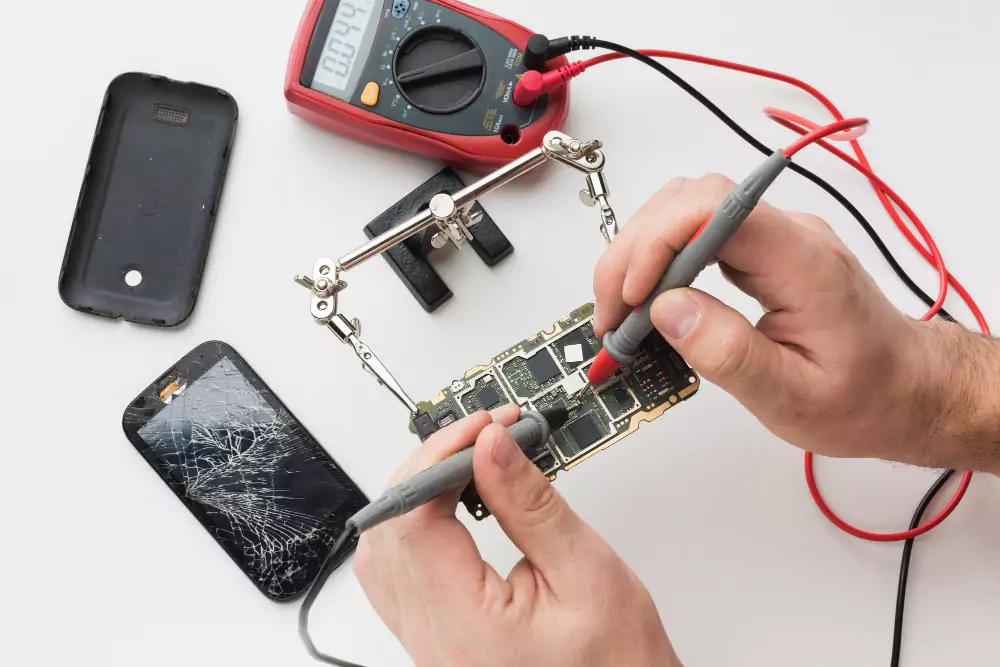
  3. Checking camera connectors
  4. Inspecting flex cables
  5. Checking for corrosion or liquid damage
  6. Testing software and camera functionality
  7. Inspecting motherboard connections
  8. Testing the camera after repair

Proper diagnosis helps prevent unnecessary replacement of working components.

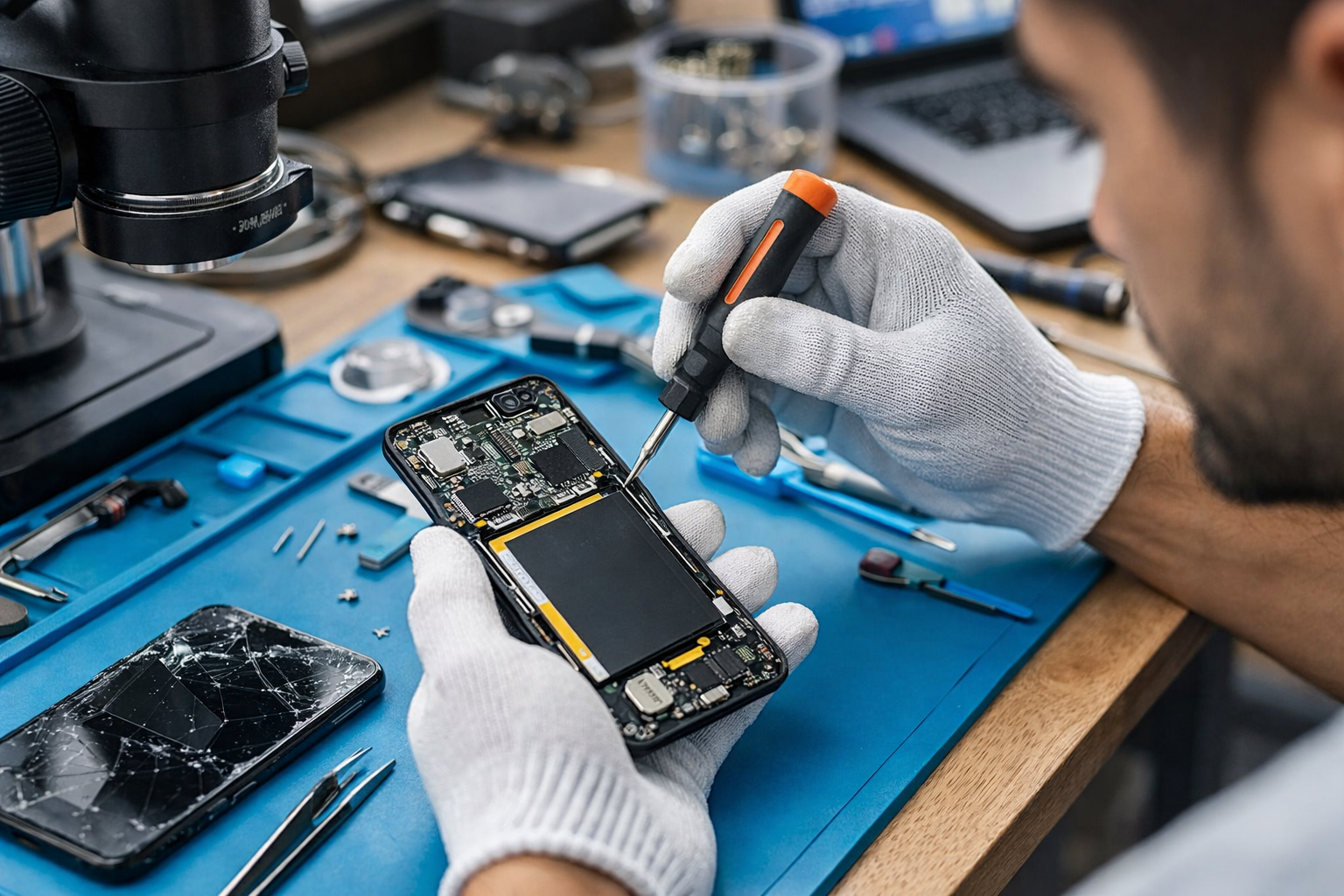
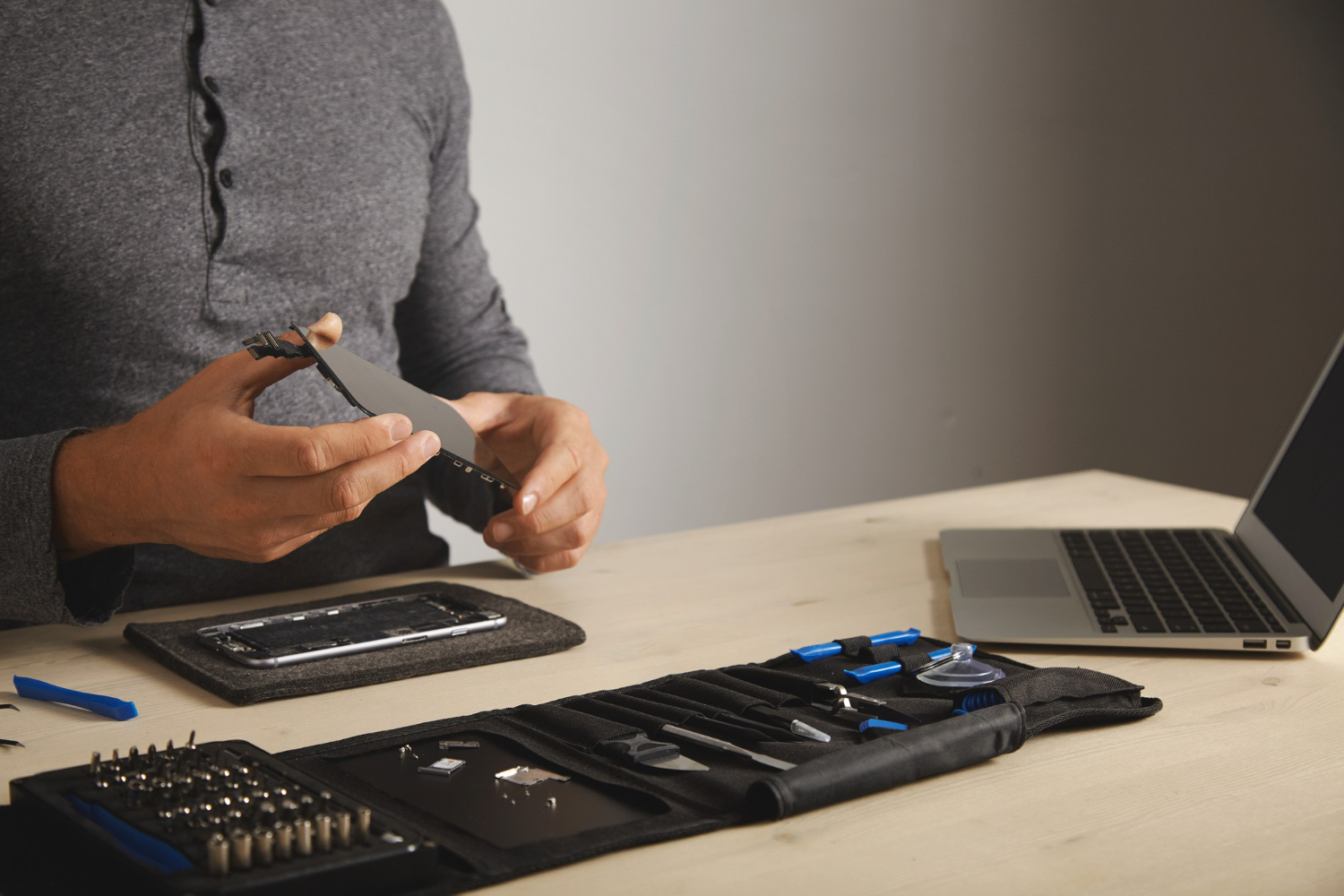
Camera Module Replacement

If the camera module itself is defective, replacing it may restore normal focusing and image quality.

The replacement process should be performed carefully because smartphone camera components are delicate.

After replacement, the technician should test:

  • Autofocus
  • Image clarity
  • Video recording
  • Camera switching
  • Flash functionality
  • Portrait or depth features where applicable

Quality testing is important before returning the device to the customer.

Why Professional Camera Repair Matters

Smartphone cameras are compact and contain sensitive electronic and optical components.

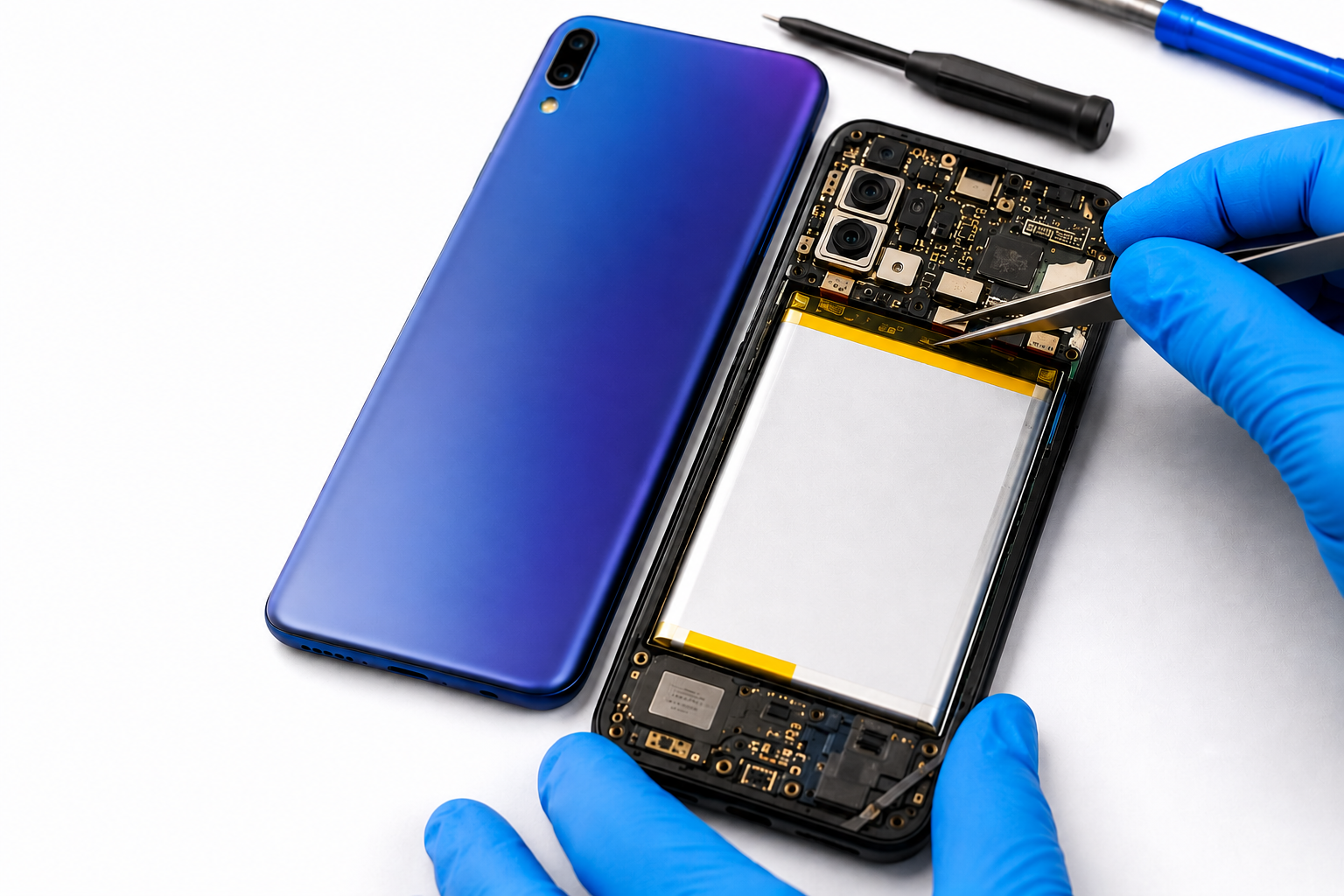
Attempting to open or repair a camera without appropriate tools can cause additional damage.

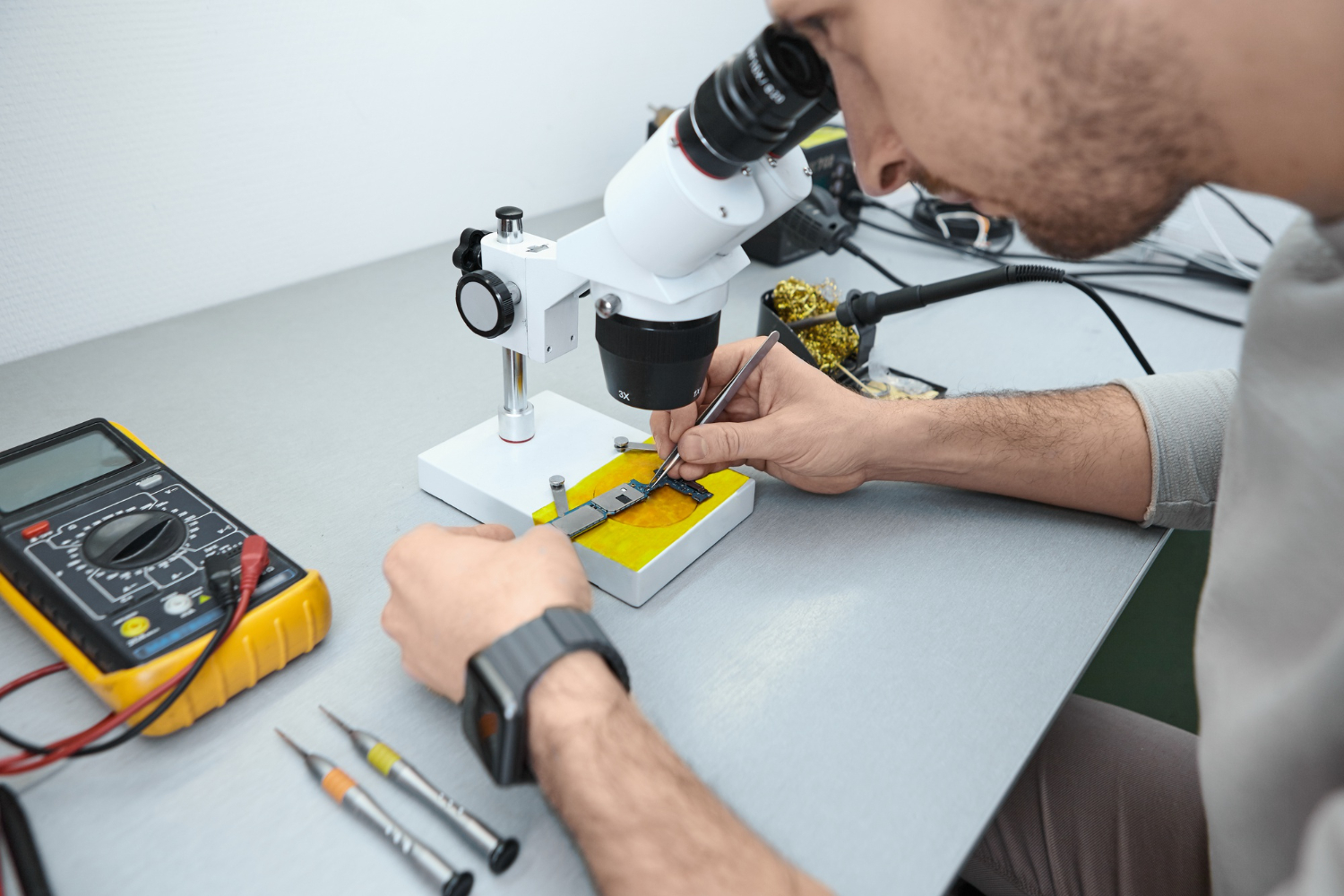
Professional technicians have access to suitable diagnostic equipment and repair tools that can help identify hardware faults accurately.

A professional repair service can also help determine whether the issue requires a simple camera-glass replacement, software troubleshooting, camera-module replacement, or a more advanced hardware repair.

How to Prevent Smartphone Camera Problems

A few simple habits can help protect your smartphone camera.

Keep the Lens Clean

Clean the camera lens regularly using a soft microfiber cloth.

Protect Your Phone

Use a suitable protective case to reduce the risk of damage from accidental drops.

Avoid Moisture

Keep the phone away from unnecessary exposure to water and moisture.

Handle the Camera Area Carefully

Avoid placing the phone on rough surfaces with the camera area facing downward.

Get Problems Checked Early

If the camera starts producing blurry images or develops focusing problems, early diagnosis can help prevent a minor issue from becoming more complicated.

Why Choose Professional Smartphone Repair?

A reliable repair center should provide proper diagnosis before recommending a repair.

Important factors include:

  • Experienced technicians
  • Quality replacement components
  • Professional diagnostic tools
  • Transparent repair procedures
  • Proper testing after repair
  • Safe handling of customer devices

B Serve provides smartphone, iPhone, laptop, tablet, smartwatch, MacBook, and other gadget repair services. Its website states that it serves areas including Malappuram, Tirur, Perinthalmanna, and Kottakkal.

Conclusion

A mobile phone camera not focusing can result from a dirty lens, damaged camera glass, software problems, moisture, physical impact, or a faulty camera module.

Start with simple troubleshooting such as cleaning the lens, restarting the phone, checking software, and testing different camera modes. If the problem continues, professional diagnosis can identify the actual cause and determine the appropriate repair.

Taking care of the camera and getting faults checked early can help maintain clear photos and reliable smartphone performance for longer.

Recent Post
Best Mobile Phone Service Center in Tirur
Post : bserve | 2025-12-24
Best Mobile Phone Service Cent...
Why Everyone’s Talking About the iPhone 17- Features That Stand Out
Post : B Serve | 2025-10-23
Why Everyone’s Talking About t...
Gadget Repair Service
Post : B Serve | 2025-09-13
How to Choose the Right Gadget...
laptop repairing
Post : Bserve | 2025-08-25
Laptop Running Slow? Common Ca...
Apple service centre in Kerala
Post : B Serve | 2025-07-30
Common iPhone Problems and How...
 B Serve solves various problems of mobile phones, laptops, tablets, and other devices.
Post : B Serve | 2025-04-26
Professional repair services:...
Smart Watch Repair: Common Issues and Professional Solutions.
Post : B Serve | 2025-06-12
Smart Watch Repair: Common Iss...
On-Site Pick-Up & Drop Service for Gadget Repairs in Malappuram
Post : B Serve | 2025-06-26
On-Site Pick-Up & Drop Service...
#1 Mobile Repair Shop in Tirur – 100% Reliable Service | B Serve
Post : bserve | 2026-02-18
Top Mobile & Laptop Repair Cen...
Best Mobile Phone Service Center in Tirur
Post : bserve |
B Serve – Best Mobile Service...
Top Mobile Repair Shop in Malappuram, Kerala for iPhone & Android
Post : bserve | 2026-05-20
Top Mobile Repair Shop in Mala...
Post : bserve | 2026-05-23
iPhone Repair Guide: Everythin...
Post : bserve | 2026-05-17
Best Mobile Service Center in...
Mobile Repair Shop – iPhone Repair, Android Repair & Gadget Service
Post : bserve | 2026-05-15
Mobile Repair Shop – iPhone Re...
Post : bserve | 2026-05-19
Laptop Heating Issue, Laptop S...
Mobile Repairing Shop in Kerala
Post : bserve | 2026-06-14
Mobile Repairing Shop in Keral...
Post : bserve | 2026-06-08
Mobile Repairing Shop in Kotta...
Post : bserve | 2026-06-12
Gadget Repairing Shop in Tirur...
Post : bserve | 2026-06-18
Android & iPhone Repairing Sho...
Can iPhone Motherboard Be Repaired? Expert Guide
Post : bserve | 2026-07-04
Can iPhone Motherboard Be Repa...
Post : bserve | 2026-07-13
OPPO Mobile Repairing Centre N...
Mobile Repairing Service Center in Kerala
Post : bserve | 2026-07-27
Mobile Repairing Service Cente...
Mobile Repairing Service Center in Perinthalmanna
Post : bserve | 2026-08-04
Mobile Repairing Service Cente...
Post : bserve | 2026-08-06
Mobile Repairing Service Cente...
B Serve Mobile Repairing Institute in Perinthalmanna
Post : bserve | 2026-08-17
B Serve Mobile Repairing Insti...
Best Mobile Repairing Shop in Kottakkal
Post : bserve | 2026-08-27
Best Mobile Repairing Shop in...
mobile repairing shop Tirur
Post : bserve | 2026-08-27
Mobile Repairing Shop Tirur –...
  best mobile repair shop in Perinthalmanna
Post : bserve | 2026-08-27
Best Mobile Repair Shop in Per...
Why Is My Phone Not Charging? 10 Causes and Solutions
Post : bserve | 2026-09-04
Why Is My Phone Not Charging?...
Phone Battery Draining Fast
Post : bserve | 2026-09-04
Phone Battery Draining Fast: C...
Laptop Not Turning On
Post : bserve | 2026-09-04
Laptop Not Turning On: Complet...
 chip-level mobile repair.
Post : bserve | 2026-09-10
What Is Chip-Level Mobile Repa...
Why Is My Phone Overheating While Charging? Causes and Solutions
Post : bserve | 2026-09-14
Why Is My Phone Overheating Wh...
Why Is My Phone Showing No Service? Causes and Solutions
Post : bserve | 2026-09-16
Why Is My Phone Showing No Ser...
Why Is My Phone Speaker Not Working? Causes and Repair Solutions
Post : bserve | 2026-09-18
Why Is My Phone Speaker Not Wo...
How to Fix Bluetooth Not Connecting on Your Phone: Causes and Solutions
Post : bserve | 2026-09-21
How to Fix Bluetooth Not Conne...
Mobile Phone Camera Not Focusing? Common Causes and Repair Solutions
Post : bserve | 2026-09-22
Mobile Phone Camera Not Focusi...
phone microphone not working
Post : bserve | 2026-09-22
Why Is My Phone Microphone Not...
smartphone overheating while using mobile data
Post : bserve | 2026-09-24
How to Fix a Smartphone That O...
gaming console overheating
Post : bserve | 2026-09-26
Gaming Console Overheating: Ca...
gaming console not turning on
Post : bserve | 2026-09-26
Gaming Console Not Turning On:...
gaming console motherboard problems
Post : bserve | 2026-09-26
How to Diagnose Gaming Console...
Mobile Phone Proximity Sensor Not Working: Causes, Diagnosis and Repair
Post : bserve | 2026-09-30
Mobile Phone Proximity Sensor...
How to Protect Your Phone After Screen Replacement: Essential Tips
Post : bserve | 2026-09-30
How to Protect Your Phone Afte...
How Often Should You Service Your Smartphone? A Complete Maintenance Guide
Post : bserve | 2026-09-30
How Often Should You Service Y...
Mobile phone Wi-Fi not working
Post : bserve | 2026-10-08
Mobile Phone Wi-Fi Not Working...
laptop service center Malappuram
Post : bserve | 2026-10-08
Laptop Maintenance Guide: Comm...
best mobile service centre Perinthalmanna
Post : bserve | 2026-10-08
Mobile Phone Repair Checklist:...
CTA Icon
Whatsapp Icon