Blog

Blog

smartphone overheating while using mobile data Post : bserve | 2026-09-24

How to Fix a Smartphone That Overheats While Using Mobile Data

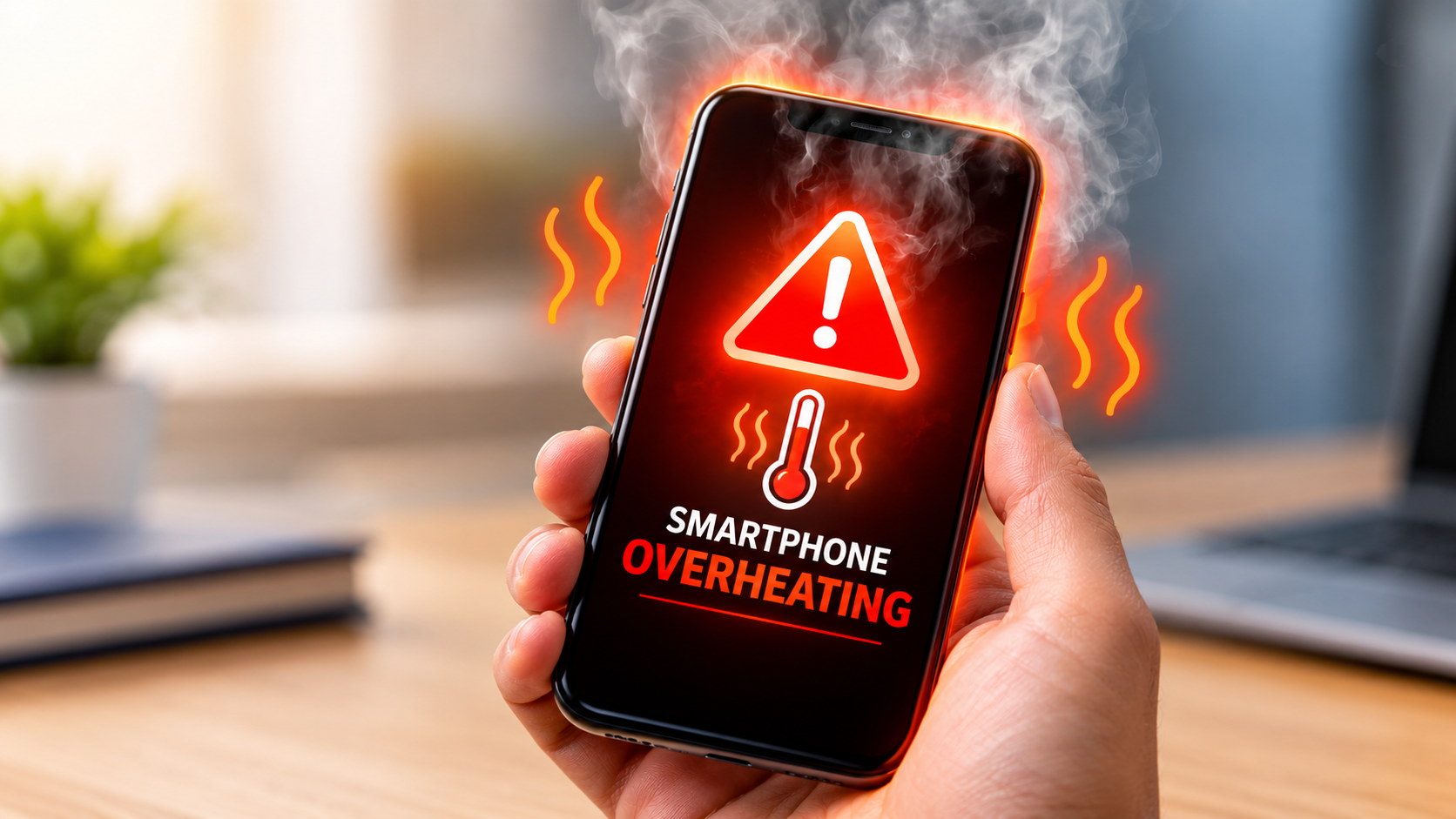
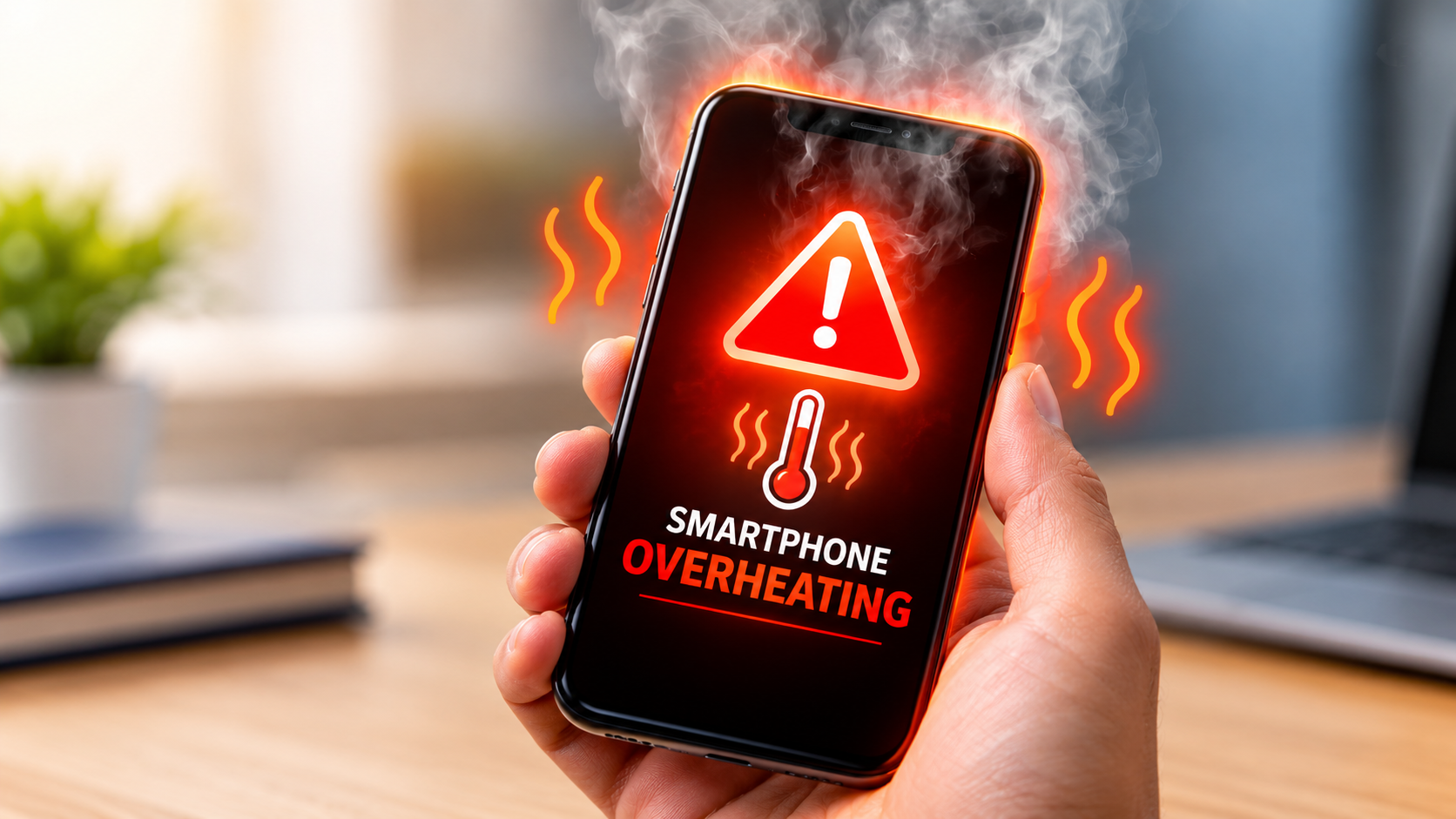
Have you noticed that your phone becomes unusually hot whenever you use mobile data? A certain amount of warmth during heavy internet usage can be normal, but excessive heating may indicate that an application, network connection, battery, or internal component is working harder than it should.

Understanding the reasons behind smartphone overheating while using mobile data can help you identify the problem and take the right steps before it affects your phone's performance.

Why Does a Phone Heat Up When Using Mobile Data?

Mobile data requires the smartphone to communicate continuously with nearby cellular networks. When the signal is weak, the phone may work harder to maintain a stable connection.

At the same time, activities such as video streaming, online gaming, navigation, video calls, and large downloads can place additional load on the processor and battery.

Some common causes include:

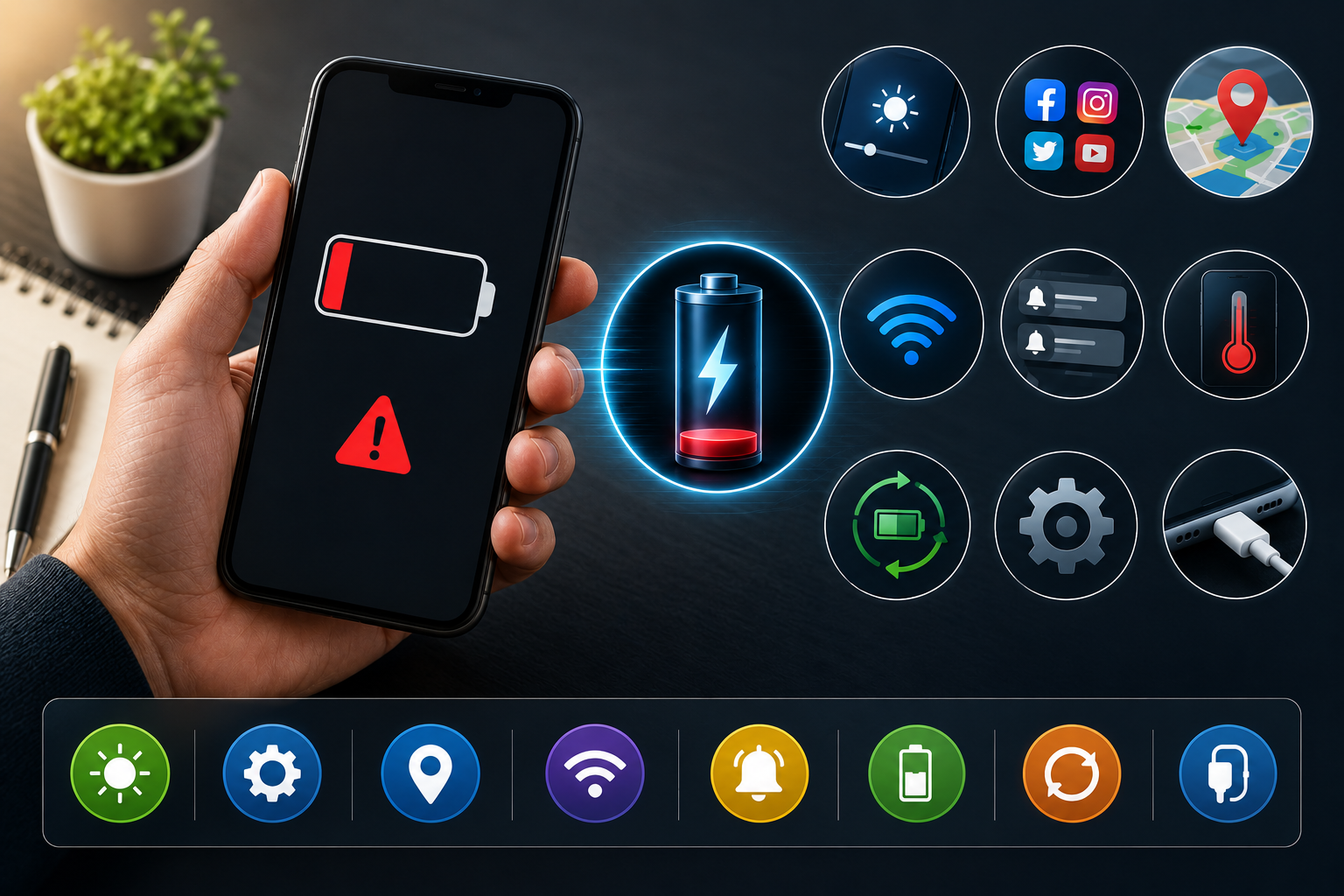
  • Weak mobile network signals
  • Heavy background applications
  • Continuous video streaming
  • Online gaming
  • GPS and location services
  • Outdated software
  • Poor-quality chargers
  • Battery degradation
  • High ambient temperature

1. Check the Mobile Network Signal

One of the most common reasons for phone overheating on mobile data is a weak cellular signal.

When the signal is poor, the phone may continuously search for a stronger connection. This can increase power consumption and generate additional heat.

If your phone becomes hot mainly in areas with poor network coverage, compare its temperature in an area with a stronger signal.

2. Close Unnecessary Background Apps

Applications running in the background can consume processing power and mobile data even when you are not actively using them.

Social media applications, cloud synchronization, navigation apps, video services, and other data-intensive applications may contribute to heating.

Check your phone's battery or data usage settings to identify applications consuming unusually high resources.

3. Reduce Heavy Mobile Data Usage

Streaming high-resolution videos, downloading large files, and playing online games can increase processor, network, and battery activity.

If your smartphone gets hot during these activities, try reducing video quality, closing unused applications, or taking short breaks between intensive tasks.

4. Avoid Using the Phone in Direct Sunlight

External temperature can make smartphone heating significantly worse.

Avoid leaving your phone inside a hot car or using it for extended periods under direct sunlight. If the device becomes very hot, stop intensive activities and allow it to cool naturally.

Do not place a very hot phone in a refrigerator or freezer, as sudden temperature changes can cause other problems.

5. Check the Battery

An aging or damaged battery can contribute to excessive heat, particularly during heavy mobile data usage.

Watch for warning signs such as:

  • Rapid battery percentage drops
  • Unexpected shutdowns
  • Excessive heating
  • Battery swelling
  • Slow charging
  • Reduced battery life

A swollen or physically damaged battery should be inspected by a qualified technician rather than opened or replaced without proper equipment.

6. Update Your Phone's Software

Software bugs or poorly optimized applications can sometimes increase processor and battery usage.

Check whether your smartphone has an official operating system or security update available. Also keep frequently used applications updated through the official app store.

7. Check the Charger and Charging Habits

Using mobile data while charging can generate more heat because the phone is simultaneously consuming and receiving power.

Avoid intensive gaming or long video sessions while the phone is charging, especially if the device already feels unusually warm.

Use a compatible, quality charger and cable recommended for your device.

When Should You Get Professional Repair?

If the phone continues overheating even after reducing mobile data usage and closing background applications, there may be an underlying hardware issue.

Professional diagnosis may be necessary when:

  • The phone becomes extremely hot during normal use
  • It overheats even when idle
  • The battery drains unusually quickly
  • The device repeatedly shuts down
  • The phone has suffered water or physical damage
  • Heating occurs around the charging port
  • The device shows swelling or other physical damage

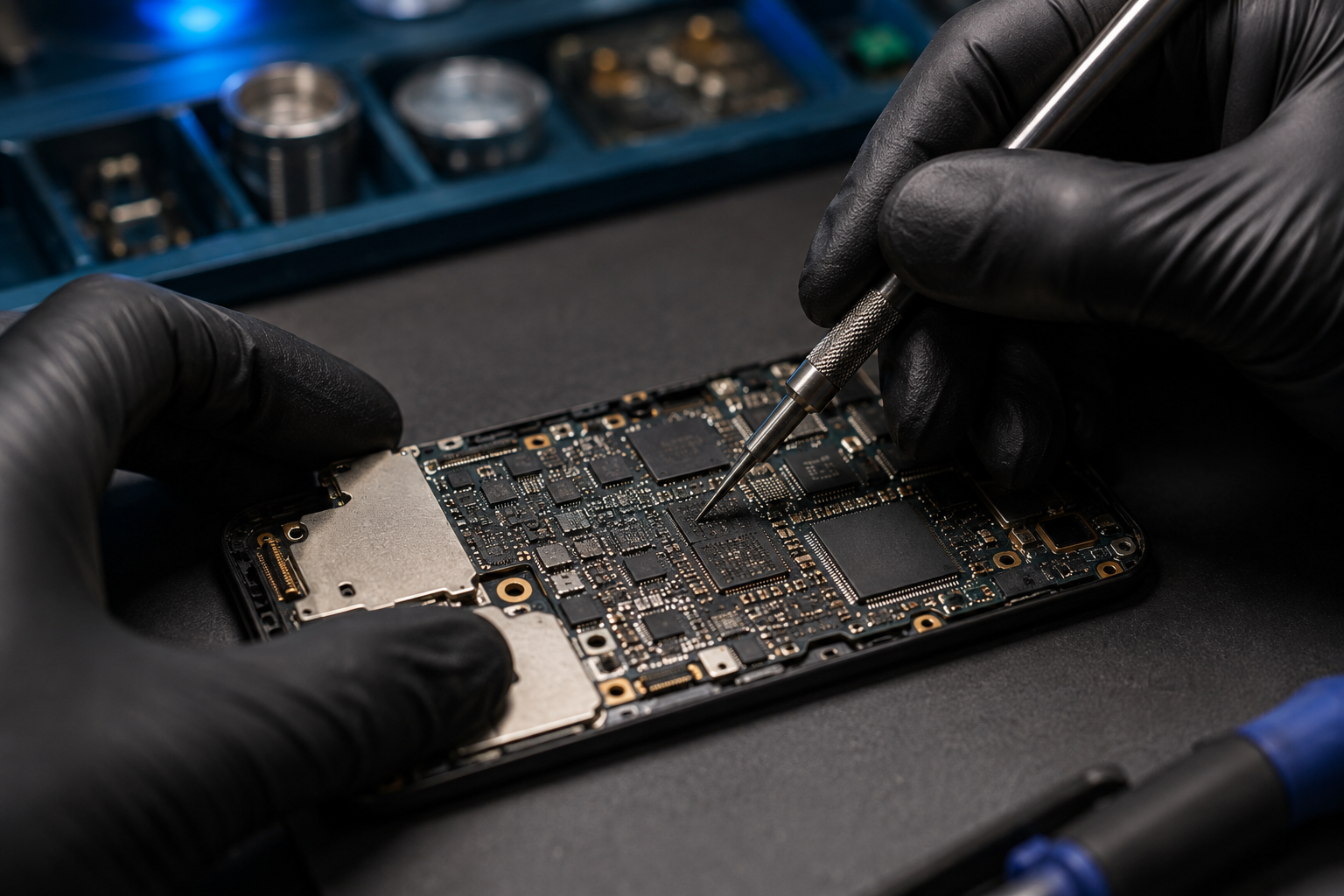
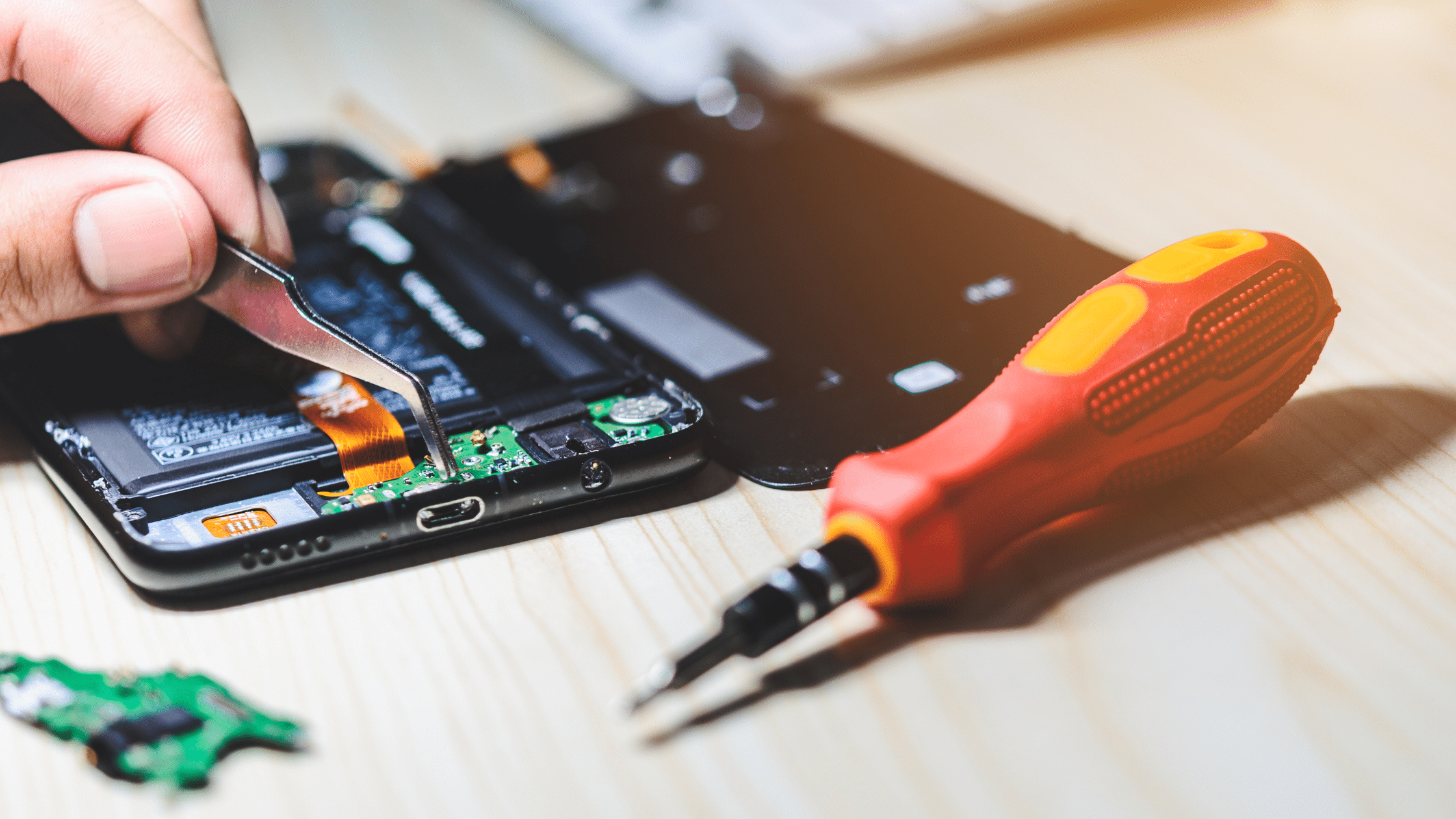
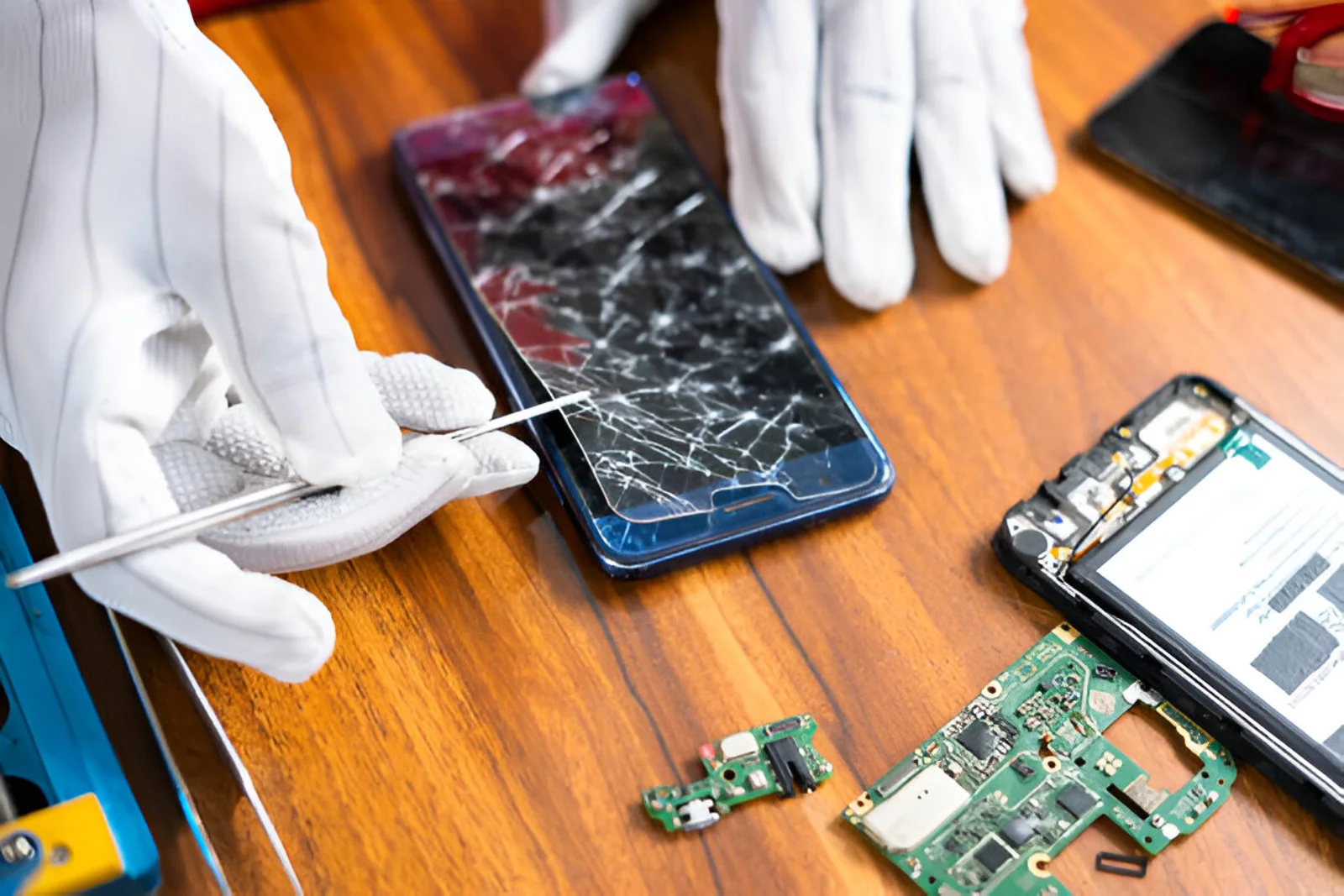
A technician can inspect the battery, charging system, motherboard, and other components to identify the actual cause.

How to Prevent Smartphone Overheating

A few simple habits can reduce unnecessary heating:

  1. Keep unnecessary background applications closed.
  2. Avoid prolonged gaming in high temperatures.
  3. Keep your phone's software updated.
  4. Use reliable charging accessories.
  5. Avoid direct sunlight.
  6. Maintain sufficient storage space.
  7. Monitor applications that consume excessive battery or mobile data.
  8. Give the phone time to cool down after intensive use.

Final Thoughts

Smartphone overheating while using mobile data can result from several factors, including weak network signals, heavy applications, high temperatures, battery problems, and charging habits.

Occasional warmth during intensive use may not indicate a serious fault. However, persistent or excessive heating should not be ignored. Identifying the cause early can help prevent further damage and maintain your phone's performance.

If basic troubleshooting does not solve the issue, professional smartphone diagnosis can help determine whether the problem is related to the battery, charging system, software, or internal hardware.

B Serve provides smartphone, laptop, tablet, smartwatch, gaming console, and other gadget repair services, including battery, charging, water-damage, software, and motherboard-related repairs.

Recent Post
Best Mobile Phone Service Center in Tirur
Post : bserve | 2025-12-24
Best Mobile Phone Service Cent...
Why Everyone’s Talking About the iPhone 17- Features That Stand Out
Post : B Serve | 2025-10-23
Why Everyone’s Talking About t...
Gadget Repair Service
Post : B Serve | 2025-09-13
How to Choose the Right Gadget...
laptop repairing
Post : Bserve | 2025-08-25
Laptop Running Slow? Common Ca...
Apple service centre in Kerala
Post : B Serve | 2025-07-30
Common iPhone Problems and How...
 B Serve solves various problems of mobile phones, laptops, tablets, and other devices.
Post : B Serve | 2025-04-26
Professional repair services:...
Smart Watch Repair: Common Issues and Professional Solutions.
Post : B Serve | 2025-06-12
Smart Watch Repair: Common Iss...
On-Site Pick-Up & Drop Service for Gadget Repairs in Malappuram
Post : B Serve | 2025-06-26
On-Site Pick-Up & Drop Service...
#1 Mobile Repair Shop in Tirur – 100% Reliable Service | B Serve
Post : bserve | 2026-02-18
Top Mobile & Laptop Repair Cen...
Best Mobile Phone Service Center in Tirur
Post : bserve |
B Serve – Best Mobile Service...
Top Mobile Repair Shop in Malappuram, Kerala for iPhone & Android
Post : bserve | 2026-05-20
Top Mobile Repair Shop in Mala...
Post : bserve | 2026-05-23
iPhone Repair Guide: Everythin...
Post : bserve | 2026-05-17
Best Mobile Service Center in...
Mobile Repair Shop – iPhone Repair, Android Repair & Gadget Service
Post : bserve | 2026-05-15
Mobile Repair Shop – iPhone Re...
Post : bserve | 2026-05-19
Laptop Heating Issue, Laptop S...
Mobile Repairing Shop in Kerala
Post : bserve | 2026-06-14
Mobile Repairing Shop in Keral...
Post : bserve | 2026-06-08
Mobile Repairing Shop in Kotta...
Post : bserve | 2026-06-12
Gadget Repairing Shop in Tirur...
Post : bserve | 2026-06-18
Android & iPhone Repairing Sho...
Can iPhone Motherboard Be Repaired? Expert Guide
Post : bserve | 2026-07-04
Can iPhone Motherboard Be Repa...
Post : bserve | 2026-07-13
OPPO Mobile Repairing Centre N...
Mobile Repairing Service Center in Kerala
Post : bserve | 2026-07-27
Mobile Repairing Service Cente...
Mobile Repairing Service Center in Perinthalmanna
Post : bserve | 2026-08-04
Mobile Repairing Service Cente...
Post : bserve | 2026-08-06
Mobile Repairing Service Cente...
B Serve Mobile Repairing Institute in Perinthalmanna
Post : bserve | 2026-08-17
B Serve Mobile Repairing Insti...
Best Mobile Repairing Shop in Kottakkal
Post : bserve | 2026-08-27
Best Mobile Repairing Shop in...
mobile repairing shop Tirur
Post : bserve | 2026-08-27
Mobile Repairing Shop Tirur –...
  best mobile repair shop in Perinthalmanna
Post : bserve | 2026-08-27
Best Mobile Repair Shop in Per...
Why Is My Phone Not Charging? 10 Causes and Solutions
Post : bserve | 2026-09-04
Why Is My Phone Not Charging?...
Phone Battery Draining Fast
Post : bserve | 2026-09-04
Phone Battery Draining Fast: C...
Laptop Not Turning On
Post : bserve | 2026-09-04
Laptop Not Turning On: Complet...
 chip-level mobile repair.
Post : bserve | 2026-09-10
What Is Chip-Level Mobile Repa...
Why Is My Phone Overheating While Charging? Causes and Solutions
Post : bserve | 2026-09-14
Why Is My Phone Overheating Wh...
Why Is My Phone Showing No Service? Causes and Solutions
Post : bserve | 2026-09-16
Why Is My Phone Showing No Ser...
Why Is My Phone Speaker Not Working? Causes and Repair Solutions
Post : bserve | 2026-09-18
Why Is My Phone Speaker Not Wo...
How to Fix Bluetooth Not Connecting on Your Phone: Causes and Solutions
Post : bserve | 2026-09-21
How to Fix Bluetooth Not Conne...
Mobile Phone Camera Not Focusing? Common Causes and Repair Solutions
Post : bserve | 2026-09-22
Mobile Phone Camera Not Focusi...
phone microphone not working
Post : bserve | 2026-09-22
Why Is My Phone Microphone Not...
smartphone overheating while using mobile data
Post : bserve | 2026-09-24
How to Fix a Smartphone That O...
gaming console overheating
Post : bserve | 2026-09-26
Gaming Console Overheating: Ca...
gaming console not turning on
Post : bserve | 2026-09-26
Gaming Console Not Turning On:...
gaming console motherboard problems
Post : bserve | 2026-09-26
How to Diagnose Gaming Console...
Mobile Phone Proximity Sensor Not Working: Causes, Diagnosis and Repair
Post : bserve | 2026-09-30
Mobile Phone Proximity Sensor...
How to Protect Your Phone After Screen Replacement: Essential Tips
Post : bserve | 2026-09-30
How to Protect Your Phone Afte...
How Often Should You Service Your Smartphone? A Complete Maintenance Guide
Post : bserve | 2026-09-30
How Often Should You Service Y...
Mobile phone Wi-Fi not working
Post : bserve | 2026-10-08
Mobile Phone Wi-Fi Not Working...
laptop service center Malappuram
Post : bserve | 2026-10-08
Laptop Maintenance Guide: Comm...
best mobile service centre Perinthalmanna
Post : bserve | 2026-10-08
Mobile Phone Repair Checklist:...
CTA Icon
Whatsapp Icon