 Post : bserve | 2026-09-26
A gaming console depends on several electronic components working together to provide stable performance. When a console suddenly stops turning on, crashes frequently, overheats, or displays unusual errors, the motherboard can sometimes be the source of the problem.
Gaming console motherboard problems can range from damaged connectors and power circuits to short circuits and failed electronic components. Diagnosing these issues correctly is important because replacing the wrong component can increase repair costs and may not solve the underlying problem.
This guide explains common motherboard symptoms, basic diagnostic steps, possible causes, and situations where professional gaming console repair is recommended.
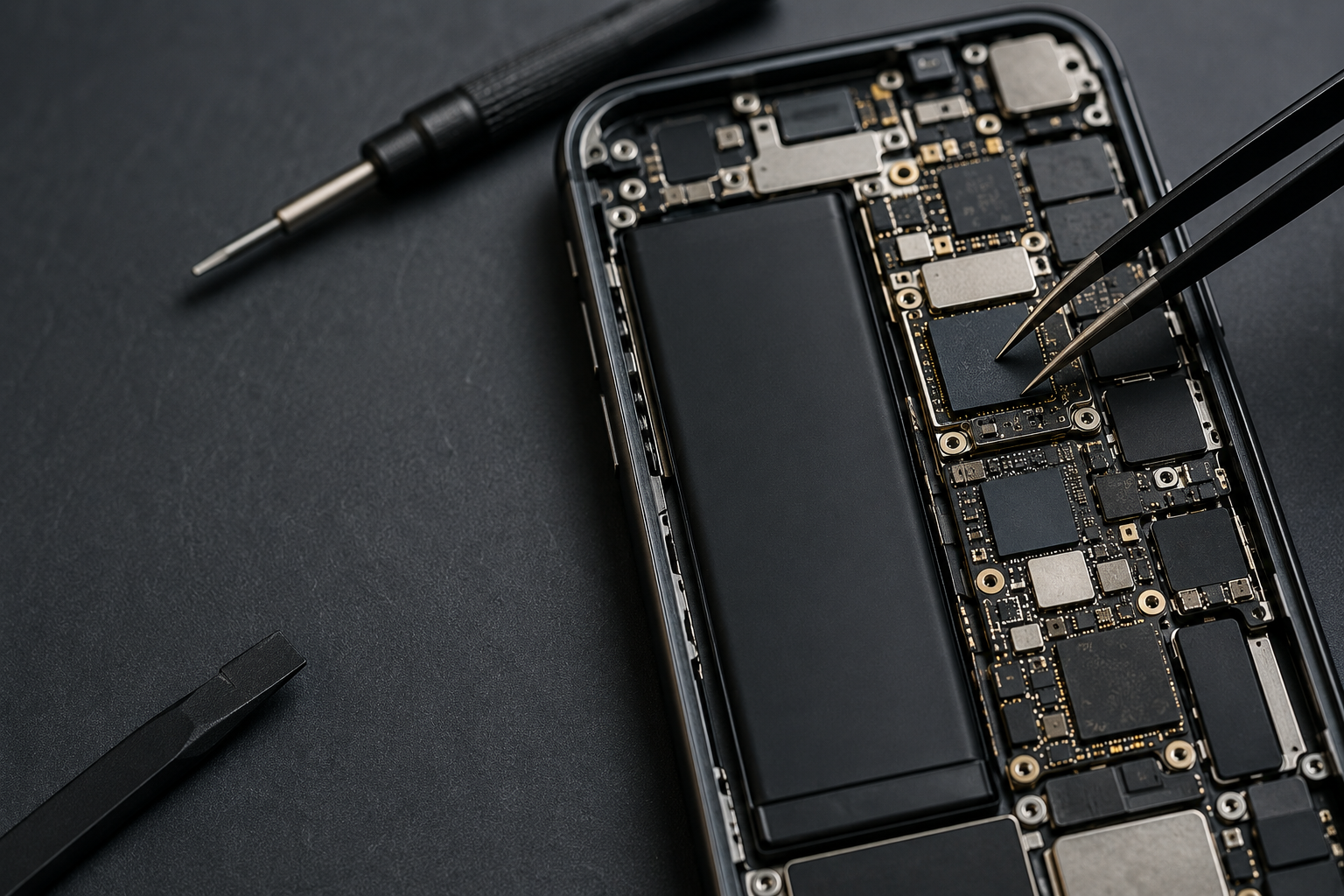
The motherboard is the primary circuit board inside a gaming console. It connects and controls many of the console's major components, including the processor, memory, storage interfaces, power circuits, USB ports, HDMI circuitry, cooling system, and other hardware.
Because so many functions depend on the motherboard, a fault in one circuit can affect the entire console.
A motherboard problem does not always mean that the complete board needs to be replaced. Depending on the fault, a technician may be able to repair or replace a specific component.
Recognizing the symptoms can help narrow down the possible cause.
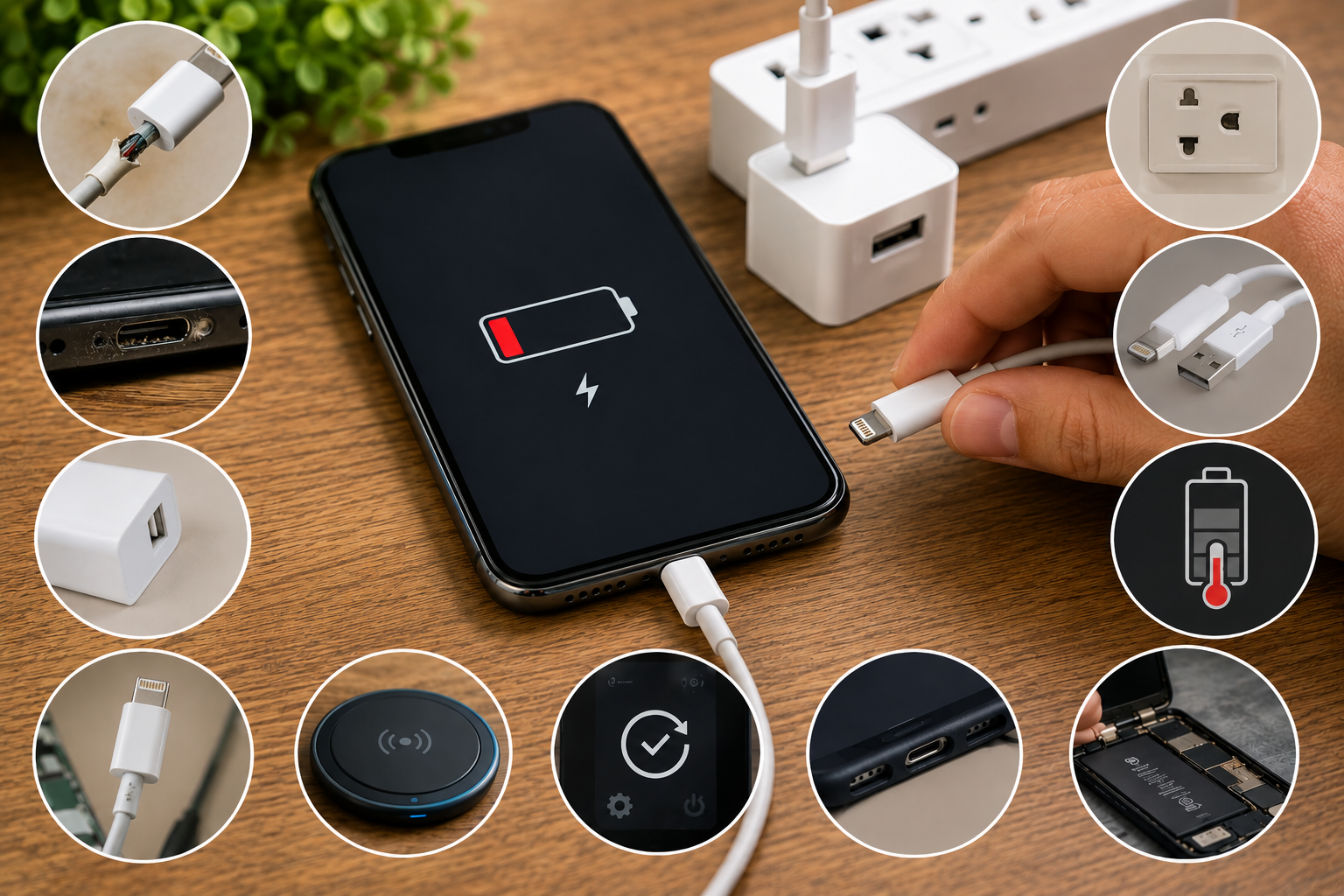
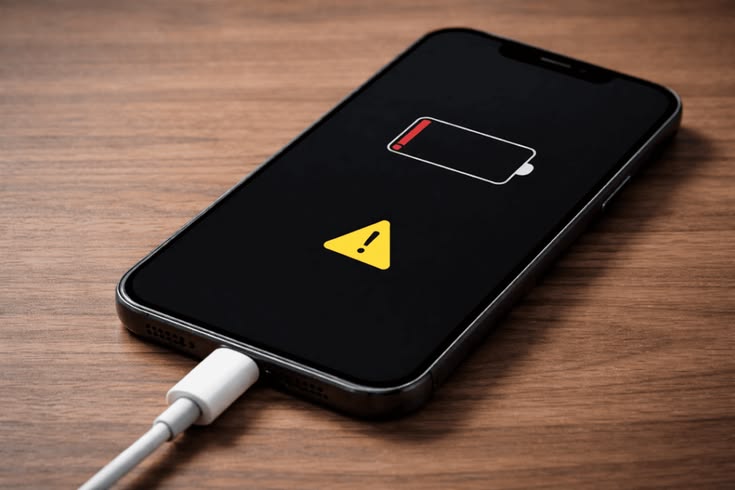
A completely unresponsive console can indicate a power-related motherboard problem. However, the power cable, adapter, wall outlet, and power supply should be checked first.
If the external power components are working correctly but the console shows no response, internal circuitry may require further diagnosis.
A console that powers on briefly and then switches off can have several possible causes, including overheating, power instability, or an internal hardware fault.
Repeated shutdowns should not automatically be treated as a motherboard failure. A technician needs to test the relevant circuits to identify the actual cause.
A console may appear to start normally while producing no image on the television or monitor.
A faulty HDMI cable, television input, connector, or display device should be ruled out first. If these external components are working correctly, the HDMI circuitry or related motherboard components may require inspection.
Repeated freezing, unexpected restarts, or system crashes can sometimes be associated with hardware problems.
However, software corruption, storage problems, overheating, and system updates can produce similar symptoms. Proper diagnosis is necessary before concluding that the motherboard is defective.
Gaming consoles commonly use USB ports for controllers, storage devices, and other accessories.
If one USB port stops working, the connector itself may be damaged. If multiple ports stop functioning at the same time, the problem could involve the associated motherboard circuitry.
Several factors can contribute to gaming console motherboard problems.
Sudden electrical fluctuations can damage sensitive electronic components. Power-related failures may affect the console's power-management circuits and other components.
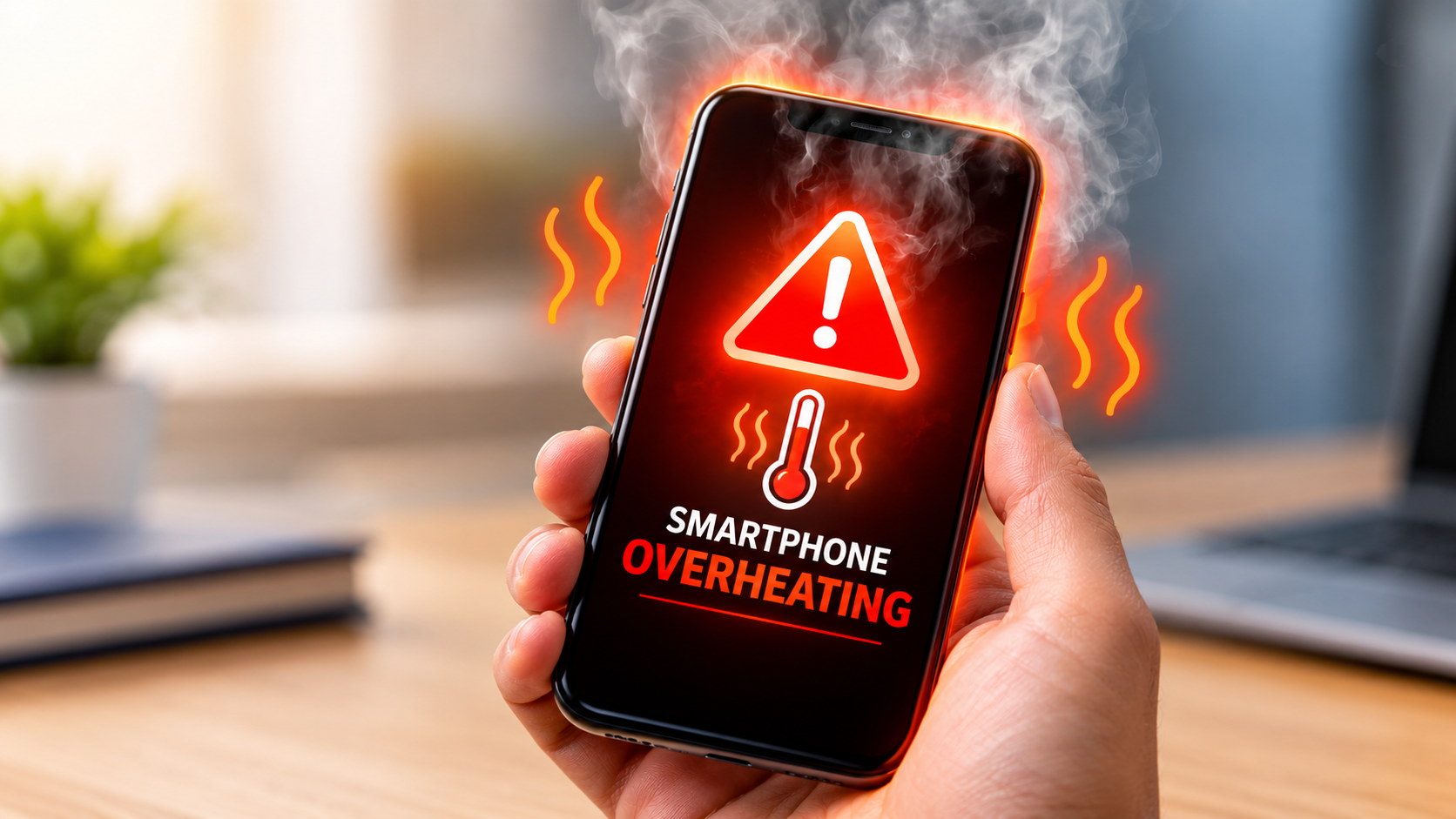
Gaming consoles generate significant heat during extended use. Poor ventilation, dust buildup, or cooling-system problems can increase operating temperatures.
Long-term exposure to excessive heat can contribute to hardware degradation.
Liquid entering a console can cause corrosion, short circuits, and component damage. Even if the console appears to work immediately after a spill, corrosion can develop later.
If liquid enters the console, disconnect it from power and seek appropriate professional inspection rather than repeatedly attempting to turn it on.
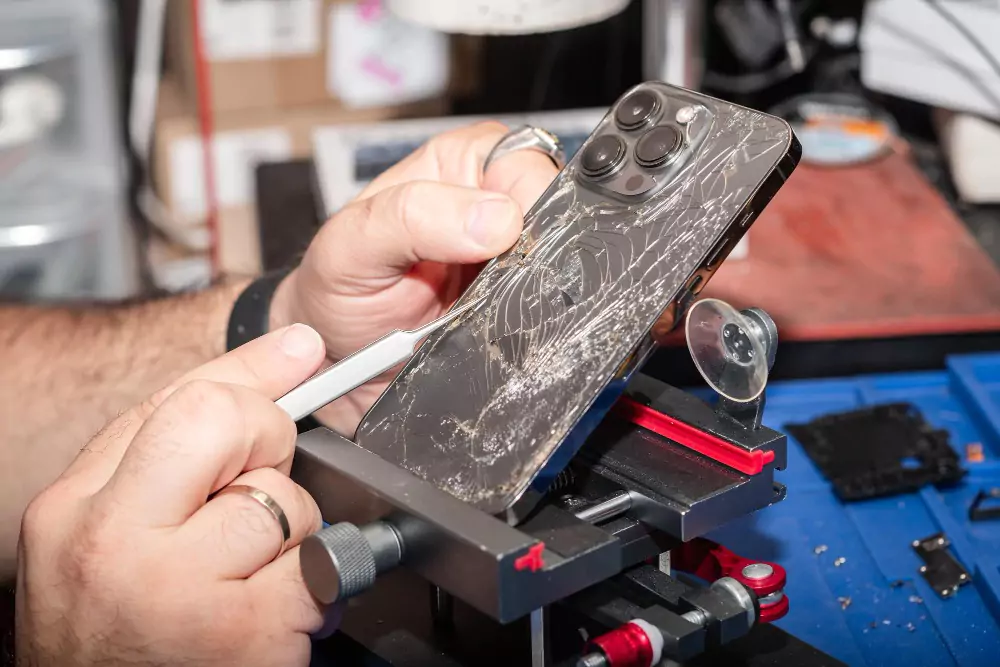
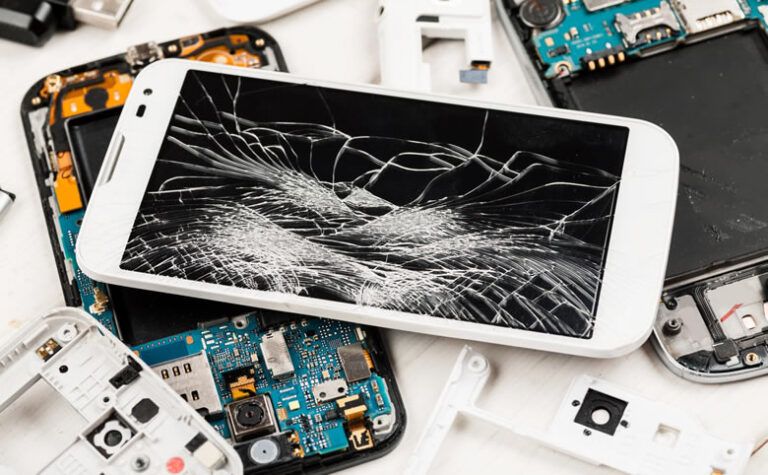
Dropping or impacting a console can damage connectors, circuit boards, solder joints, or other internal components.
Physical damage may result in intermittent problems that are difficult to identify without proper testing.
Dust can accumulate around cooling components and ventilation areas. Restricted airflow can increase internal temperatures and contribute to performance and hardware issues.
Regular cleaning and proper ventilation can help reduce these risks.
Diagnosing a motherboard requires a systematic approach. Start with external checks before moving toward internal hardware diagnosis.
Make sure the wall outlet is working correctly. Test the outlet with another suitable device if necessary.
Also inspect the console's power cable or external adapter for visible damage.
Look for damaged ports, cracks, loose connectors, liquid exposure, or signs of impact.
Physical damage around the power or HDMI port can provide important clues about the problem.
Pay attention to power lights, sounds, fan activity, and other startup behavior.
Different console models use different indicator patterns, so consult the manufacturer's documentation to understand what a particular light or beep pattern means.
If the console appears to power on but there is no picture, check the HDMI cable and display input.
Testing another compatible cable or display can help determine whether the problem is related to the console or the external display equipment.
Disconnect external storage devices, USB accessories, and other peripherals.
Then try starting the console with only the essential connections. This can help determine whether an external device is contributing to the issue.
If the console shuts down during gaming or becomes unusually hot, inspect its ventilation.
Make sure the console is positioned in an open, well-ventilated area and that its vents are not blocked.
Not every console problem is caused by the motherboard.
Corrupted software, system updates, or failing storage devices can cause freezing, boot failures, and crashes. If the console provides a manufacturer-supported recovery or safe mode, follow the appropriate instructions before considering motherboard repair.
When basic troubleshooting does not identify the issue, professional technicians can perform more detailed testing.
Depending on the console and fault, diagnosis may involve:
These procedures require appropriate diagnostic equipment and electronics knowledge.
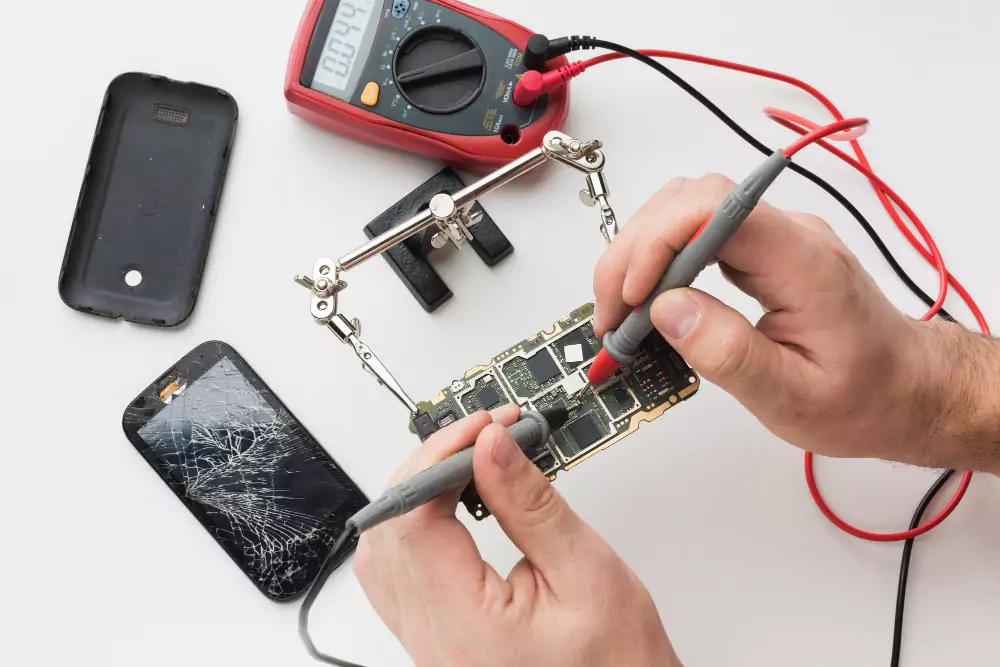
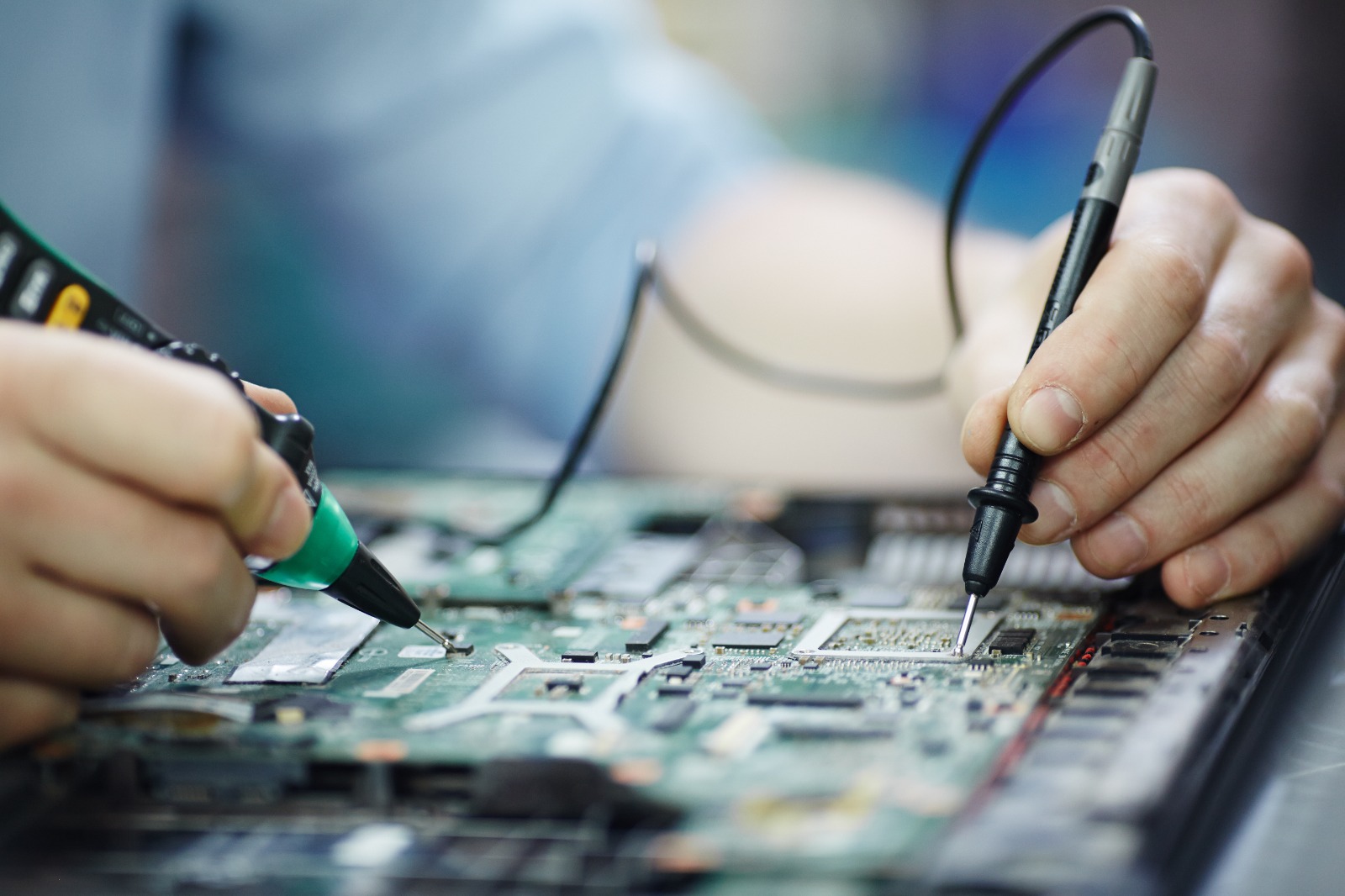
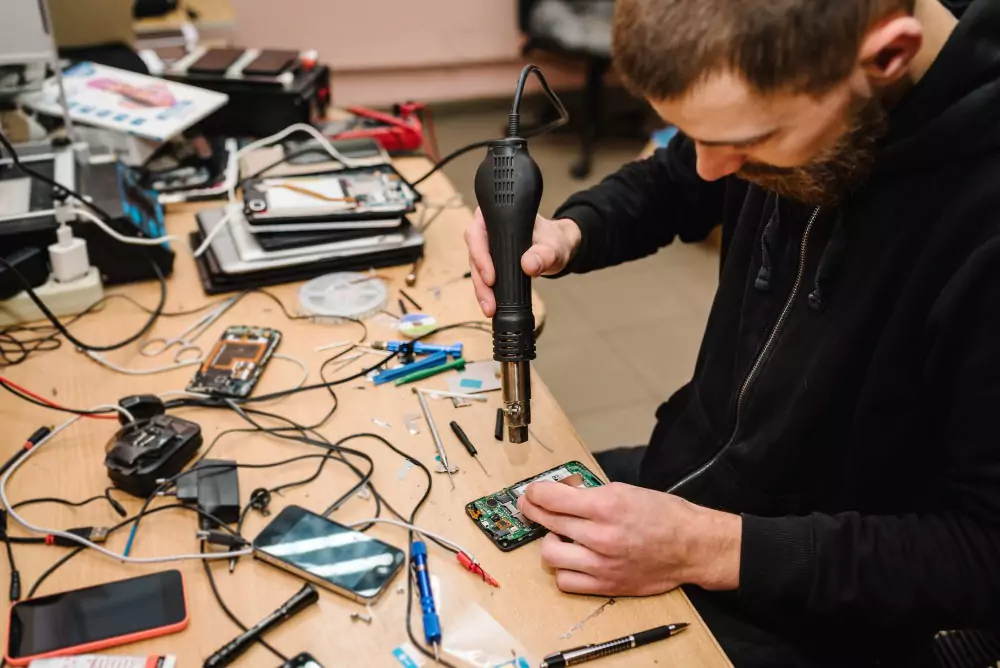
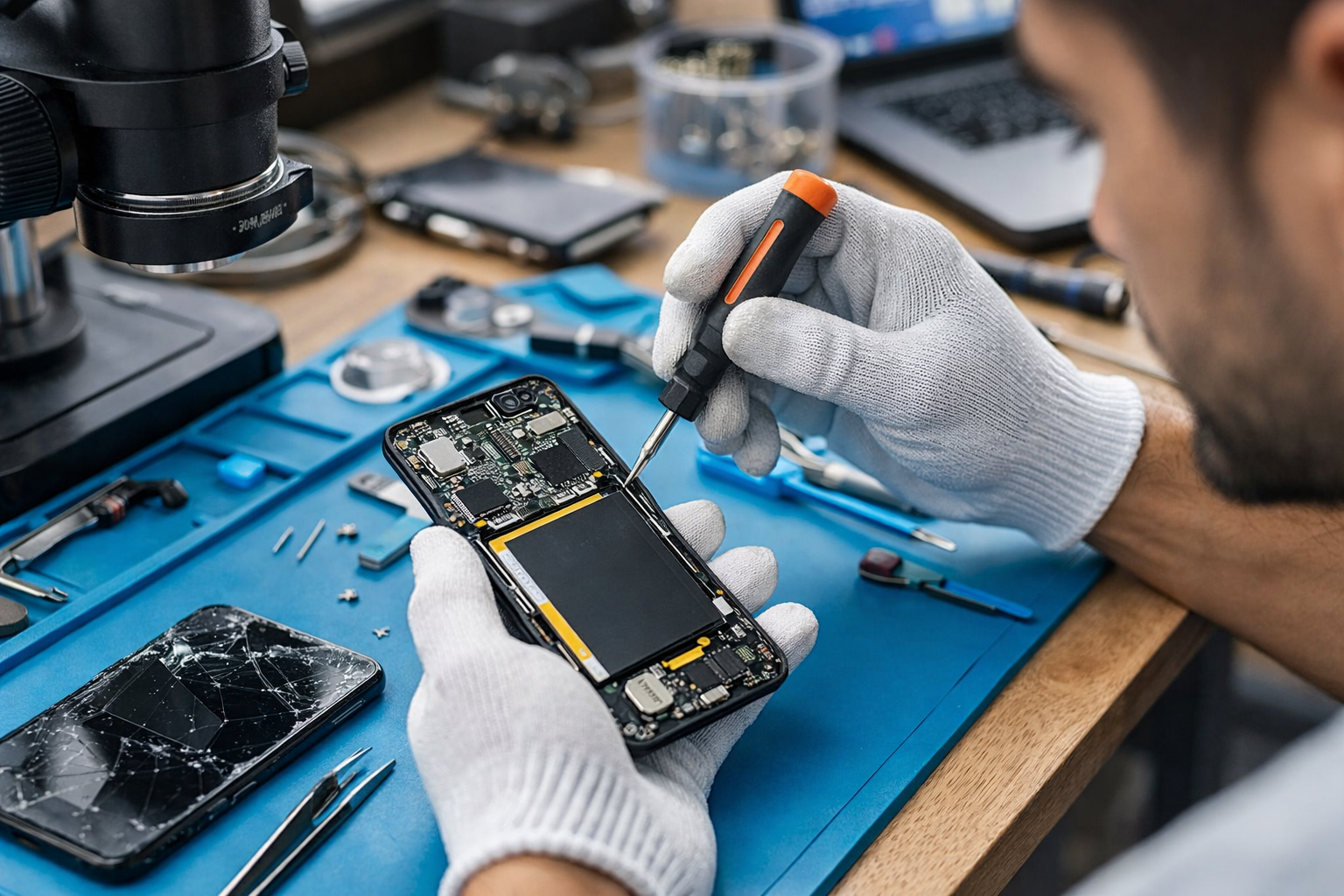
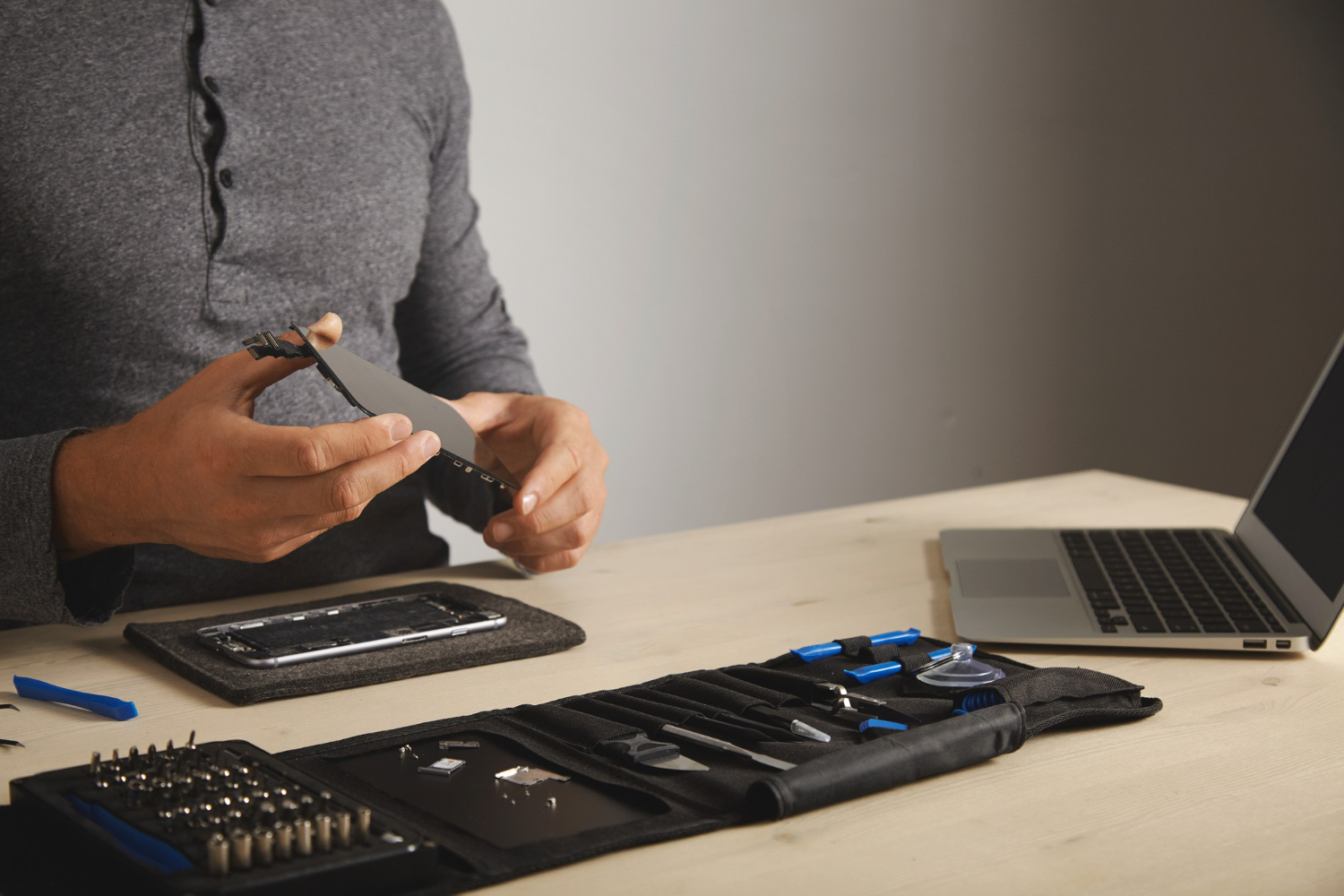
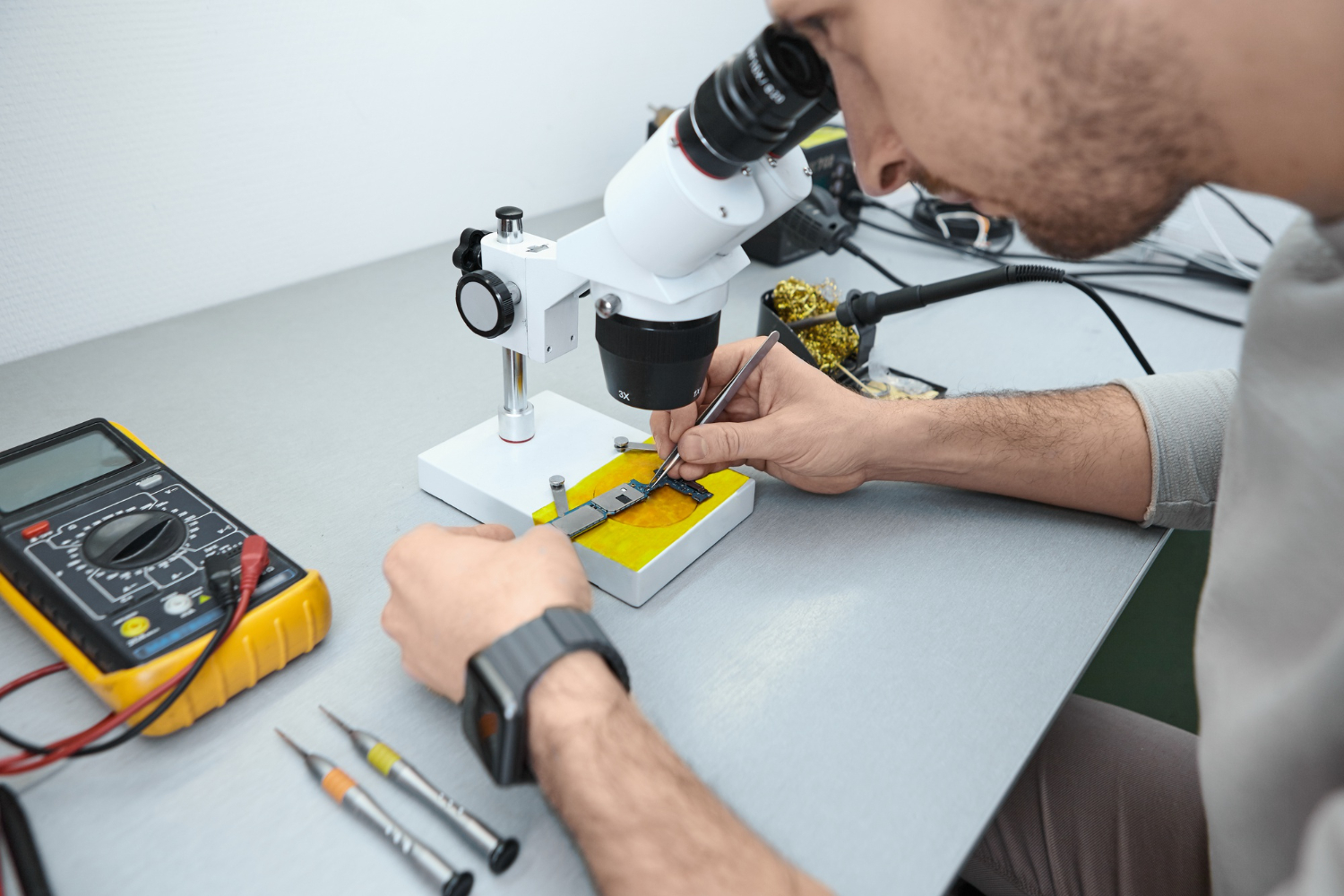
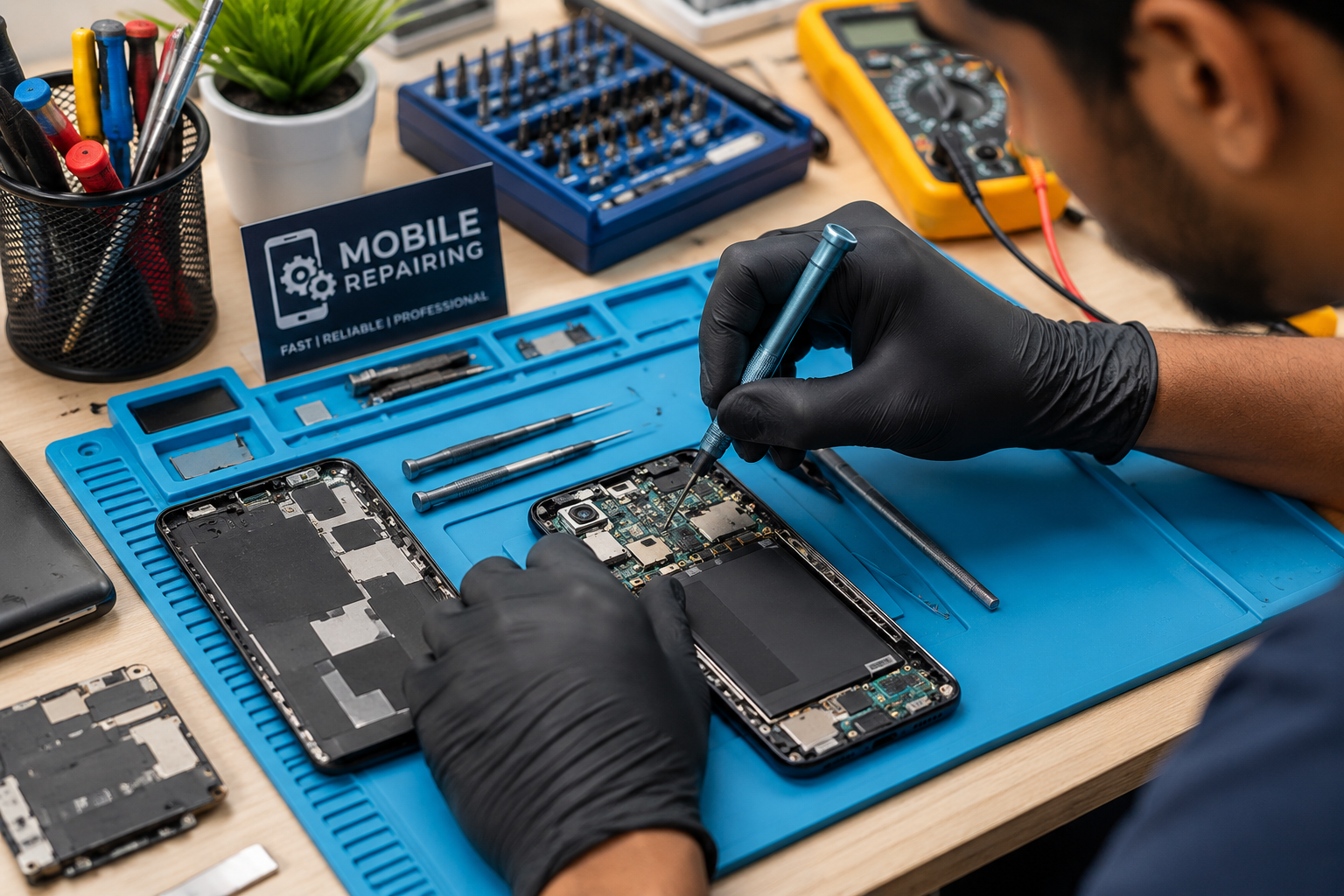
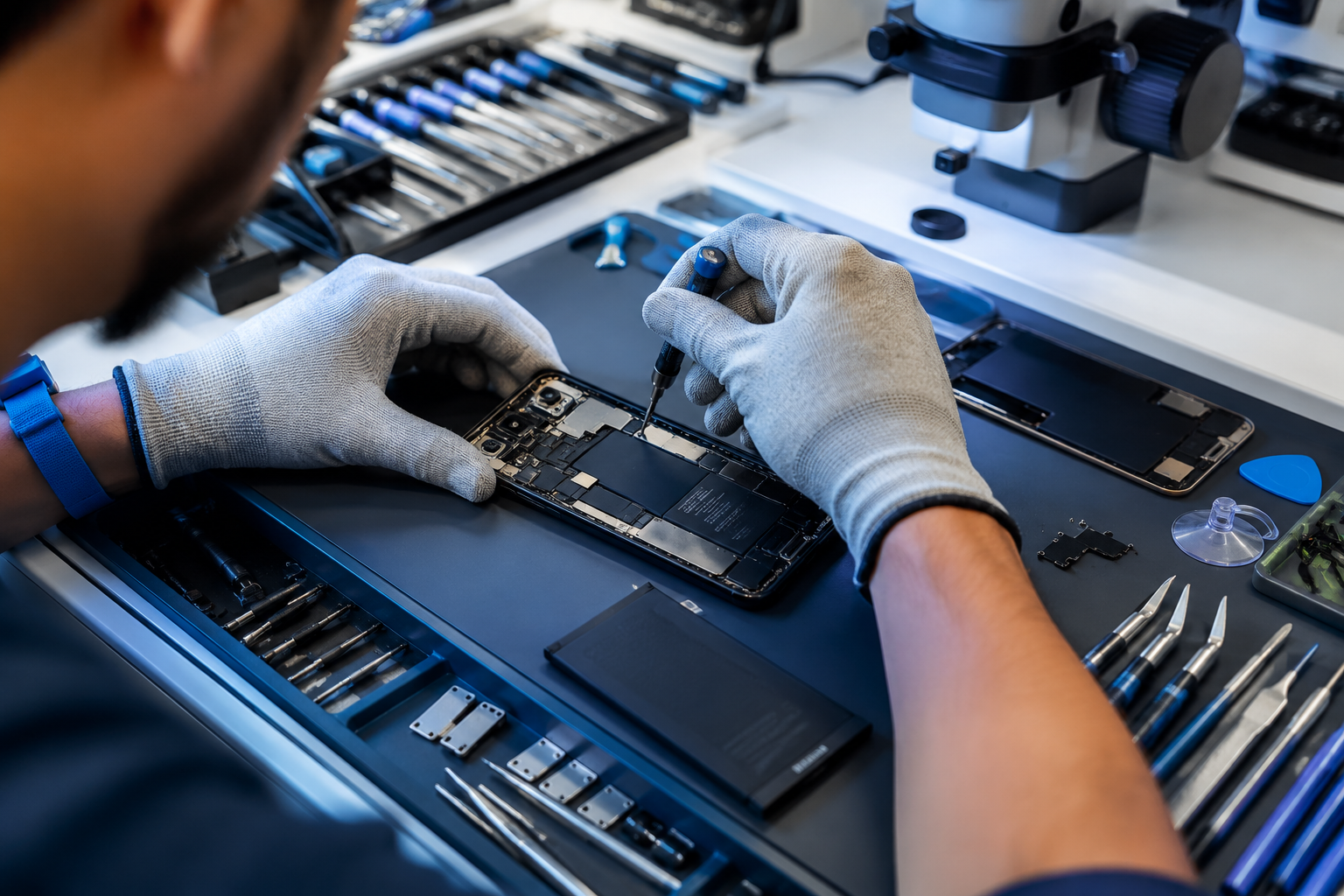
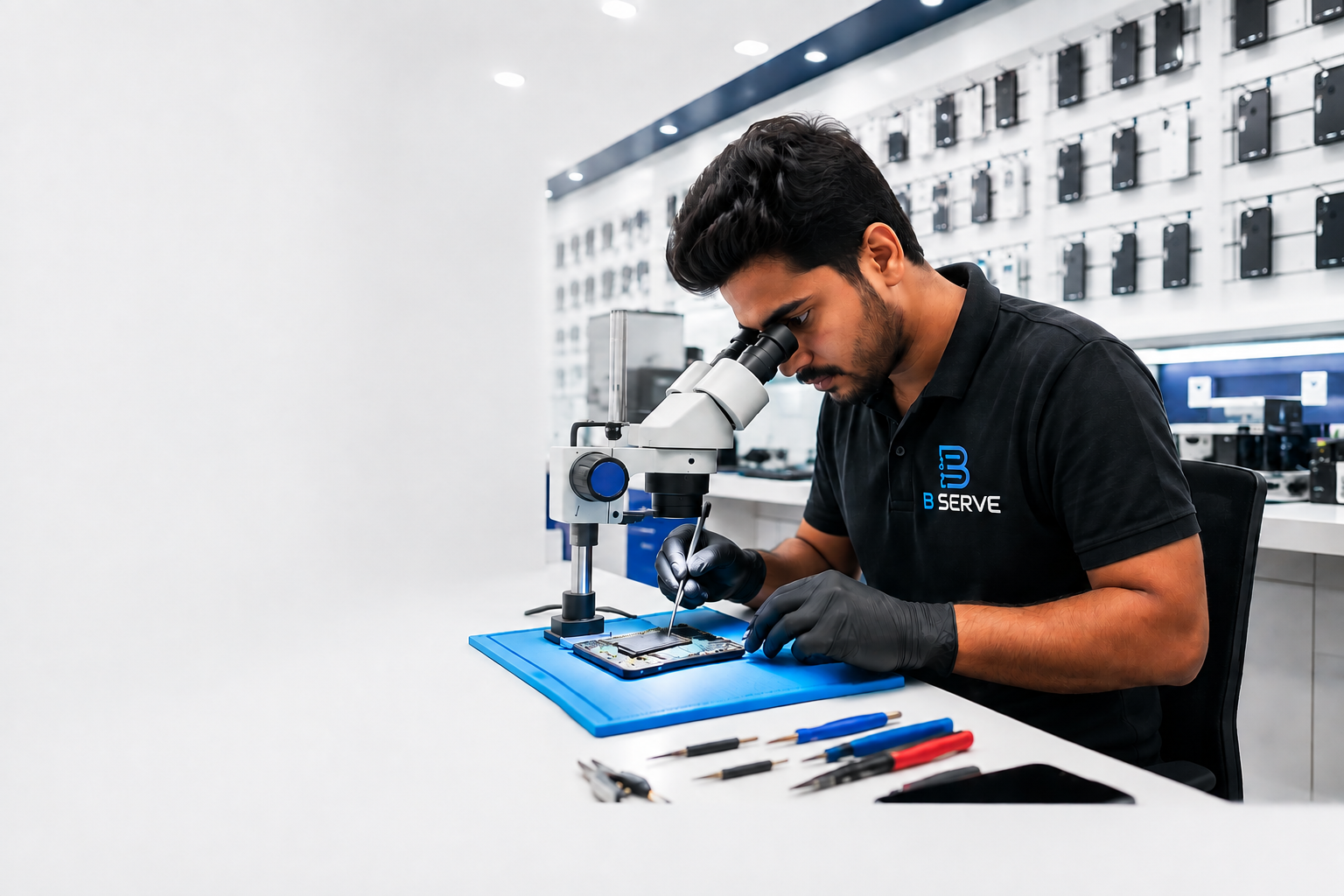
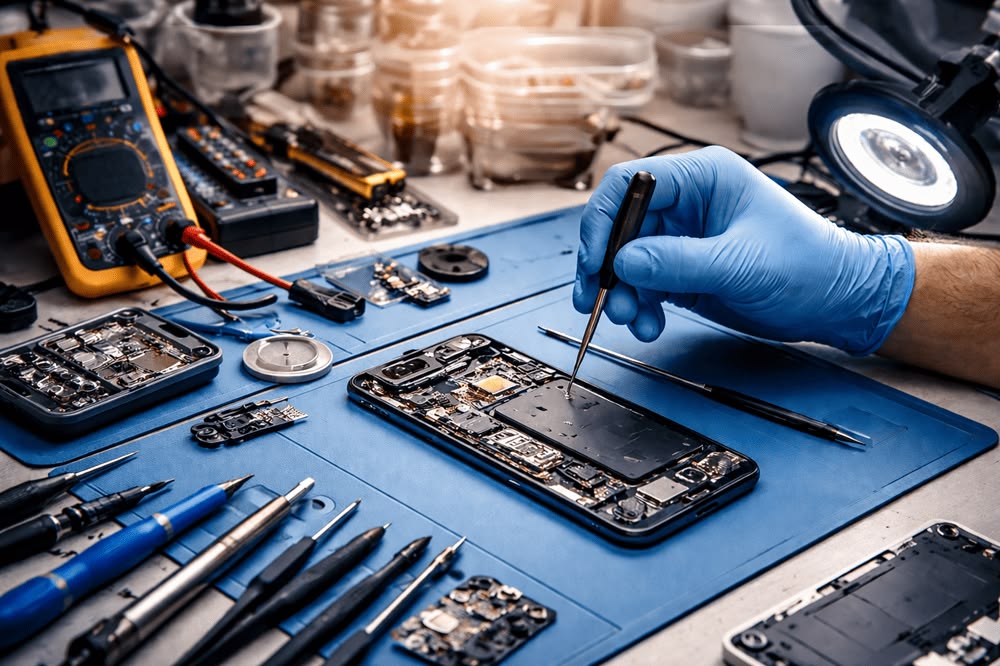
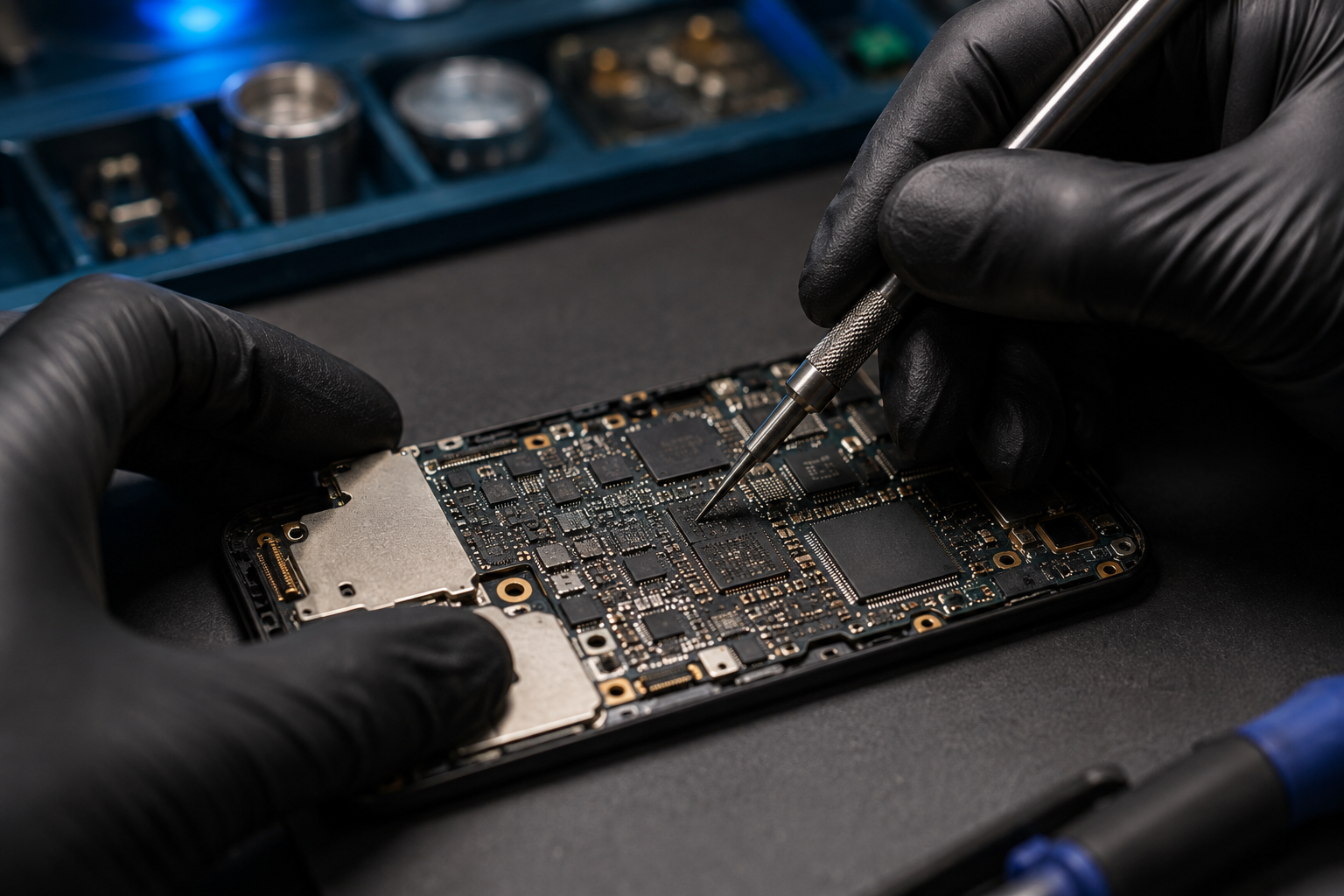
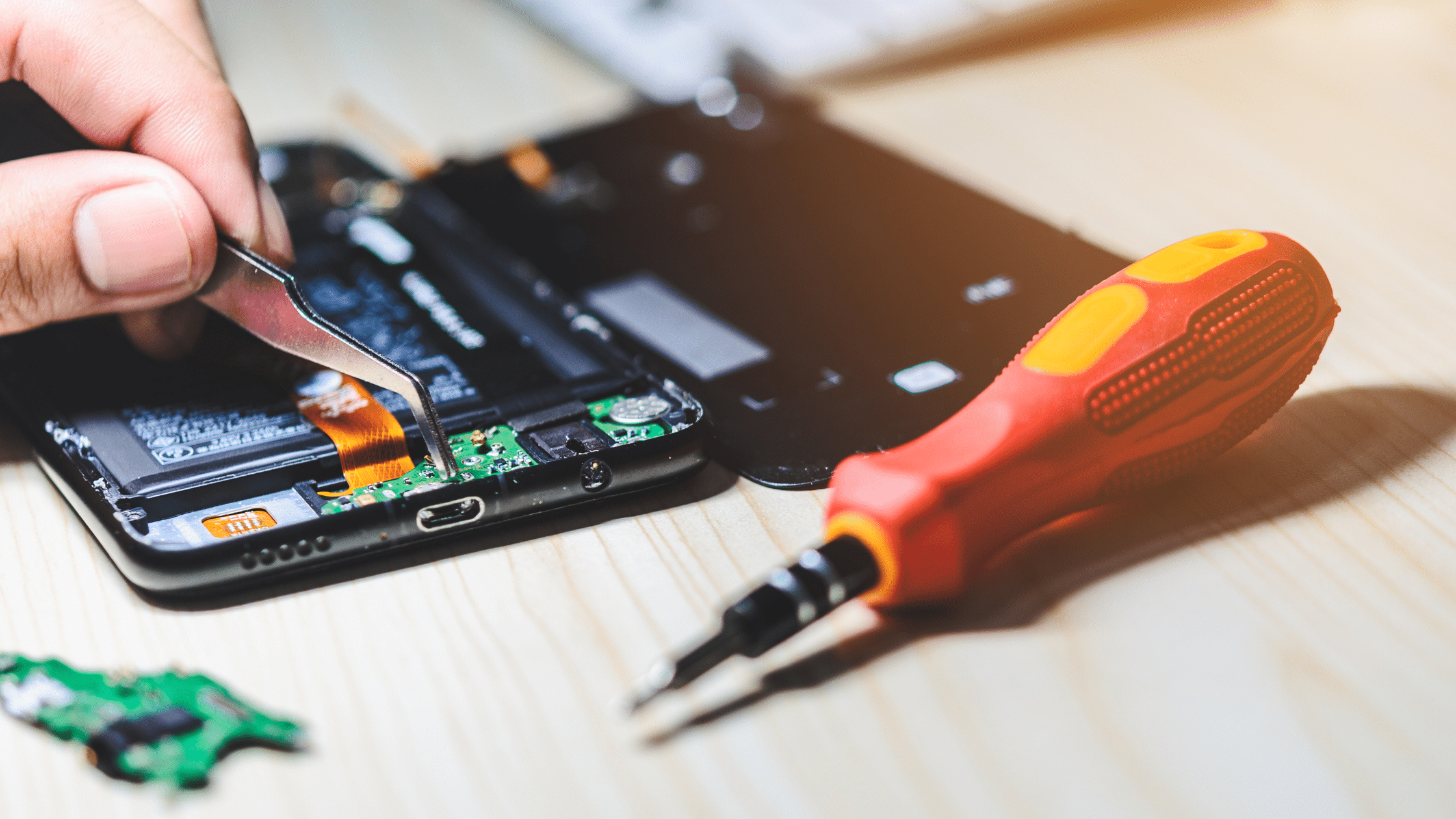
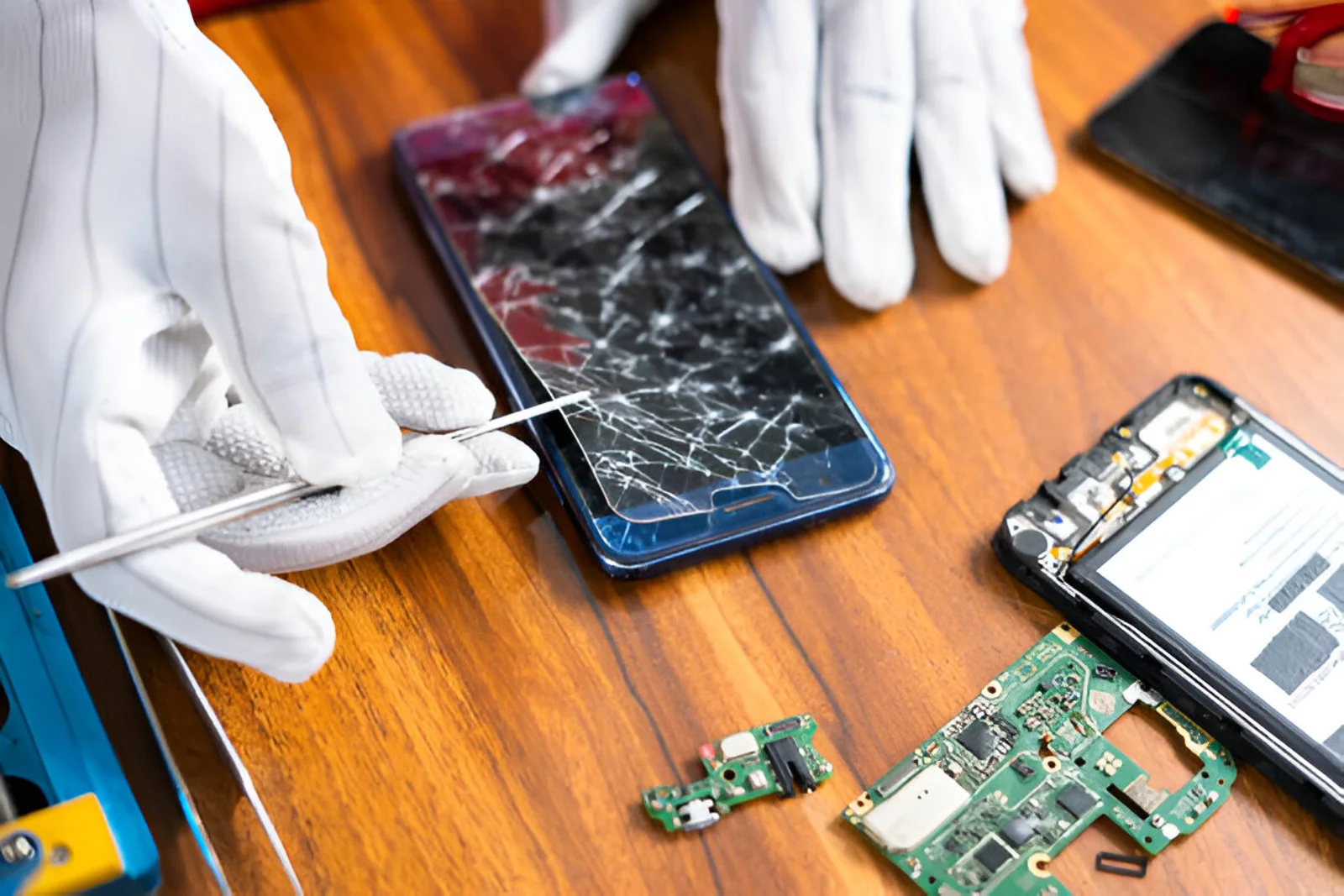
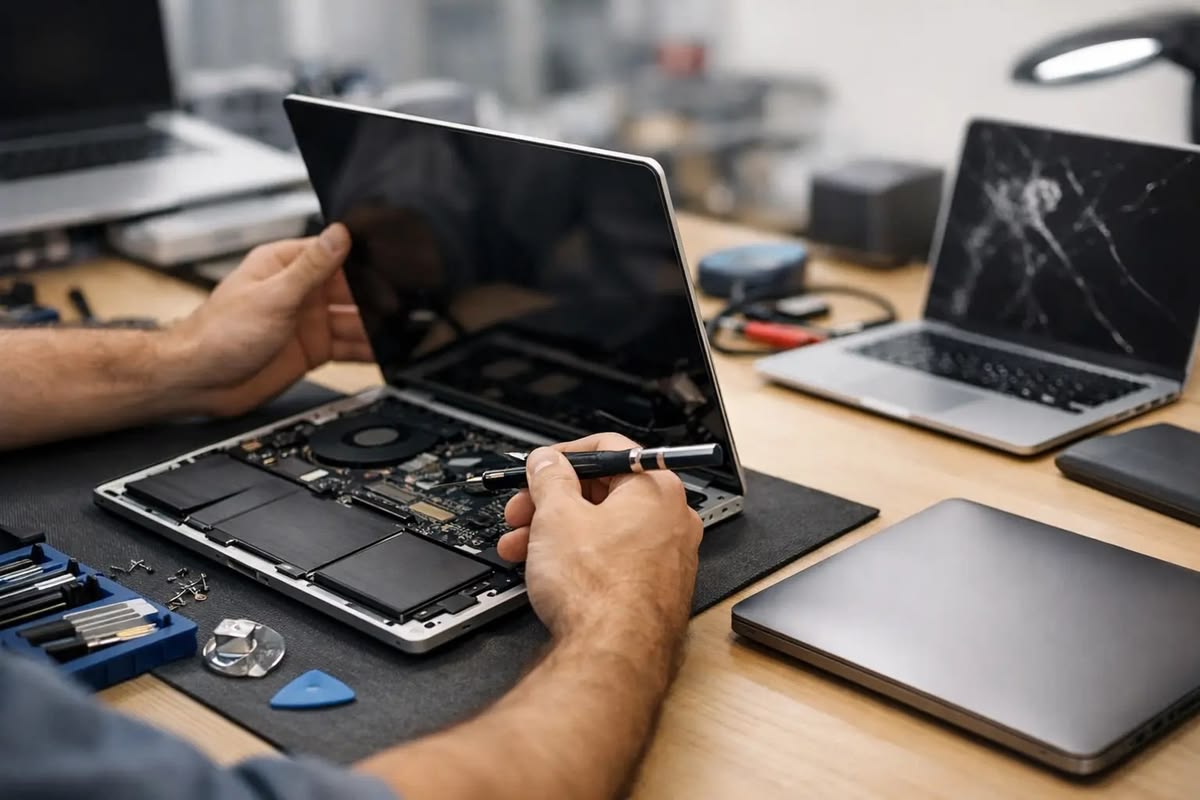
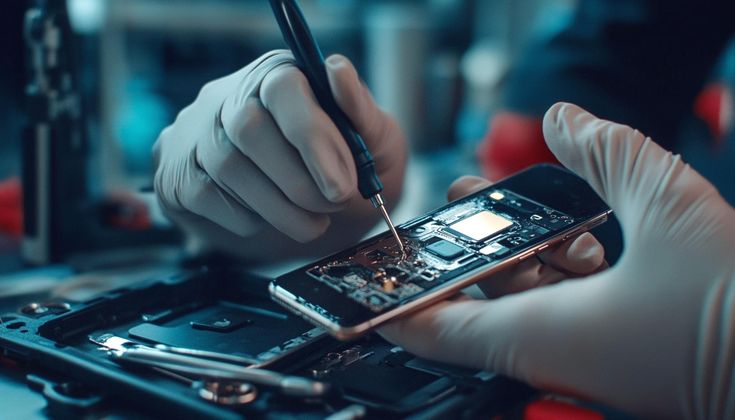
A technician may use equipment such as a multimeter, microscope, bench power supply, and other board-level diagnostic tools.
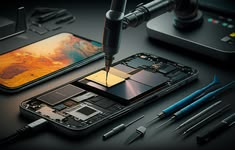
A motherboard contains many individual components. A console that does not turn on does not necessarily require an entire motherboard replacement.
For example, the underlying problem could be associated with a specific connector, power circuit, damaged component, or shorted section of the board.
Component-level diagnosis allows technicians to identify the specific faulty area and determine whether repair is practical.
In some cases, yes. The repairability depends on the type and extent of the damage.
A technician may be able to repair certain problems involving connectors, damaged components, corrosion, or specific circuit sections.
However, severe physical damage or extensive board failure may make repair impractical.
The best approach is to diagnose the fault before deciding between component repair and motherboard replacement.
Basic external troubleshooting is generally appropriate, but internal motherboard repair is more complex.
Stop troubleshooting and seek professional assistance if you notice:
Avoid repeatedly powering on a device that may have an electrical short or serious internal damage.
Preventive maintenance can help reduce the risk of hardware problems.
Keep the console in a well-ventilated location. Do not cover its ventilation openings or place it in an enclosed space with poor airflow.
Regularly remove dust from external ventilation areas using suitable cleaning methods.
Use properly rated power accessories and avoid damaged cables or adapters. If your area experiences unstable electrical supply, appropriate electrical protection may help reduce risk.
Do not place drinks or other liquids near the console. Liquid damage can cause serious and sometimes delayed motherboard problems.
Avoid dropping or moving the console roughly while it is operating. Physical impacts can damage ports and internal components.
If basic troubleshooting does not resolve the problem, professional diagnosis can help determine whether the issue is related to the motherboard or another component.
A qualified technician can inspect the console, identify the affected circuit, and explain the available repair options.
Professional diagnosis is particularly important for liquid damage, power-related faults, HDMI problems, and suspected board-level failures.
Gaming console motherboard problems can produce a wide range of symptoms, from complete power failure and no display to random crashes and malfunctioning ports. However, these symptoms can also be caused by cables, power supplies, overheating, software, storage, and other components.
Start by checking the power source, cables, display connection, ventilation, and external accessories. If these checks do not solve the problem, further motherboard diagnosis may be required.
Because motherboard repair involves delicate electronic components and specialized equipment, complex faults are best handled by an experienced gaming console repair technician. Proper diagnosis can help identify the actual cause and determine whether component-level repair or motherboard replacement is appropriate.