Blog

Blog

How to Protect Your Phone After Screen Replacement: Essential Tips Post : bserve | 2026-09-30

How to Protect Your Phone After Screen Replacement: Essential Tips

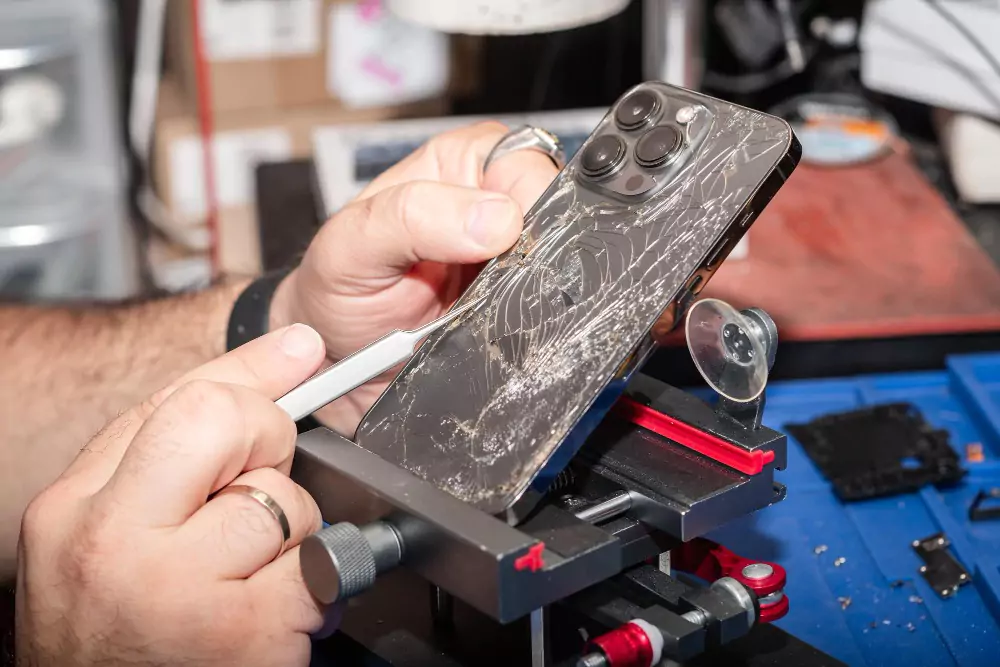
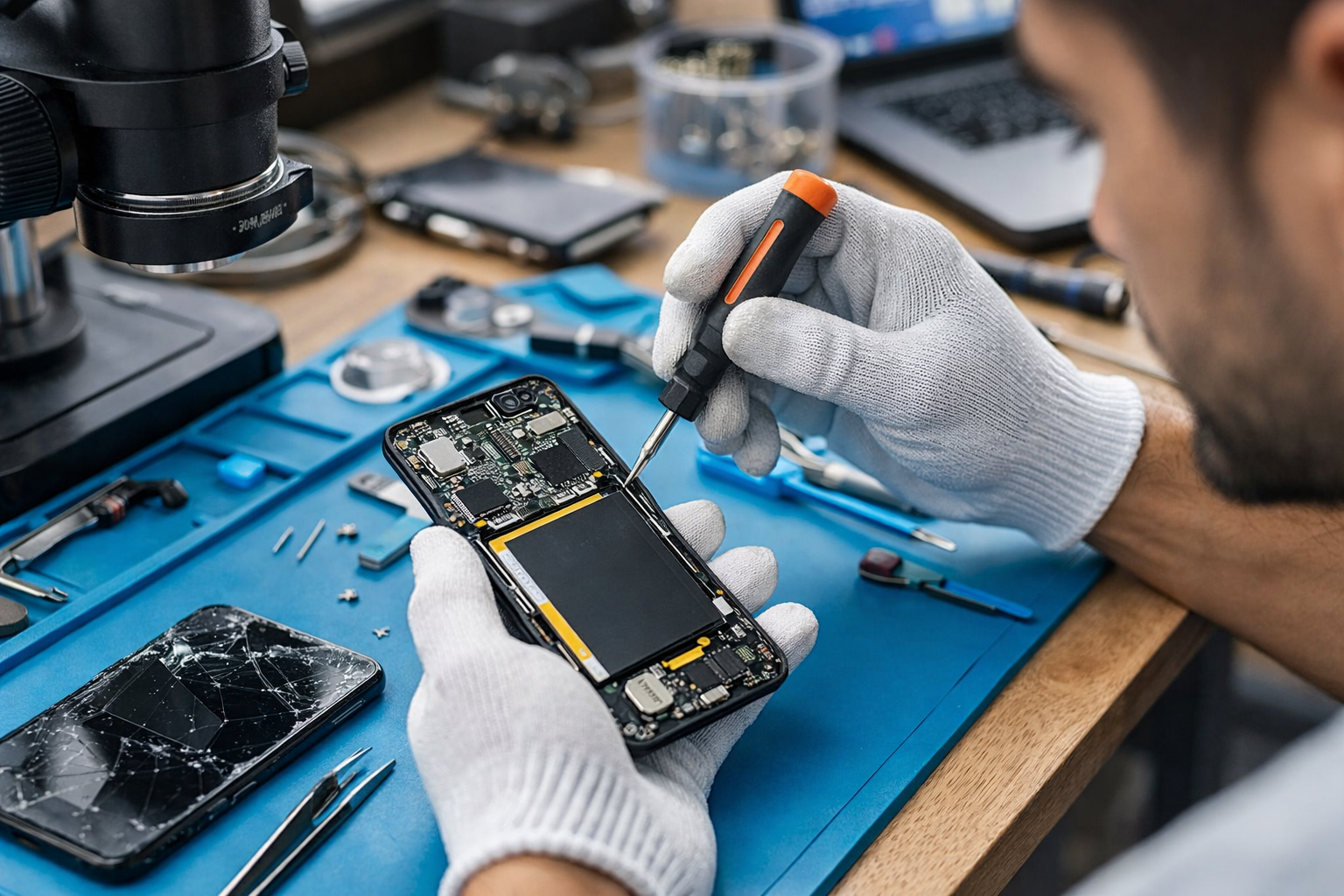
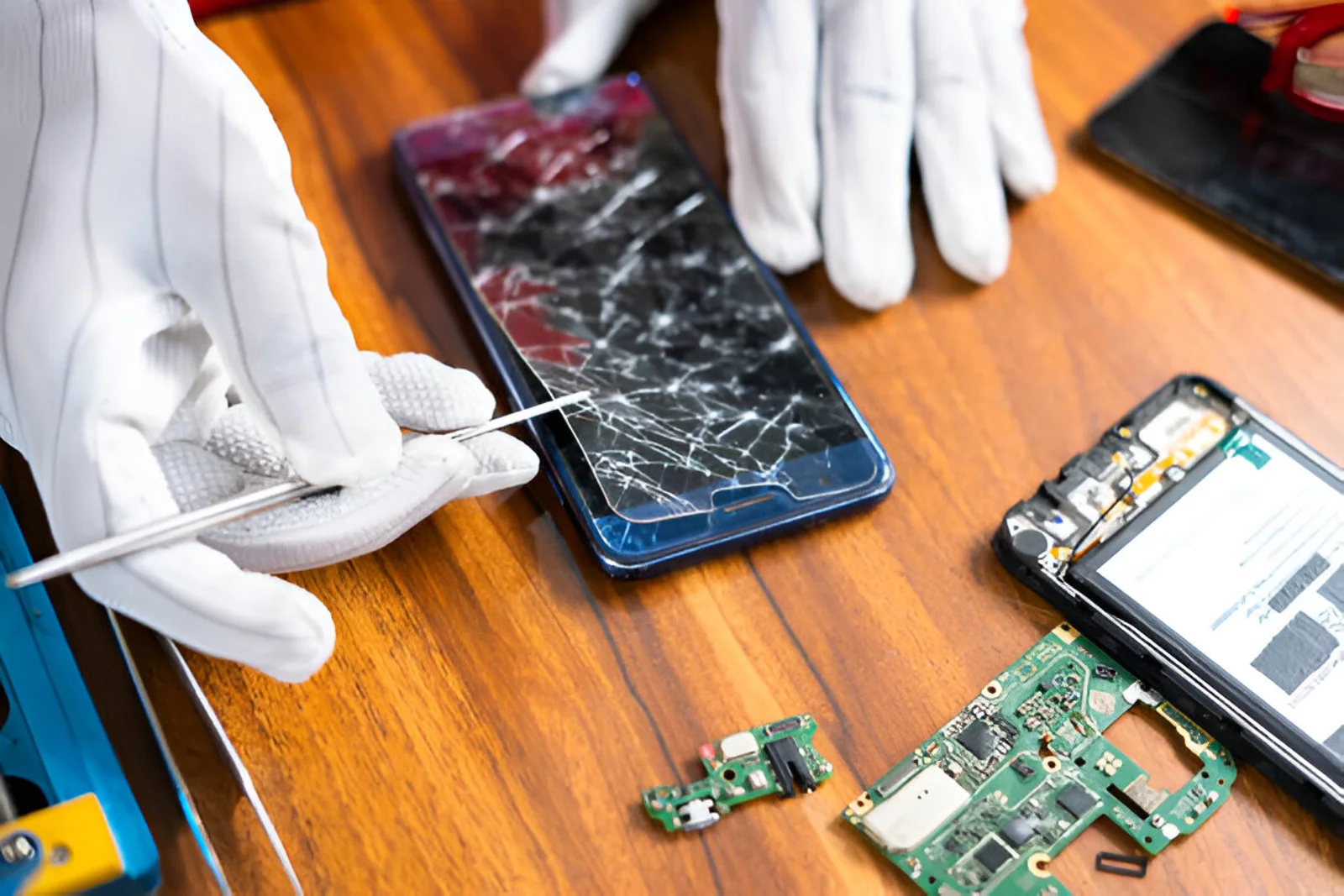
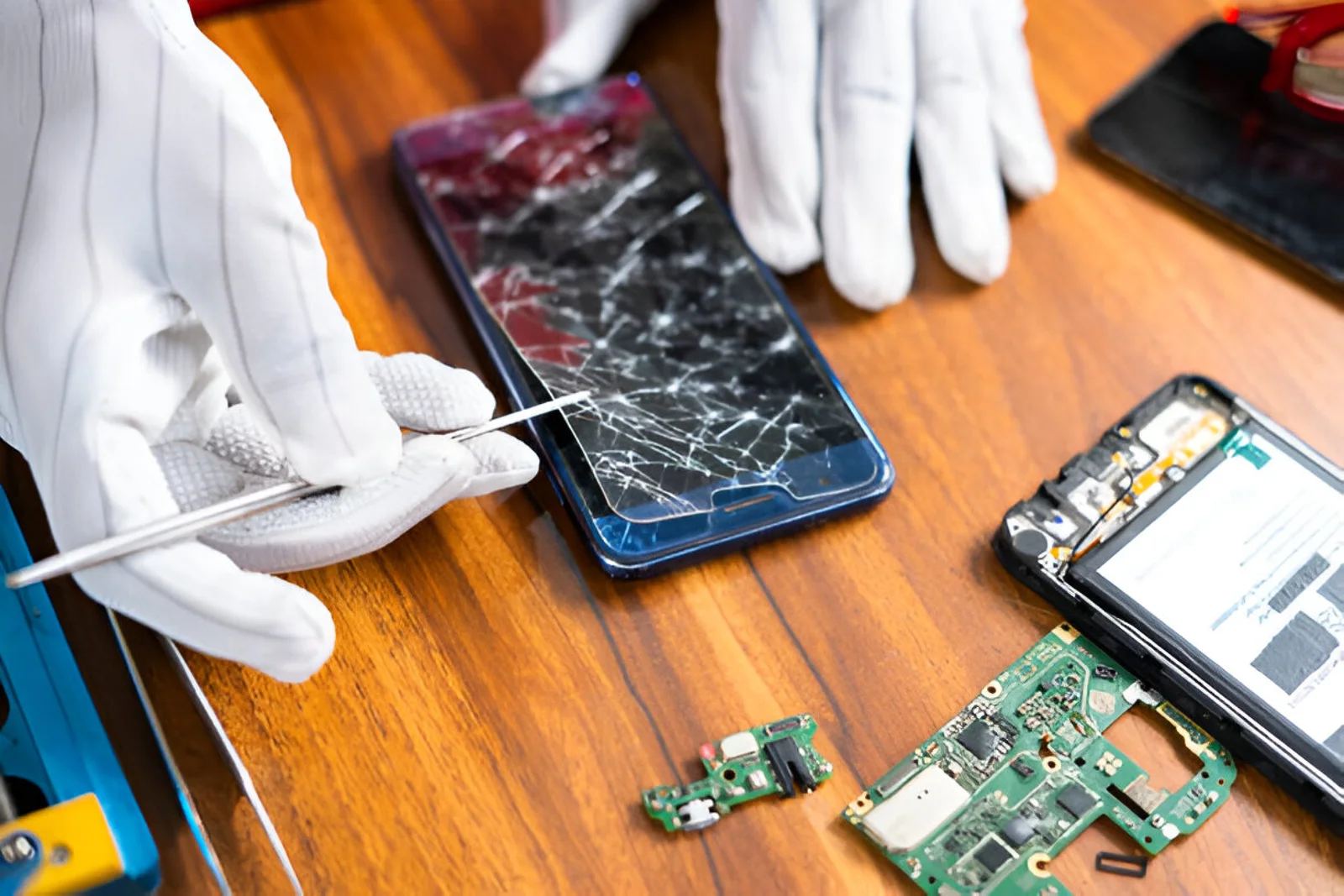
A screen replacement can restore a smartphone after a cracked, broken, or damaged display. However, replacing the screen is only the first step. Proper care after repair is important to protect the new display, maintain touch sensitivity, and reduce the risk of future damage.

Many users immediately return to normal phone usage after a screen replacement, but the newly installed display may need careful handling during the initial period. Using the right case, avoiding pressure, keeping the phone away from moisture, and maintaining proper charging habits can help protect the device.

In this guide, we explain how to protect your phone after screen replacement and the important precautions you should follow.

Why Is Phone Protection Important After Screen Replacement?

A smartphone screen is exposed to everyday risks such as drops, scratches, pressure, heat, and moisture. Even a high-quality replacement screen can be damaged if the phone is not handled carefully.

After a screen replacement, proper protection can help:

  • Prevent accidental cracks
  • Reduce scratches
  • Protect the display from impact
  • Maintain touch responsiveness
  • Protect the phone from dust and moisture
  • Reduce repair costs
  • Extend the life of the replacement screen

Taking a few precautions can make a significant difference in the long-term condition of your smartphone.

1. Use a Good-Quality Screen Protector

One of the easiest ways to protect a newly replaced screen is to install a quality screen protector.

A tempered glass protector can provide an additional layer between the display and everyday objects such as keys, coins, and other items inside your pocket or bag.

When choosing a screen protector, consider:

  • Proper screen coverage
  • Good touch sensitivity
  • Compatible size
  • Clear visibility
  • Smooth surface
  • Good-quality adhesive

A poorly fitted protector may interfere with touch response or leave exposed areas around the edges.

2. Use a Protective Phone Case

A good phone case is especially important after mobile screen replacement.

A protective case can absorb some of the impact if the phone accidentally falls. Cases with raised edges can also help keep the display slightly away from flat surfaces when the phone is placed face down.

Look for a case that provides:

  • Strong corner protection
  • Raised screen edges
  • Good grip
  • Proper camera protection
  • Accurate button alignment

Avoid extremely tight cases that put unnecessary pressure on the phone's display.

3. Avoid Dropping the Phone

Even though the new display looks perfect, it can still crack from impact.

Try to avoid using your phone while walking, exercising, or doing activities where it can easily fall.

If you frequently use your smartphone outdoors, a case with additional corner protection can be useful.

Remember that preventing a drop is much cheaper than replacing the screen again.

4. Be Careful With Screen Pressure

Avoid placing heavy objects on top of your phone.

Do not keep the smartphone underneath:

  • Books
  • Laptops
  • Heavy bags
  • Other electronic devices
  • Hard objects

Excessive pressure can damage the display or create touch-related problems.

You should also avoid pressing the screen unusually hard when typing or playing games.

5. Keep Your Phone Away From Water and Moisture

After screen replacement, protecting your phone from moisture is important.

Even smartphones that originally had some level of water resistance should not be treated as completely waterproof, especially after being opened for repair.

Avoid exposing your phone to:

  • Rain
  • Water splashes
  • Steam
  • Wet surfaces
  • High humidity
  • Accidental liquid spills

If the phone gets wet, avoid immediately connecting it to a charger. Have it inspected if you suspect that liquid has entered the device.

6. Avoid Excessive Heat

High temperatures can affect electronic components and the display.

Do not leave your phone:

  • Inside a hot car
  • Under direct sunlight for long periods
  • Near heaters
  • Near other strong heat sources

Heavy gaming, charging, and high-temperature environments can also increase the phone's operating temperature.

Allow the device to cool down if it becomes unusually hot.

7. Use the Correct Charger

After a screen replacement, continue to use a compatible and reliable charger.

Poor-quality chargers and cables can cause charging instability and potentially affect other components of the smartphone.

Use chargers and cables that are suitable for your phone model and charging specifications.

Avoid damaged cables with exposed wires or loose connectors.

8. Keep the Screen Clean

Regular cleaning helps maintain the appearance and touch performance of the display.

Use a soft microfiber cloth to remove fingerprints and dust.

Avoid:

  • Abrasive materials
  • Excessive liquid
  • Harsh cleaning chemicals
  • Spraying liquid directly onto the screen

If you need to clean the display, lightly dampen the appropriate cleaning cloth rather than applying liquid directly to the phone.

9. Don't Keep Sharp Objects With Your Phone

Keys, coins, pens, and other hard objects can scratch the screen.

Avoid putting your phone in the same pocket as sharp or metallic objects.

A protective screen protector can reduce the risk of minor scratches, but careful storage is still important.

10. Check Touch Sensitivity After Screen Replacement

After a new display has been installed, test the touch functionality.

Check different areas of the screen by:

  • Opening different applications
  • Typing on the keyboard
  • Scrolling through pages
  • Tapping icons near the edges
  • Testing multi-touch functions
  • Checking screen brightness

If a particular area does not respond correctly, contact the repair center rather than repeatedly pressing the affected area.

11. Test Other Features After Screen Replacement

A screen replacement involves opening the smartphone, so it is useful to check other features after the repair.

Test:

  • Touchscreen
  • Front camera
  • Earpiece
  • Proximity sensor
  • Ambient light sensor
  • Speaker
  • Microphone
  • Fingerprint sensor, if applicable
  • Face unlock, if applicable
  • Charging
  • Buttons

Testing these functions can help identify any issue that may have appeared during or after the repair.

12. Avoid Unnecessary Phone Opening

Once the screen has been replaced, do not attempt to open the phone yourself unless you have the appropriate technical knowledge and tools.

Opening the phone without proper experience can damage:

  • Display connectors
  • Flex cables
  • Battery
  • Sensors
  • Internal components
  • Waterproofing or sealing materials

If another problem develops, professional diagnosis is safer than attempting an unplanned repair at home.

13. Give the Adhesive Time to Set

Depending on the phone model and repair method, technicians may use adhesive or other methods to secure the replacement display.

Follow the repair center's instructions regarding how long you should avoid excessive pressure or handling.

Do not deliberately pull, lift, or press around the edges of a newly installed display.

If you notice the screen lifting from the frame, contact the repair technician promptly.

14. Watch for Common Problems After Screen Replacement

Knowing the warning signs can help you identify problems early.

Contact a technician if you notice:

  • Touchscreen not responding
  • Random touches
  • Display flickering
  • Lines appearing on the screen
  • Unusual brightness
  • Screen lifting from the frame
  • Black spots
  • Display discoloration
  • Proximity sensor problems
  • Fingerprint sensor problems
  • Excessive heating

Do not ignore these symptoms because continued use may make diagnosis more difficult.

What Should You Do If Your New Screen Stops Working?

If your replacement screen develops a problem shortly after installation, return to the repair center that performed the replacement.

Explain exactly what happened and when you noticed the issue.

The technician can check:

  • Display connection
  • Flex cable
  • Touch functionality
  • Display quality
  • Software settings
  • Internal damage
  • Other components that may affect display performance

Avoid attempting to fix the problem yourself, especially if the phone is still covered by a repair warranty.

Professional Screen Replacement Matters

The quality of the repair can have a major impact on the performance and durability of a replacement display.

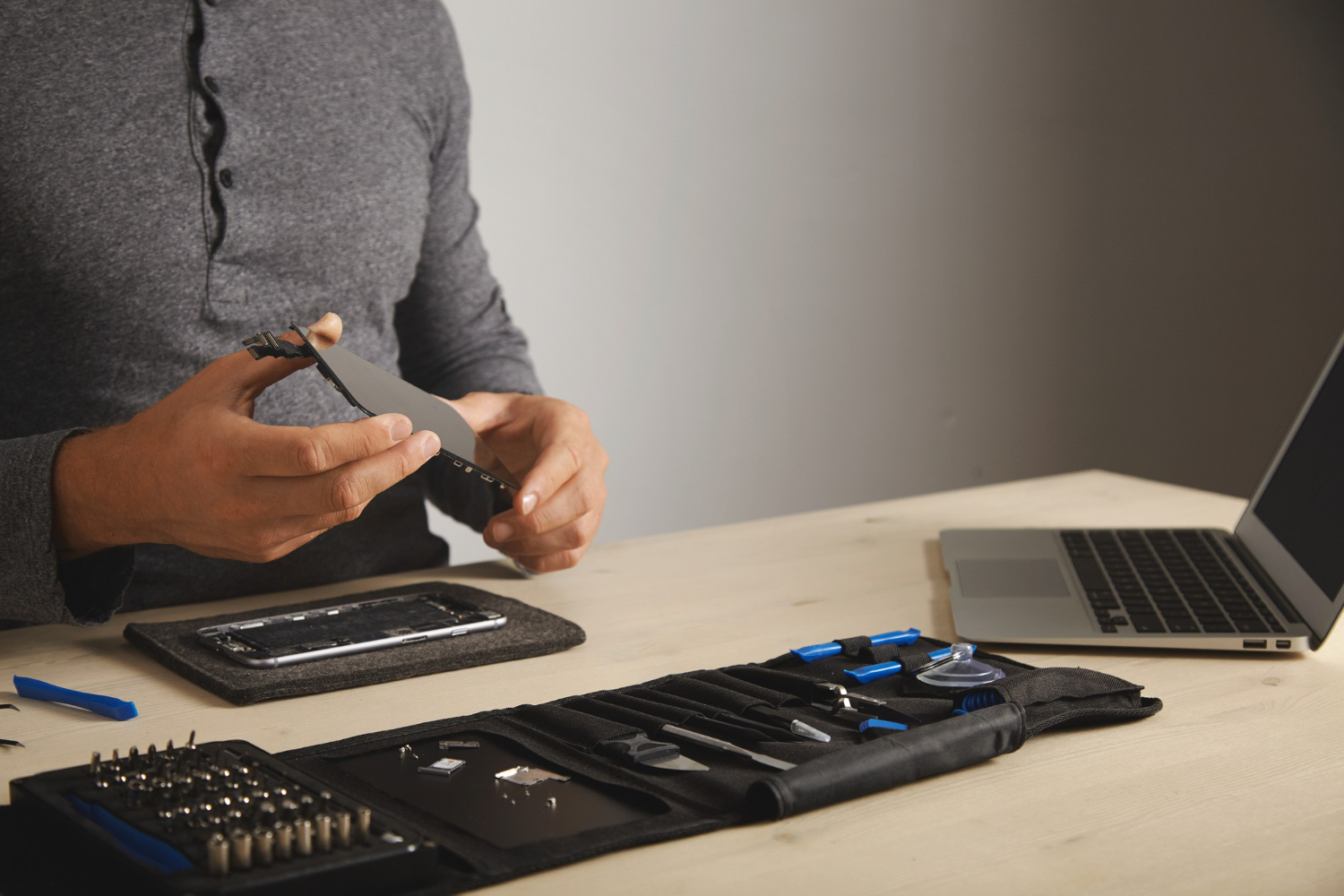
A professional technician can select a compatible screen, handle delicate connectors carefully, inspect related components, and test the phone after installation.

For smartphone screen replacement and repair services, you can explore B Serve.

How Long Can a Replacement Screen Last?

The lifespan of a replacement screen depends on several factors, including screen quality, phone usage, installation quality, and physical protection.

A high-quality replacement screen that is properly installed and protected can provide reliable performance for a long time.

However, no display is completely protected from serious drops, excessive pressure, liquid exposure, or other physical damage.

Good daily habits are therefore an important part of maintaining your replacement screen.

Simple Daily Habits to Protect Your New Screen

Follow these simple habits:

  • Use a quality screen protector.
  • Keep your phone inside a protective case.
  • Avoid placing heavy objects on it.
  • Keep it away from water and excessive heat.
  • Clean the display with a microfiber cloth.
  • Keep sharp objects away from the screen.
  • Use a compatible charger.
  • Avoid unnecessary repairs or phone opening.
  • Test the phone after repair.
  • Contact a technician when unusual symptoms appear.

These simple steps can help reduce the chance of another screen-related repair.

Conclusion

Knowing how to protect your phone after screen replacement can help you get better long-term performance from your new display. A protective case and screen protector provide basic physical protection, while careful handling can reduce the risk of cracks, scratches, and touch problems.

You should also keep your smartphone away from water, excessive heat, heavy pressure, and sharp objects. After a screen replacement, testing important functions such as touch, sensors, cameras, speakers, and charging can help identify problems early.

If your replacement screen develops unusual symptoms, professional inspection is recommended. Proper installation, regular care, and good protection can help keep your smartphone's new screen in good condition for longer.

Recent Post
Best Mobile Phone Service Center in Tirur
Post : bserve | 2025-12-24
Best Mobile Phone Service Cent...
Why Everyone’s Talking About the iPhone 17- Features That Stand Out
Post : B Serve | 2025-10-23
Why Everyone’s Talking About t...
Gadget Repair Service
Post : B Serve | 2025-09-13
How to Choose the Right Gadget...
laptop repairing
Post : Bserve | 2025-08-25
Laptop Running Slow? Common Ca...
Apple service centre in Kerala
Post : B Serve | 2025-07-30
Common iPhone Problems and How...
 B Serve solves various problems of mobile phones, laptops, tablets, and other devices.
Post : B Serve | 2025-04-26
Professional repair services:...
Smart Watch Repair: Common Issues and Professional Solutions.
Post : B Serve | 2025-06-12
Smart Watch Repair: Common Iss...
On-Site Pick-Up & Drop Service for Gadget Repairs in Malappuram
Post : B Serve | 2025-06-26
On-Site Pick-Up & Drop Service...
#1 Mobile Repair Shop in Tirur – 100% Reliable Service | B Serve
Post : bserve | 2026-02-18
Top Mobile & Laptop Repair Cen...
Best Mobile Phone Service Center in Tirur
Post : bserve |
B Serve – Best Mobile Service...
Top Mobile Repair Shop in Malappuram, Kerala for iPhone & Android
Post : bserve | 2026-05-20
Top Mobile Repair Shop in Mala...
Post : bserve | 2026-05-23
iPhone Repair Guide: Everythin...
Post : bserve | 2026-05-17
Best Mobile Service Center in...
Mobile Repair Shop – iPhone Repair, Android Repair & Gadget Service
Post : bserve | 2026-05-15
Mobile Repair Shop – iPhone Re...
Post : bserve | 2026-05-19
Laptop Heating Issue, Laptop S...
Mobile Repairing Shop in Kerala
Post : bserve | 2026-06-14
Mobile Repairing Shop in Keral...
Post : bserve | 2026-06-08
Mobile Repairing Shop in Kotta...
Post : bserve | 2026-06-12
Gadget Repairing Shop in Tirur...
Post : bserve | 2026-06-18
Android & iPhone Repairing Sho...
Can iPhone Motherboard Be Repaired? Expert Guide
Post : bserve | 2026-07-04
Can iPhone Motherboard Be Repa...
Post : bserve | 2026-07-13
OPPO Mobile Repairing Centre N...
Mobile Repairing Service Center in Kerala
Post : bserve | 2026-07-27
Mobile Repairing Service Cente...
Mobile Repairing Service Center in Perinthalmanna
Post : bserve | 2026-08-04
Mobile Repairing Service Cente...
Post : bserve | 2026-08-06
Mobile Repairing Service Cente...
B Serve Mobile Repairing Institute in Perinthalmanna
Post : bserve | 2026-08-17
B Serve Mobile Repairing Insti...
Best Mobile Repairing Shop in Kottakkal
Post : bserve | 2026-08-27
Best Mobile Repairing Shop in...
mobile repairing shop Tirur
Post : bserve | 2026-08-27
Mobile Repairing Shop Tirur –...
  best mobile repair shop in Perinthalmanna
Post : bserve | 2026-08-27
Best Mobile Repair Shop in Per...
Why Is My Phone Not Charging? 10 Causes and Solutions
Post : bserve | 2026-09-04
Why Is My Phone Not Charging?...
Phone Battery Draining Fast
Post : bserve | 2026-09-04
Phone Battery Draining Fast: C...
Laptop Not Turning On
Post : bserve | 2026-09-04
Laptop Not Turning On: Complet...
 chip-level mobile repair.
Post : bserve | 2026-09-10
What Is Chip-Level Mobile Repa...
Why Is My Phone Overheating While Charging? Causes and Solutions
Post : bserve | 2026-09-14
Why Is My Phone Overheating Wh...
Why Is My Phone Showing No Service? Causes and Solutions
Post : bserve | 2026-09-16
Why Is My Phone Showing No Ser...
Why Is My Phone Speaker Not Working? Causes and Repair Solutions
Post : bserve | 2026-09-18
Why Is My Phone Speaker Not Wo...
How to Fix Bluetooth Not Connecting on Your Phone: Causes and Solutions
Post : bserve | 2026-09-21
How to Fix Bluetooth Not Conne...
Mobile Phone Camera Not Focusing? Common Causes and Repair Solutions
Post : bserve | 2026-09-22
Mobile Phone Camera Not Focusi...
phone microphone not working
Post : bserve | 2026-09-22
Why Is My Phone Microphone Not...
smartphone overheating while using mobile data
Post : bserve | 2026-09-24
How to Fix a Smartphone That O...
gaming console overheating
Post : bserve | 2026-09-26
Gaming Console Overheating: Ca...
gaming console not turning on
Post : bserve | 2026-09-26
Gaming Console Not Turning On:...
gaming console motherboard problems
Post : bserve | 2026-09-26
How to Diagnose Gaming Console...
Mobile Phone Proximity Sensor Not Working: Causes, Diagnosis and Repair
Post : bserve | 2026-09-30
Mobile Phone Proximity Sensor...
How to Protect Your Phone After Screen Replacement: Essential Tips
Post : bserve | 2026-09-30
How to Protect Your Phone Afte...
How Often Should You Service Your Smartphone? A Complete Maintenance Guide
Post : bserve | 2026-09-30
How Often Should You Service Y...
Mobile phone Wi-Fi not working
Post : bserve | 2026-10-08
Mobile Phone Wi-Fi Not Working...
laptop service center Malappuram
Post : bserve | 2026-10-08
Laptop Maintenance Guide: Comm...
best mobile service centre Perinthalmanna
Post : bserve | 2026-10-08
Mobile Phone Repair Checklist:...
CTA Icon
Whatsapp Icon