 Post : bserve | 2026-09-04
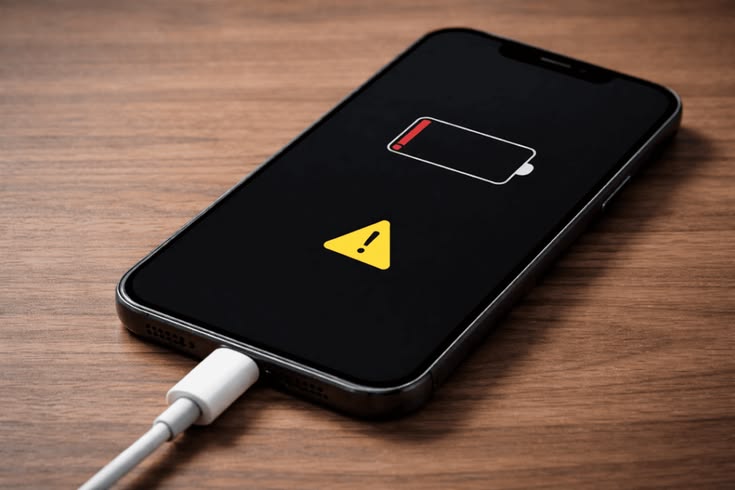
Have you ever connected your phone to the charger only to find that the battery percentage is not increasing? If you’re wondering why your phone is not charging, the problem could be something as simple as a dusty charging port or as serious as a damaged battery.
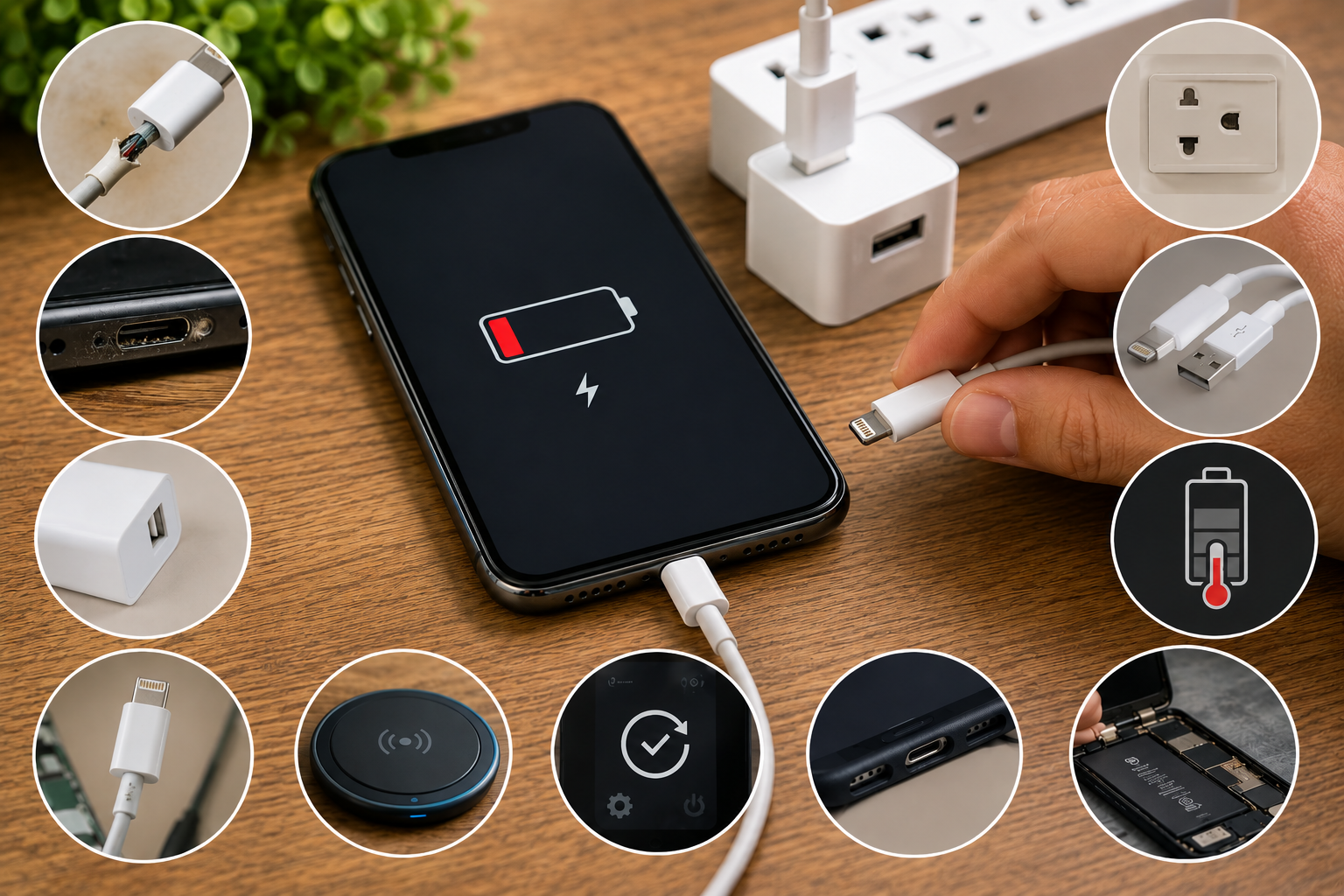
Before taking your phone to a repair centre, there are several things you can safely check at home. In this guide, we’ll look at 10 common reasons why your phone is not charging and how to fix them.
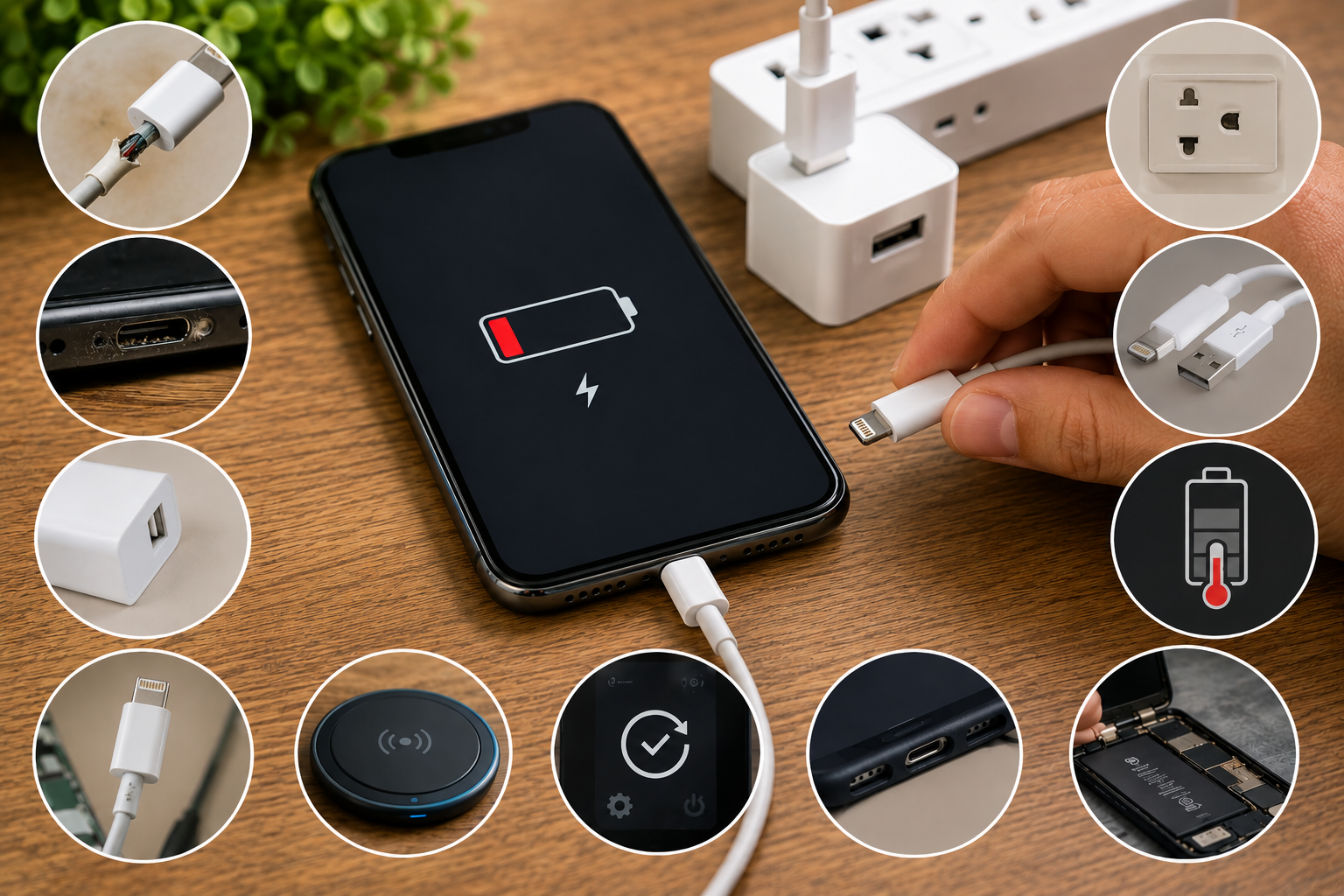
A damaged or faulty charging cable is one of the most common reasons a phone won’t charge. Cables can develop internal damage from regular bending, pulling, or long-term use.
Try charging your phone with another compatible cable. If the phone starts charging normally, your original cable may need to be replaced.
Sometimes the problem isn't with your phone at all. A faulty power adapter may not provide enough power to charge your device.
Try another compatible charging adapter and connect it directly to a working wall socket. Avoid using damaged or low-quality adapters.
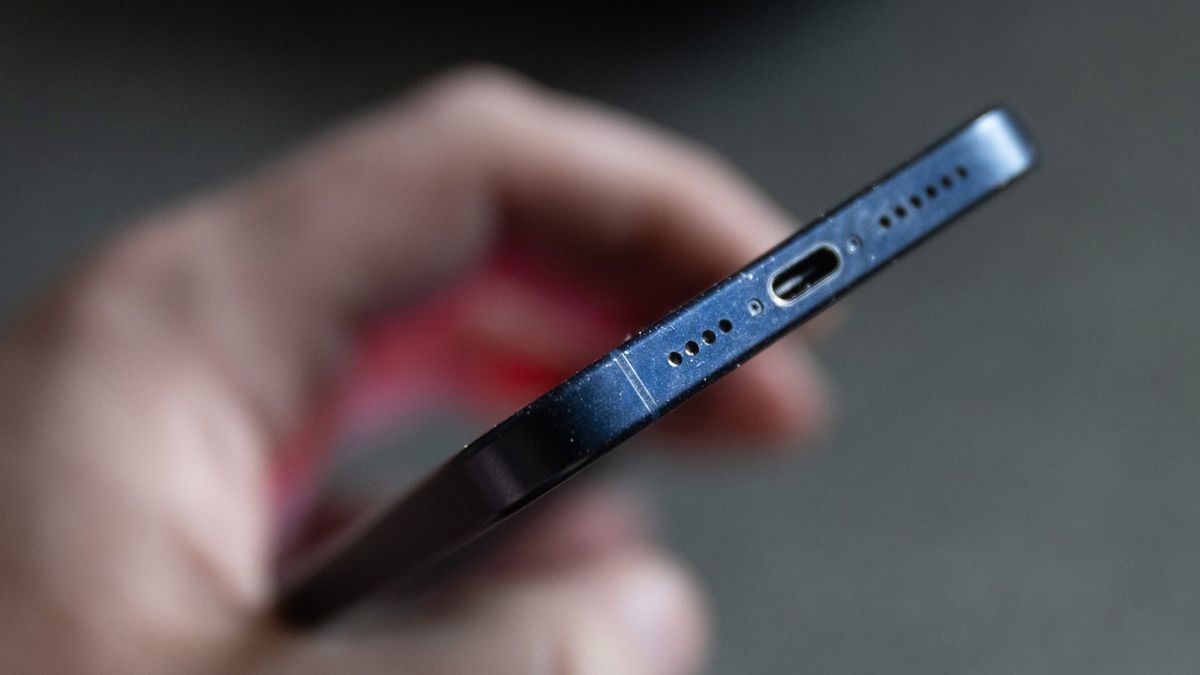
Dust, lint and small particles can accumulate inside your phone's charging port. This can prevent the charging cable from making proper contact.
Turn off your phone and carefully inspect the charging port. If you notice dirt or debris, have it cleaned carefully. Avoid inserting sharp metal objects into the port because they can damage the internal contacts.
A temporary software glitch can sometimes prevent a phone from recognising a charger correctly.
Restart your phone and connect the charger again. If charging works after the restart, the issue may have been software-related.
An outdated operating system can occasionally cause charging or battery-management problems.
Check your phone's settings for available system updates. Keeping your device updated can help resolve software-related issues and improve overall performance.
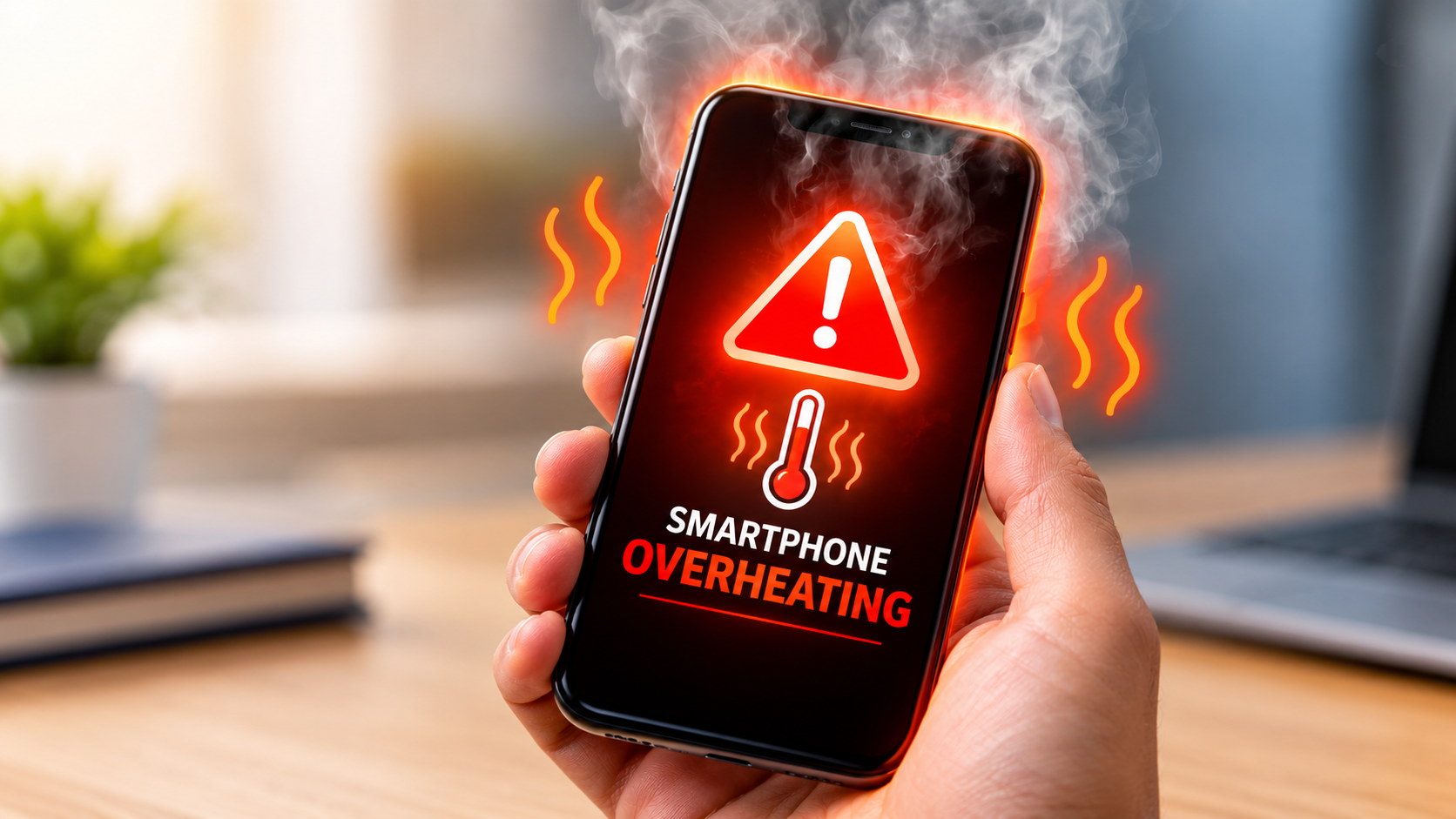
Modern smartphones may temporarily stop or slow charging when the device becomes excessively hot. This is a safety feature designed to protect the battery.
Disconnect the charger and allow your phone to cool down naturally. Keep it away from direct sunlight and avoid using demanding applications while charging.
The electrical outlet or power source you're using could be the problem.
Try another wall socket. If you're charging through a laptop, car charger or power bank, test a standard wall charger instead.
Some smartphones can stop wired charging when moisture is detected in the charging port. This helps prevent electrical damage.
Disconnect the charger and allow the port to dry naturally in a well-ventilated area. Don't use a hair dryer or insert objects into the port to speed up the process.
If the moisture warning continues even after the port appears dry, professional inspection may be necessary.
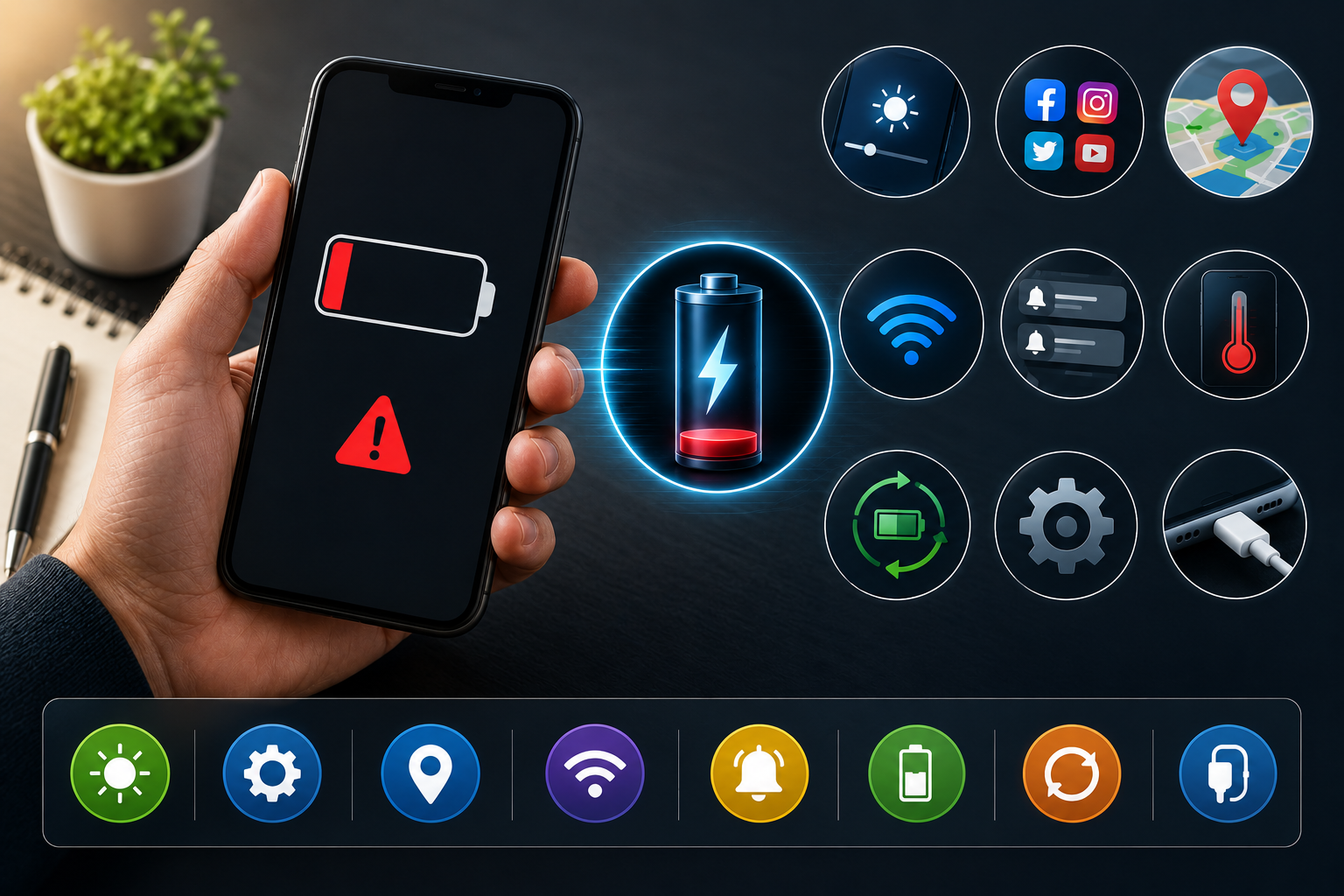
Smartphone batteries don't last forever. After years of regular use, a battery can lose capacity and may eventually develop charging problems.
Common signs of a worn battery include:
If you've tested the cable, adapter and charging port and the problem continues, the battery may need professional testing or replacement.
If your phone only charges when the cable is held at a particular angle, the charging port could be loose or damaged.
This can happen because of repeated plugging and unplugging, physical impact, corrosion or accumulated debris.
Avoid forcing or repeatedly moving the cable. A professional technician can inspect the charging port and determine whether it needs cleaning, repair or replacement.
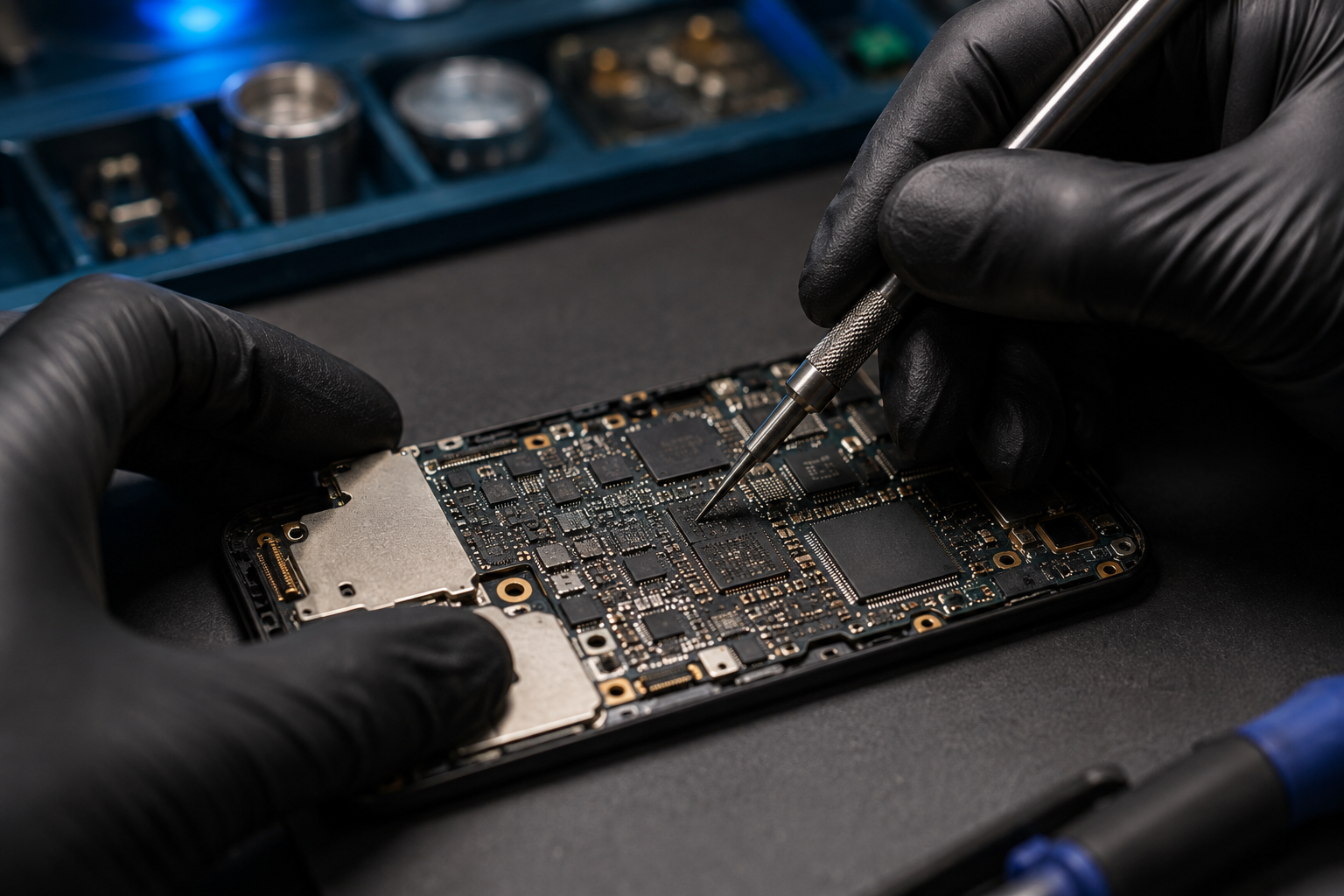
If you've tried different cables, adapters and power sources but your phone still isn't charging, the problem could involve the battery, charging port, charging circuit or internal hardware.
At this point, repeatedly trying different chargers may not solve the issue. Professional diagnosis can help identify the actual cause and prevent unnecessary replacement of working components.
A few simple habits can help protect your phone's charging system:
You should consider professional repair if your phone:
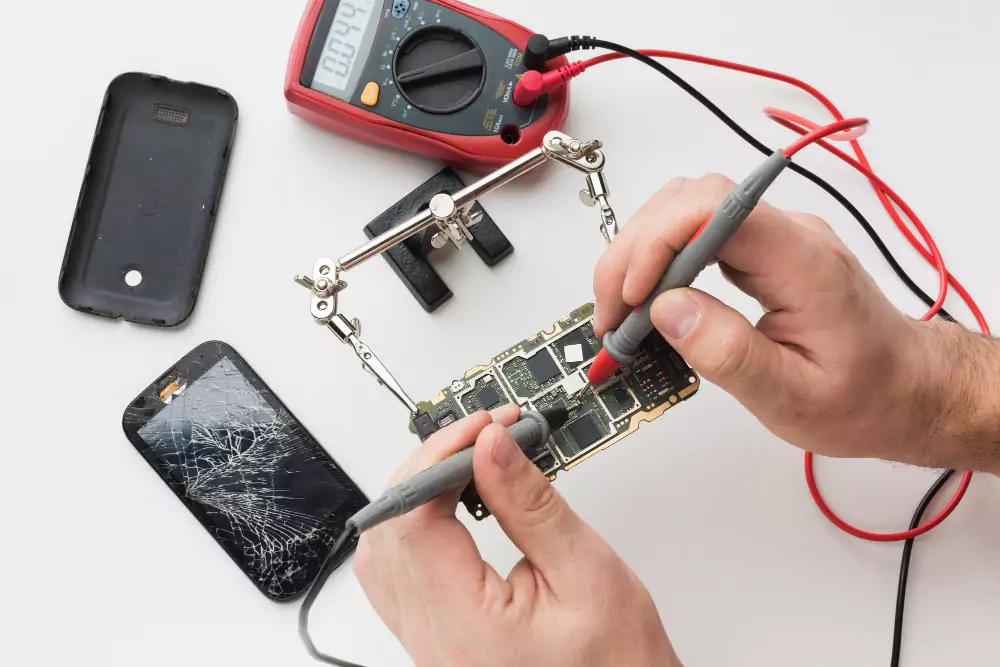
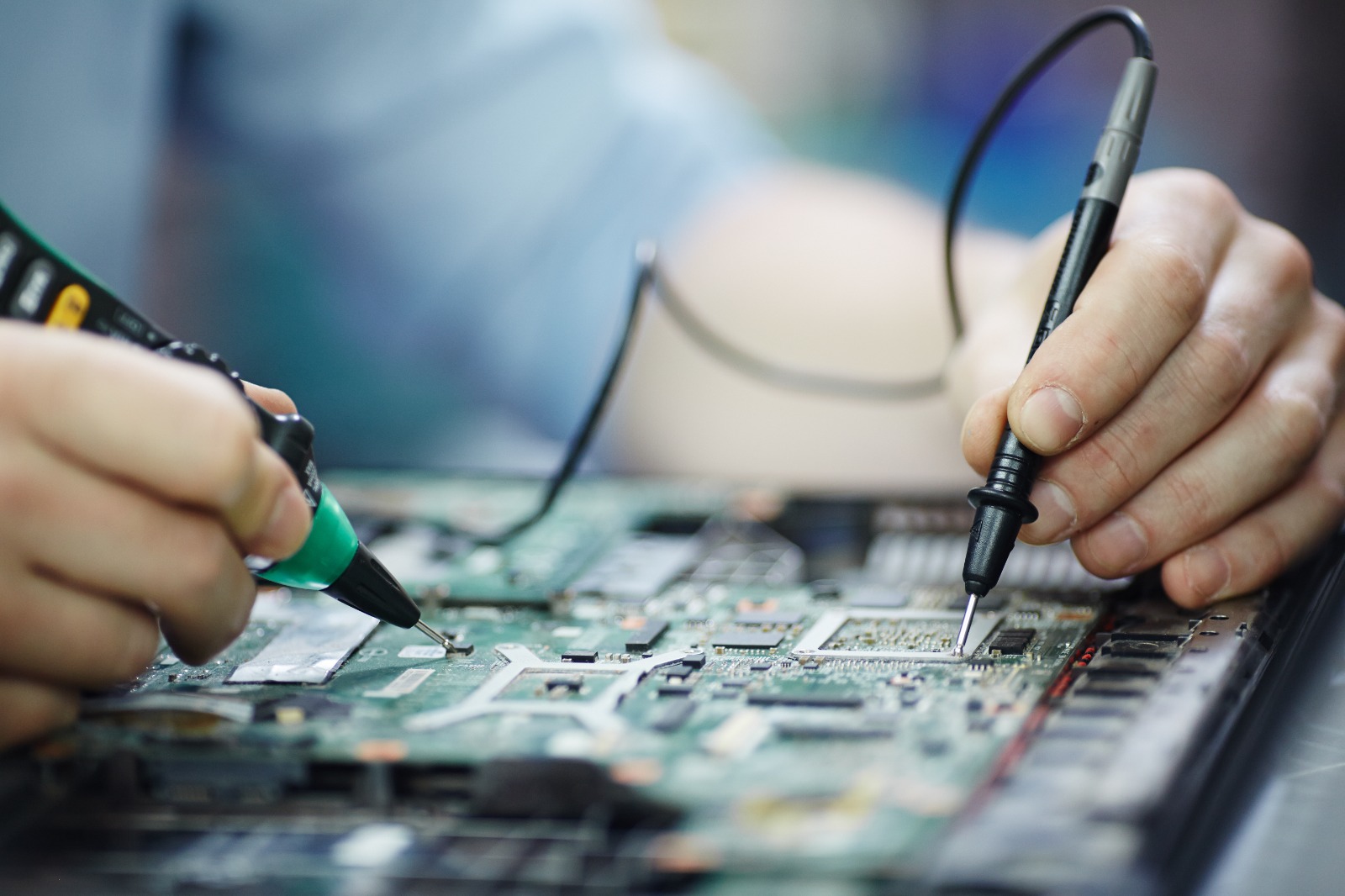
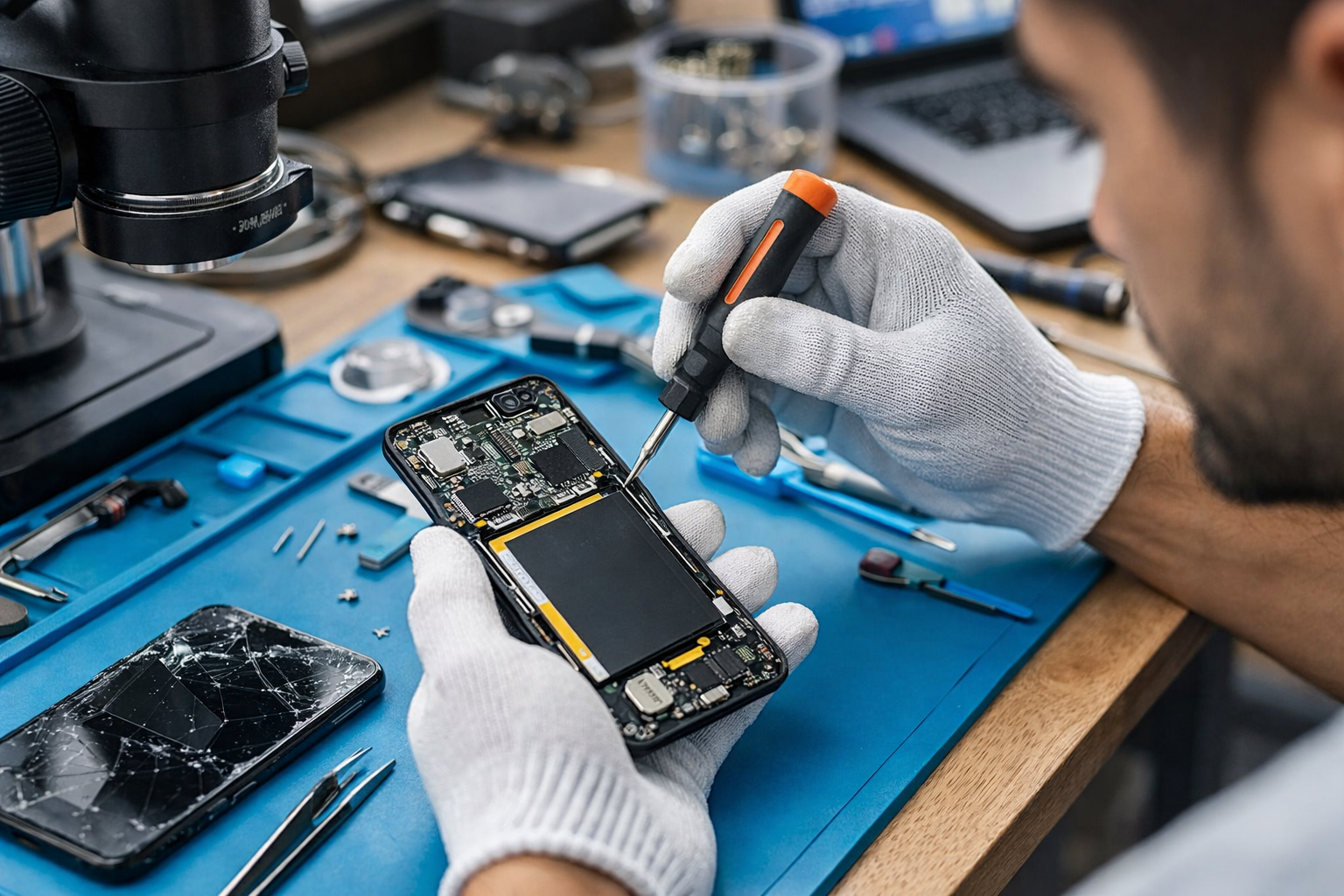
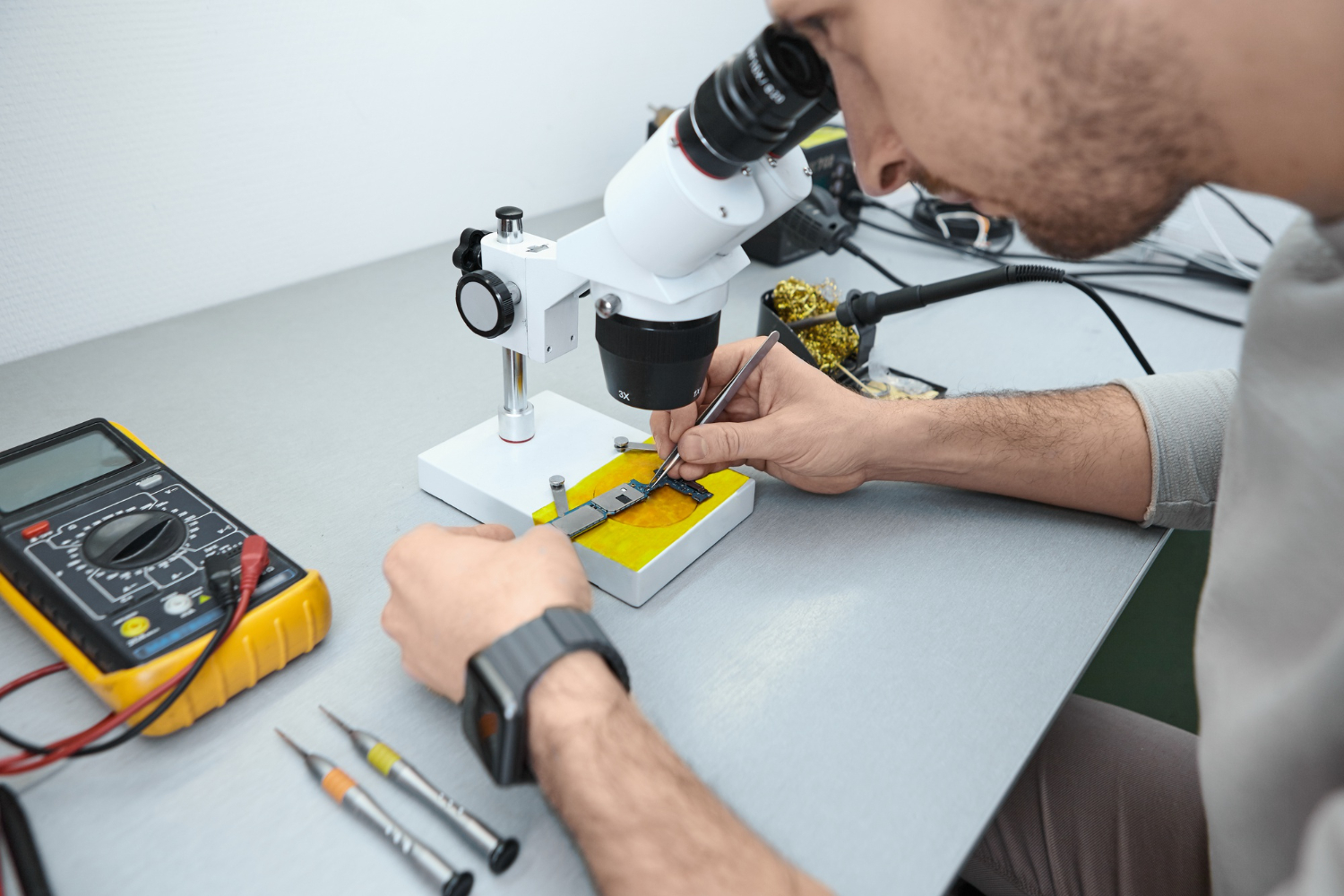
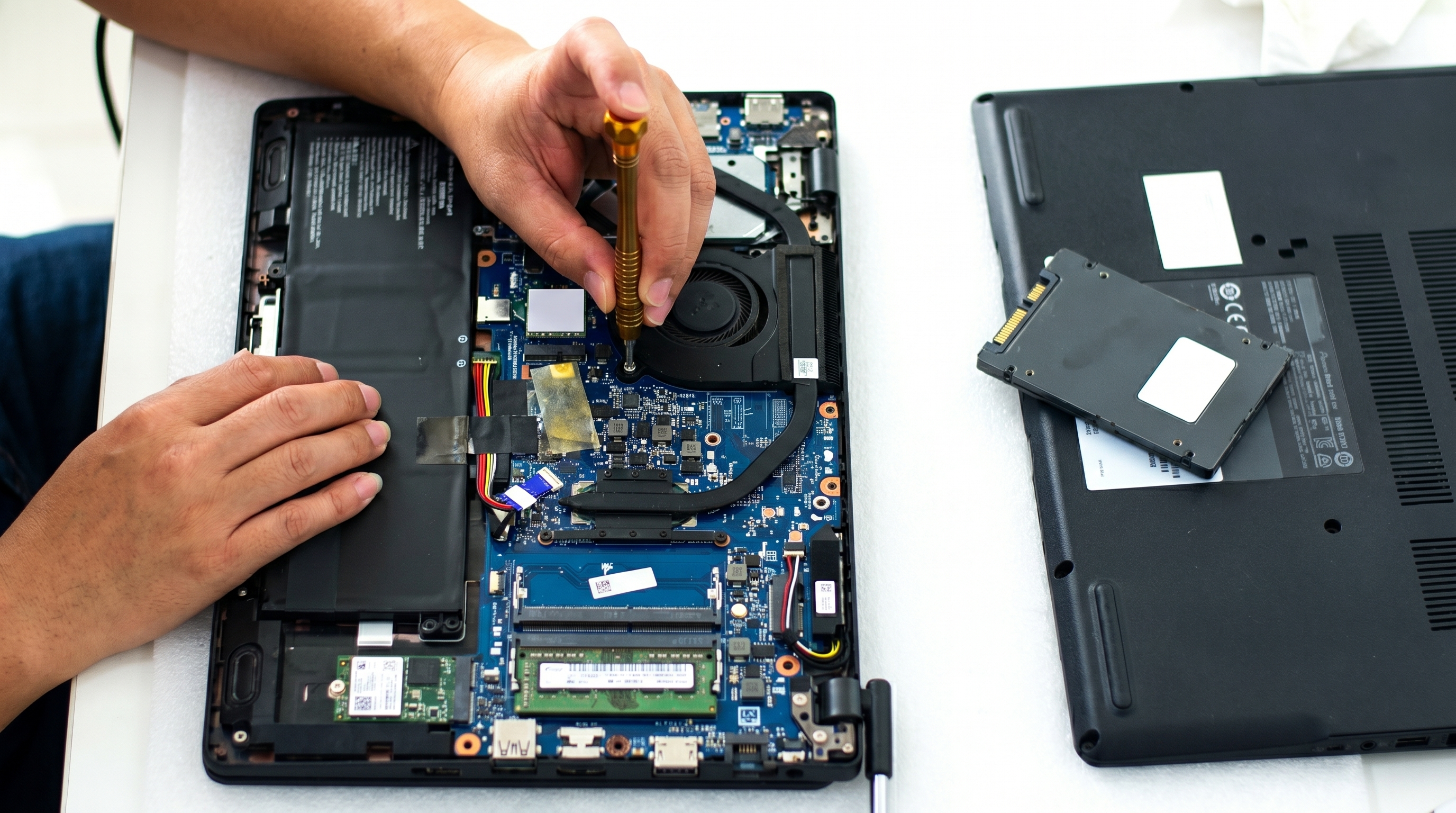
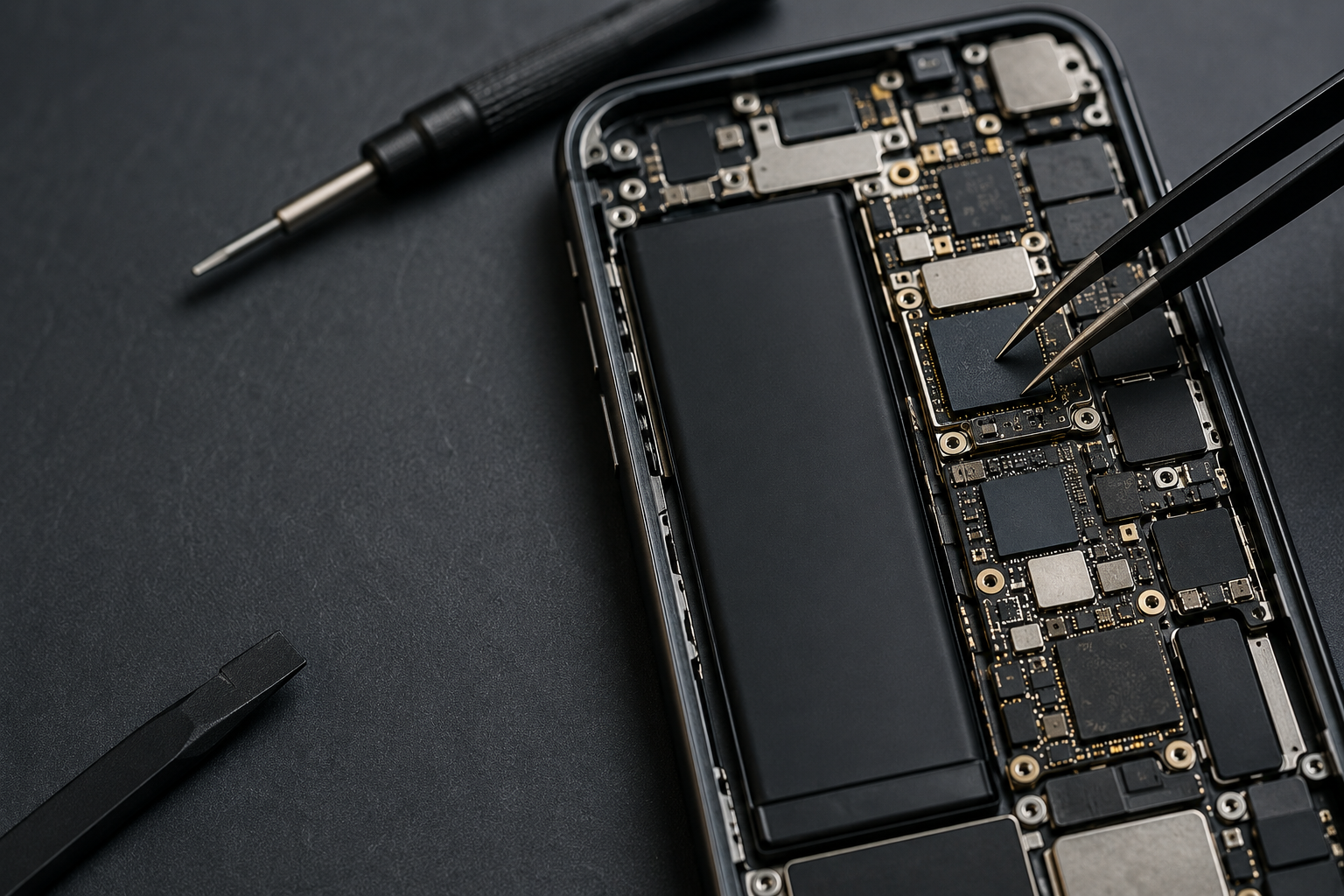
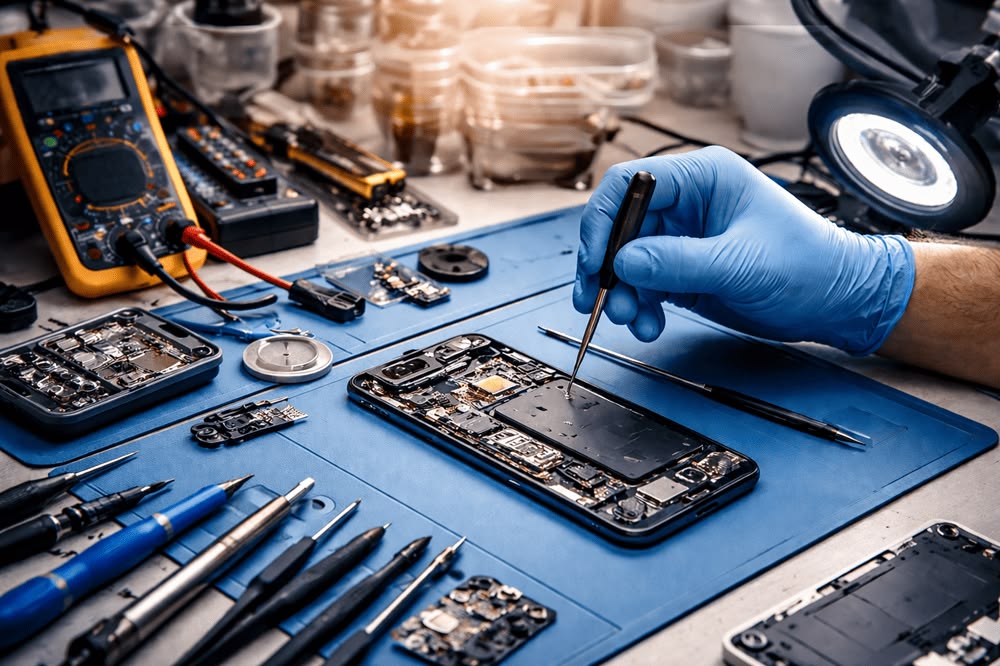
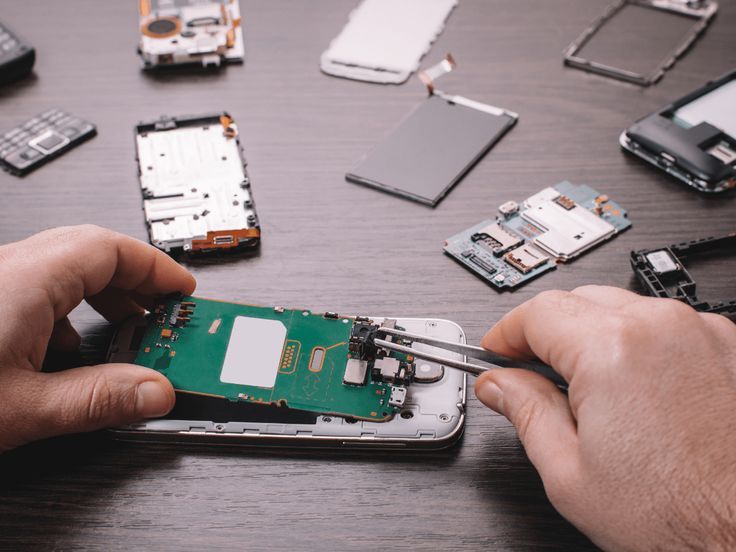
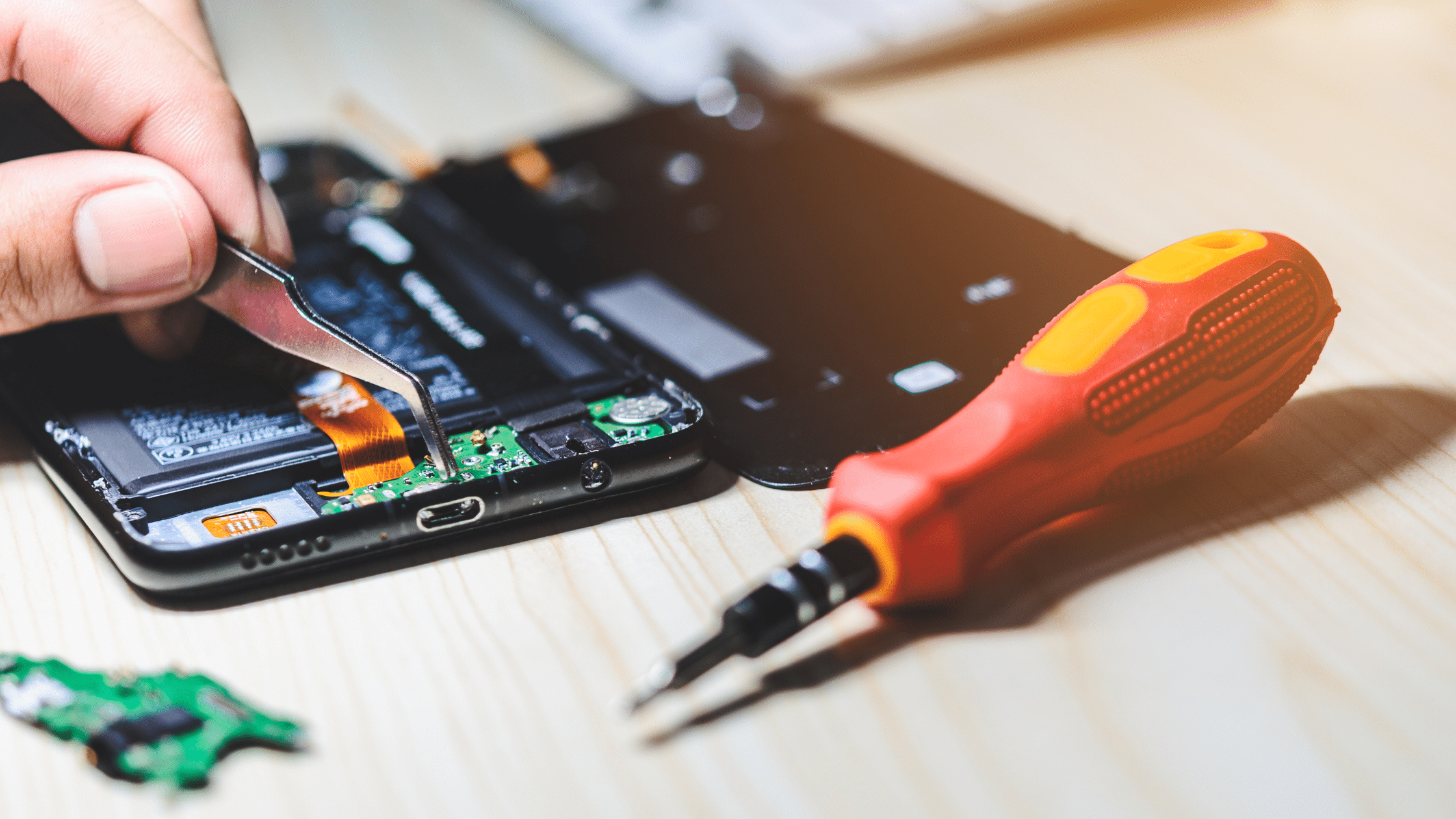
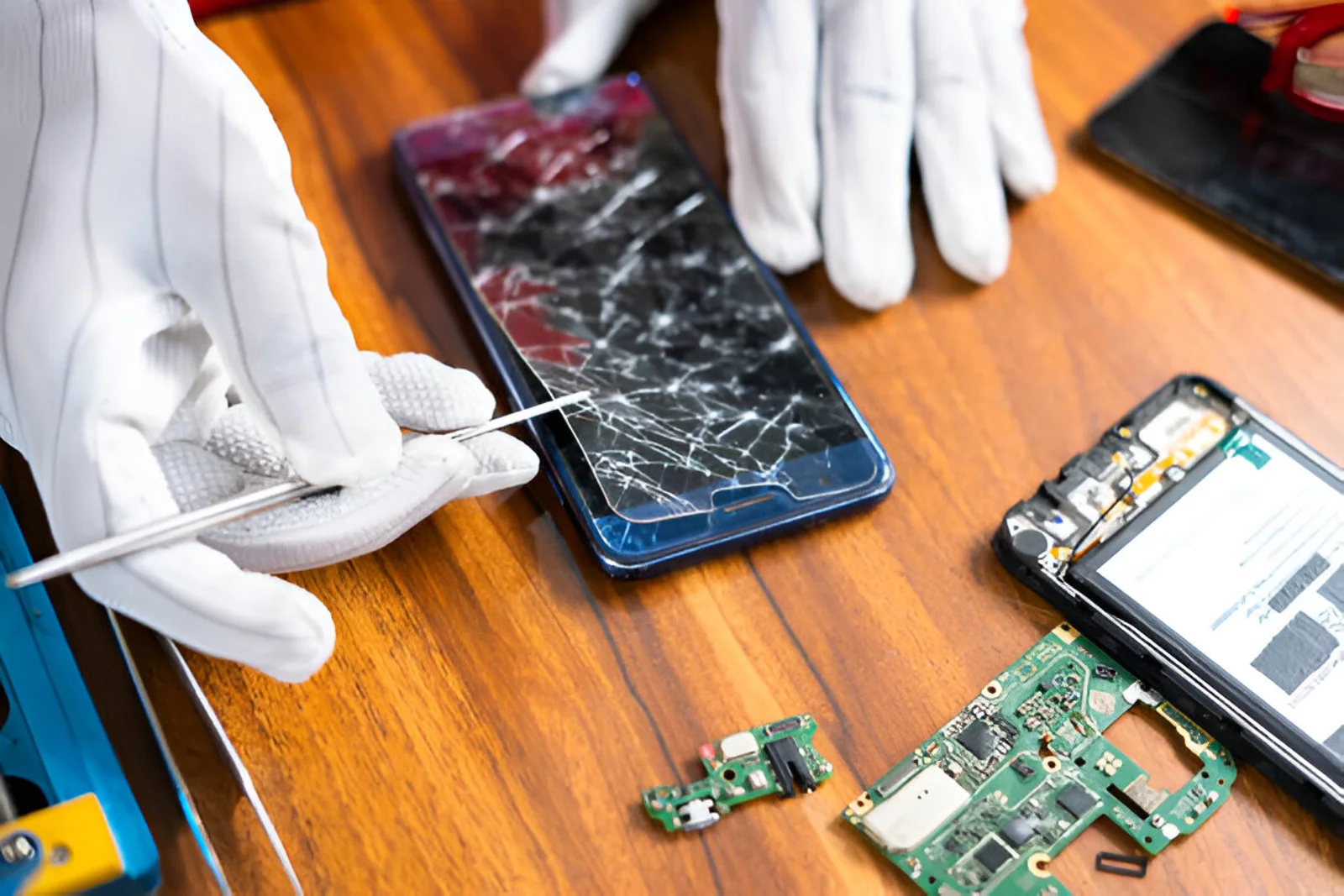
A professional technician can diagnose whether the issue is related to the charging port, battery, charging IC, motherboard or another internal component.
So, why is your phone not charging? The cause could range from a damaged cable or dirty charging port to a worn-out battery or internal hardware problem. Start with the simple checks first, such as testing another cable, adapter and power outlet.
If those solutions don't work, it's better to have the device professionally diagnosed instead of repeatedly attempting DIY repairs. Identifying the actual problem can help you avoid unnecessary costs and get your phone working properly again.
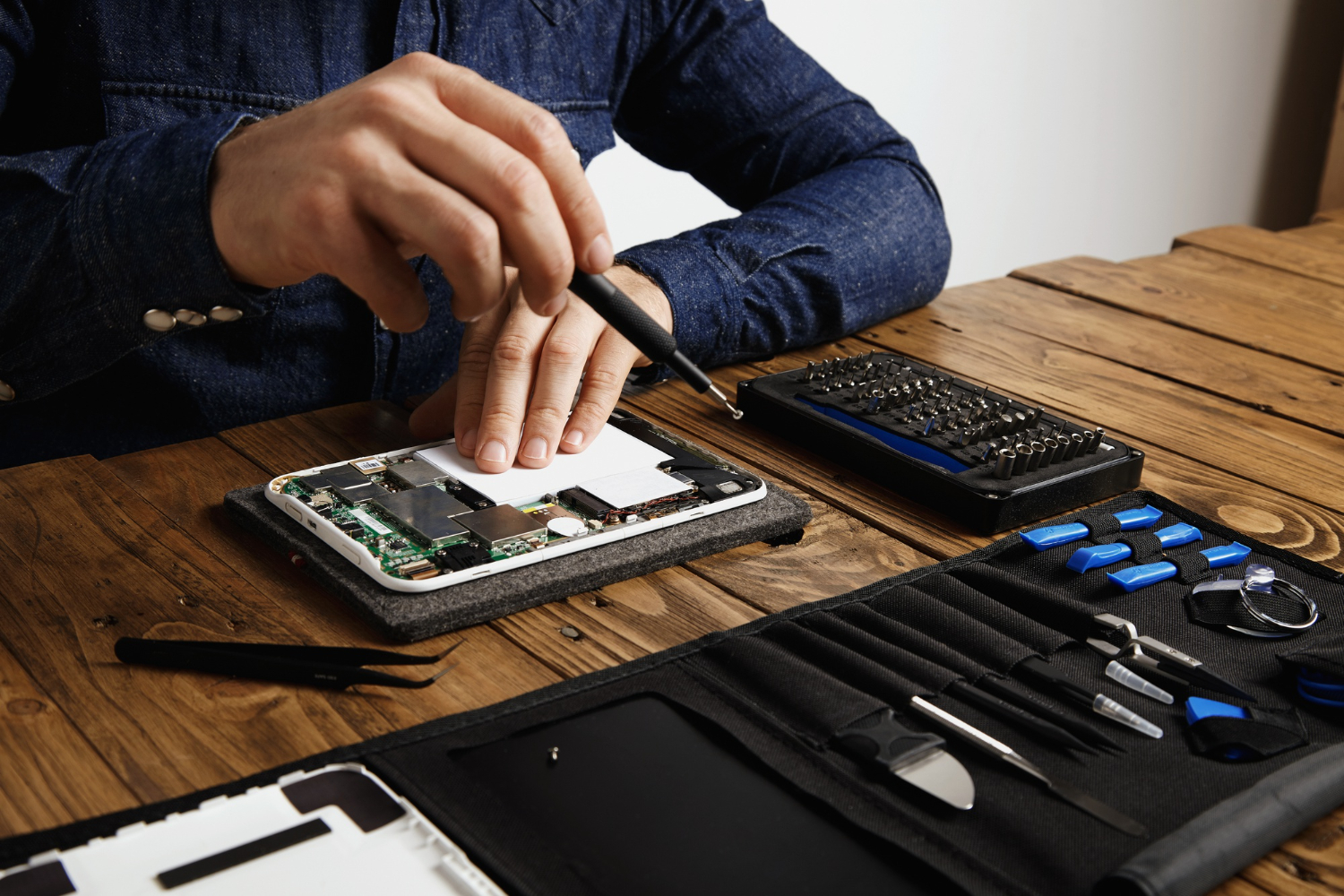
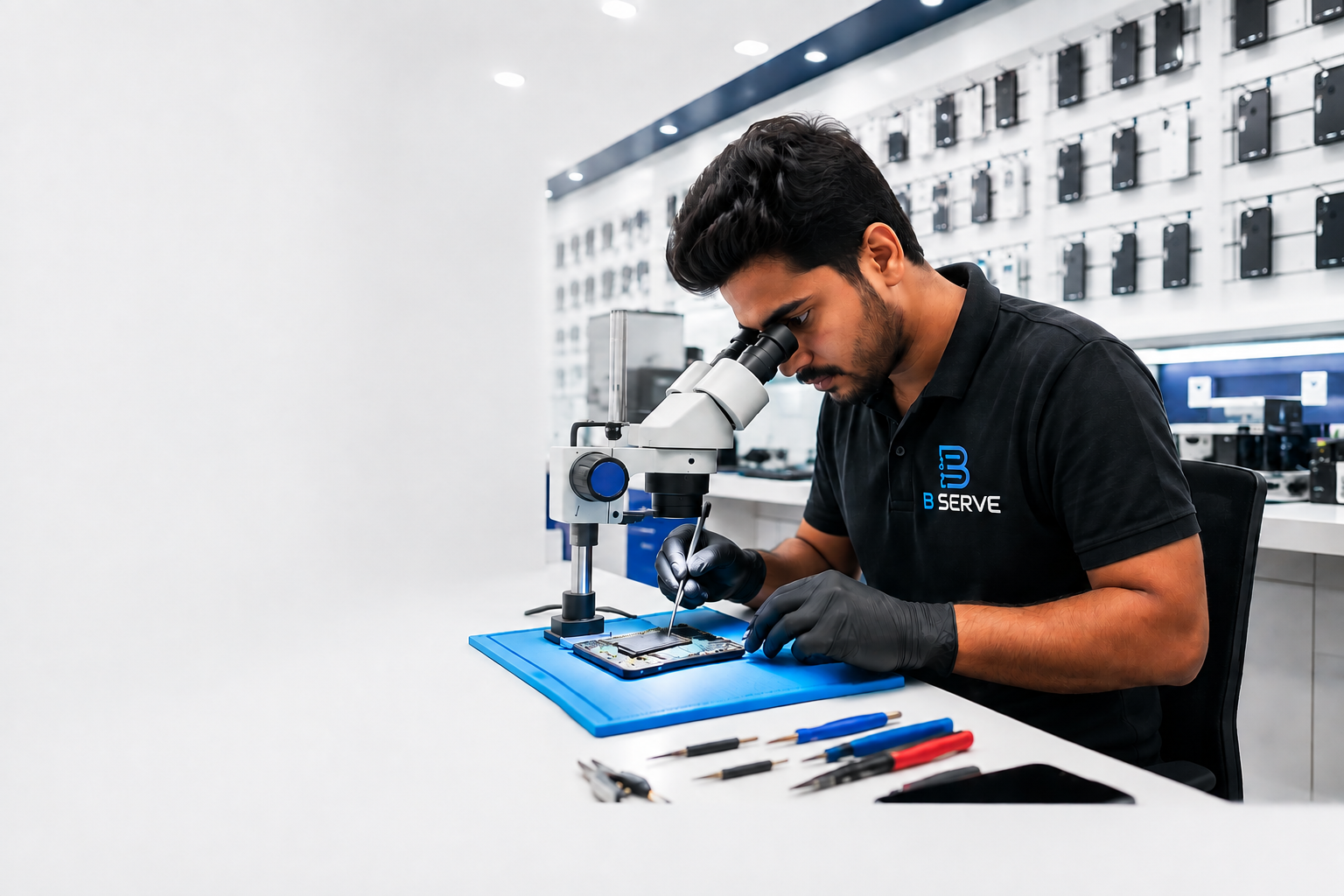
If your phone continues to have charging problems, B Serve can help diagnose and repair your device with professional phone repair services.
The cable, adapter, charging port, battery or phone software could be responsible. Try another compatible charger and inspect the charging port for visible debris.
Slow charging can be caused by a low-power charger, damaged cable, high device temperature, background activity or a battery-related issue.
Yes. Dust and lint can prevent the charging cable from making proper contact with the charging port.
This may indicate a damaged or loose charging port, although a damaged cable can cause similar symptoms.
Not necessarily. Charging problems are often repairable. A professional diagnosis can determine whether the issue is with the charger, port, battery or internal hardware.