 Post : bserve | 2026-09-22
A smartphone microphone is essential for making calls, recording voice notes, using voice assistants, recording videos, and communicating through apps. When the phone microphone is not working, it can make even simple tasks frustrating.
A microphone problem does not always mean that the hardware is damaged. Sometimes the issue can be caused by blocked microphone openings, incorrect app permissions, software glitches, Bluetooth connections, or temporary system errors.
In this guide, we explain the common reasons why your mobile microphone may stop working and what you can try before visiting a professional repair center.
You may have a microphone issue if:
Identifying when and where the problem occurs can help determine whether it is a software or hardware issue.
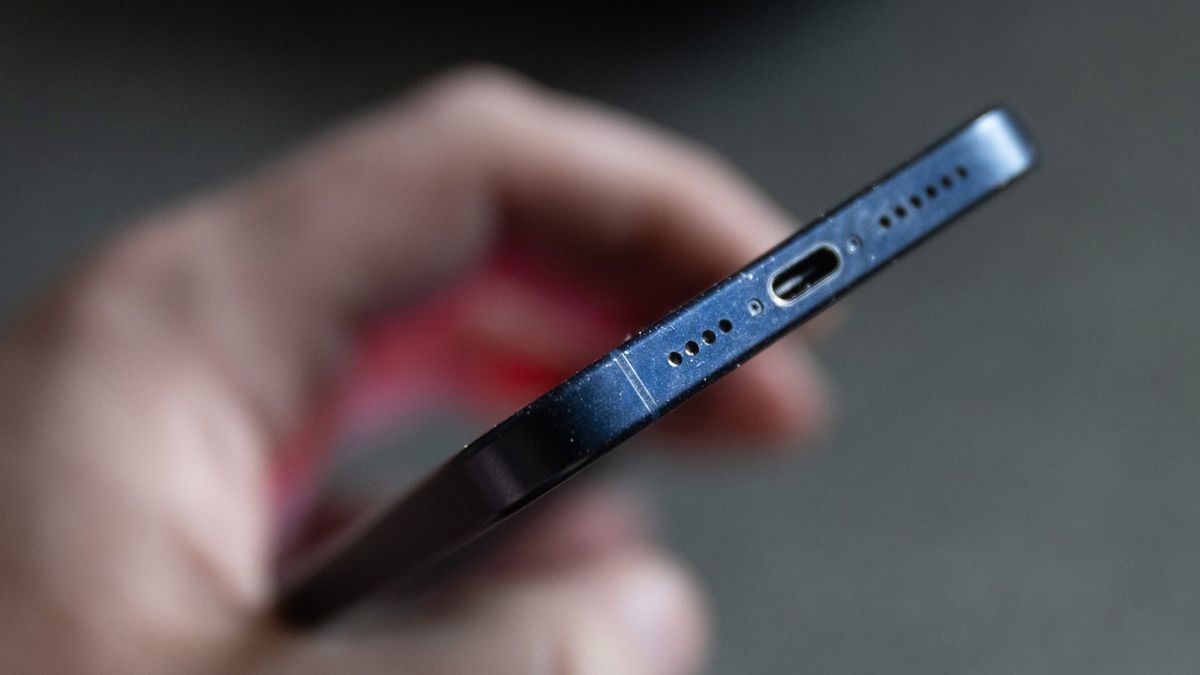
Dust, dirt, lint, or debris can accumulate around the small microphone openings on your phone. This can reduce the amount of sound reaching the microphone.
Check the microphone openings carefully and clean the outside area gently with a suitable soft, dry cleaning method. Avoid inserting sharp objects into the microphone hole because this can damage internal components.
A temporary software glitch can sometimes affect microphone functionality.
Restart your phone and test the microphone again by making a call or recording a short voice note. If the microphone starts working after restarting, the problem may have been related to a temporary software issue.
If your microphone works during normal phone calls but does not work in a particular application, check the app's microphone permission.
Open your phone's privacy or application settings and make sure the affected app has permission to access the microphone.
This is especially important for calling, recording, social media, and messaging applications.
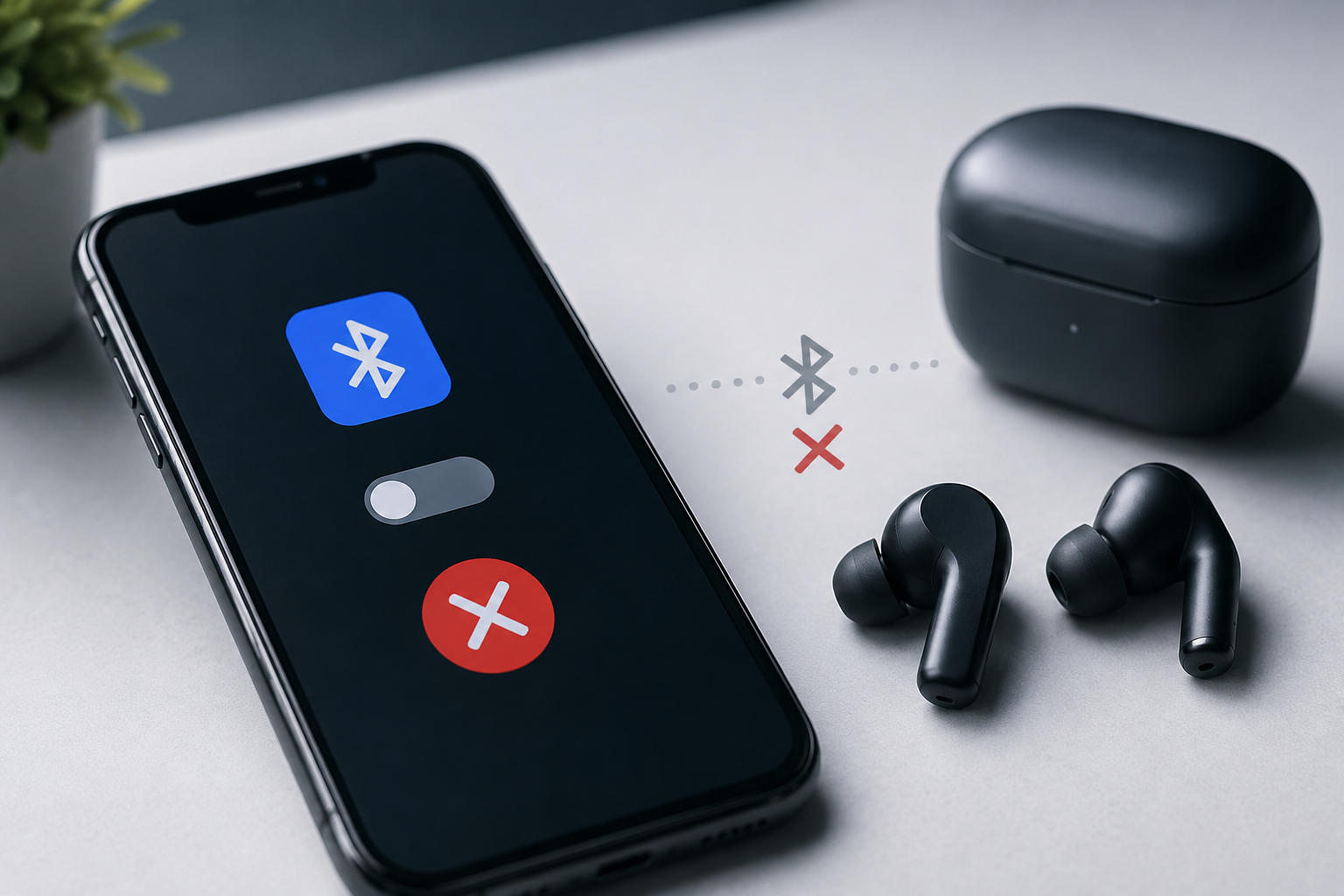
Your phone may sometimes route audio input through a connected Bluetooth headset or another wireless device.
Turn off Bluetooth temporarily and test the microphone again. If the microphone starts working after disconnecting the external device, the problem may be related to the connected accessory or audio routing.
Try recording your voice using the phone's built-in voice recorder. You can also record a short video and check whether your voice is captured.
If the microphone works in the recorder but not in a specific application, the issue may be related to that application's settings or permissions.
If the microphone does not work anywhere, further troubleshooting may be necessary.
Outdated software can sometimes cause compatibility or functionality problems.
Check whether your smartphone has a pending system update. Installing an official update may resolve certain software-related microphone issues.
Before performing a major software update, make sure your important data is backed up.
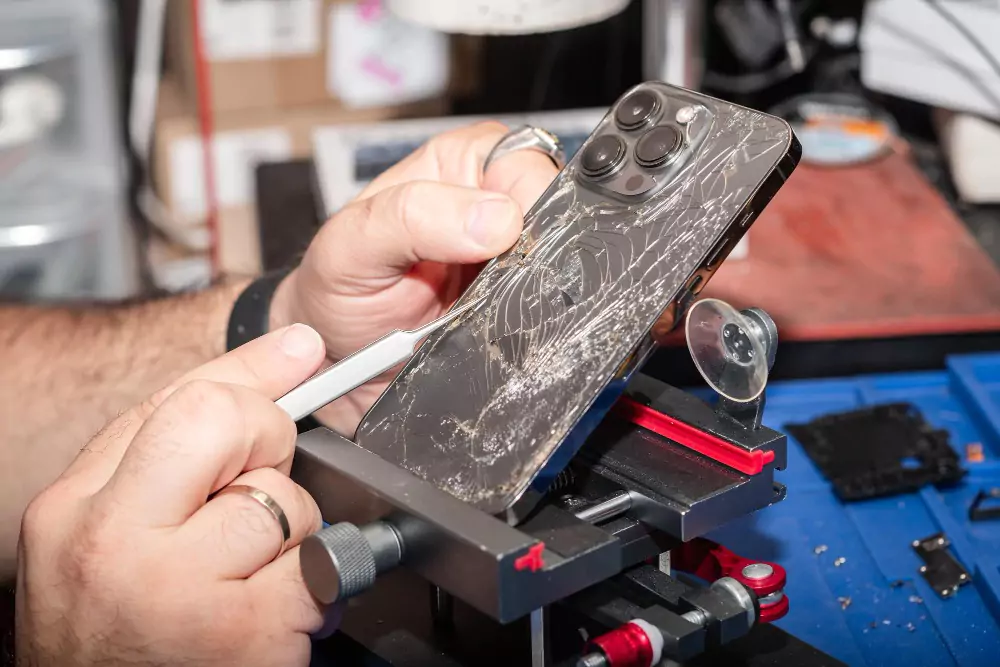
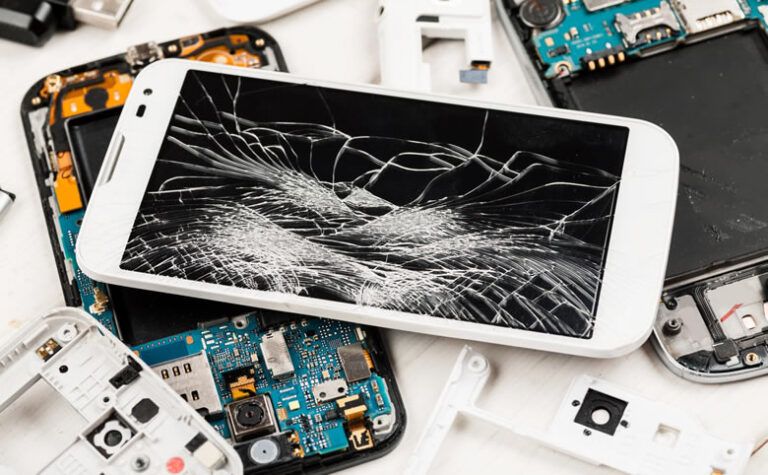
Think about whether the phone was recently dropped, exposed to water, or subjected to another type of physical impact.
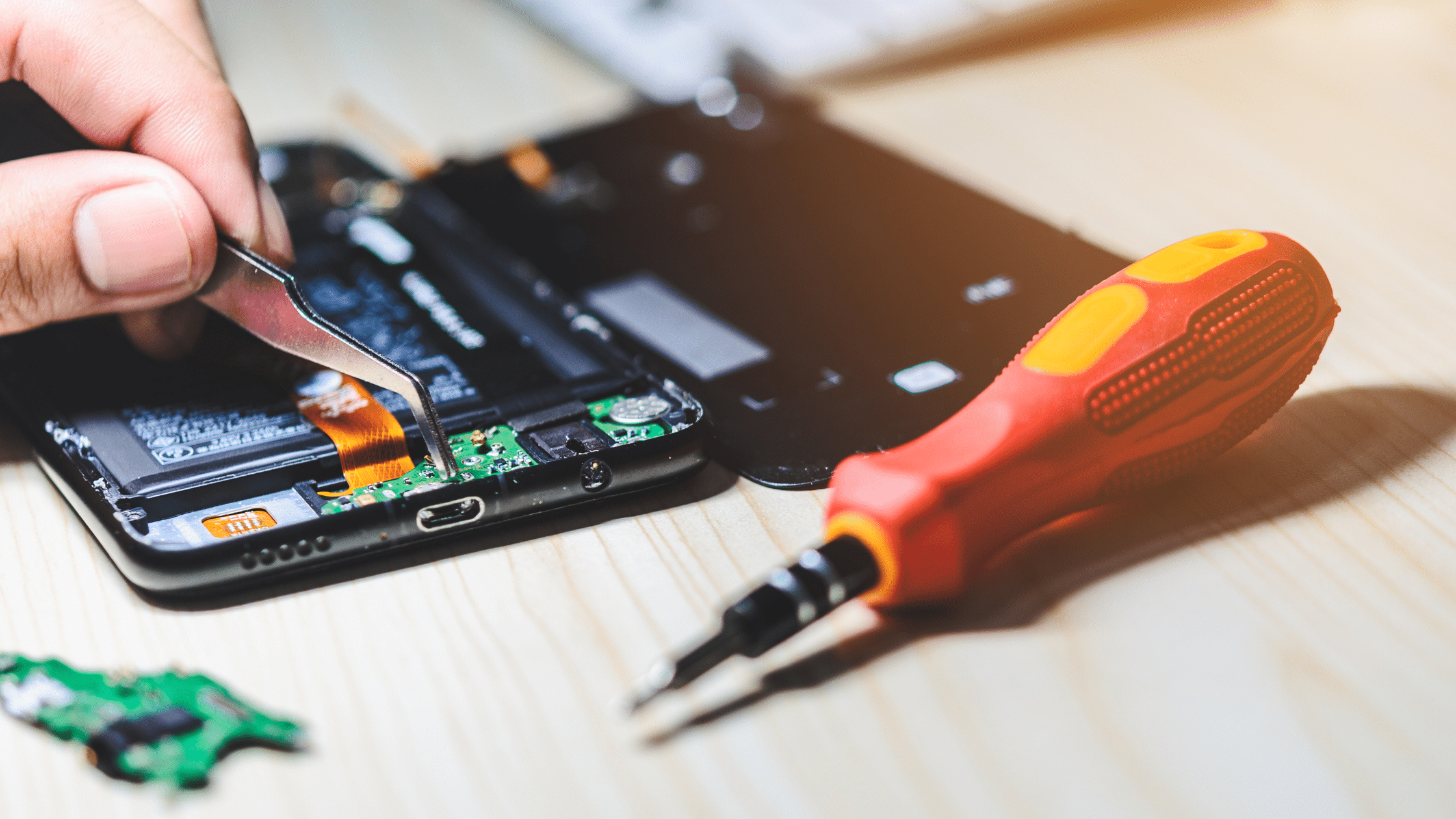
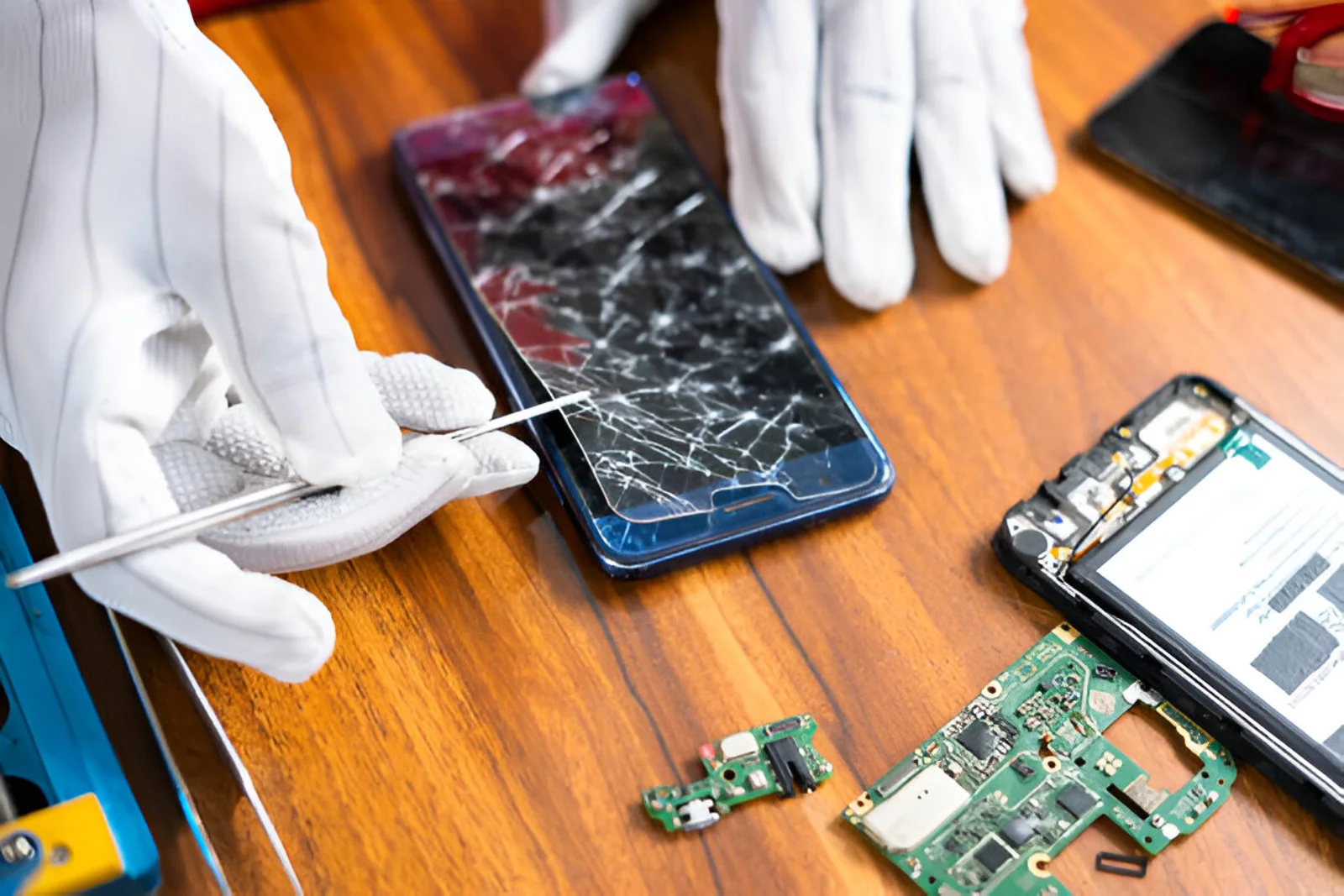
A damaged microphone, internal connector, or motherboard component can affect audio input. Physical damage usually requires professional inspection rather than repeated software troubleshooting.
Moisture can cause problems with several smartphone components, including microphones and other audio circuits.
If your phone has recently been exposed to water, avoid using unsafe heating methods or inserting objects into its openings. Professional inspection can help determine whether there is internal moisture or component damage.
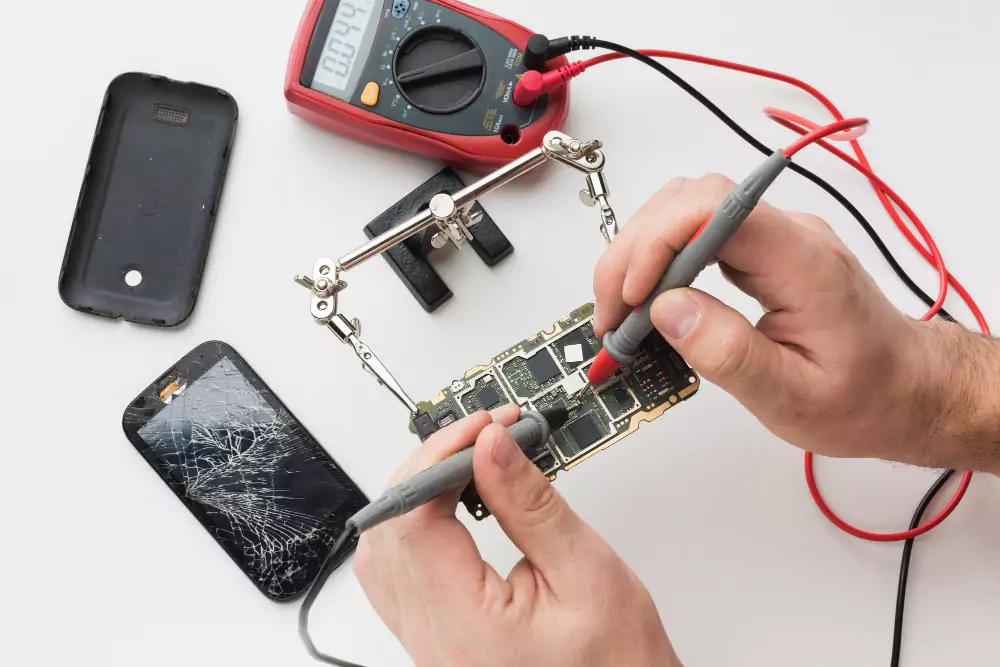
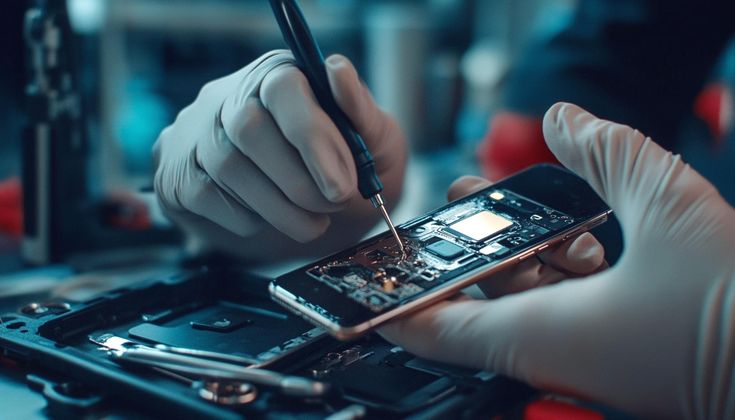
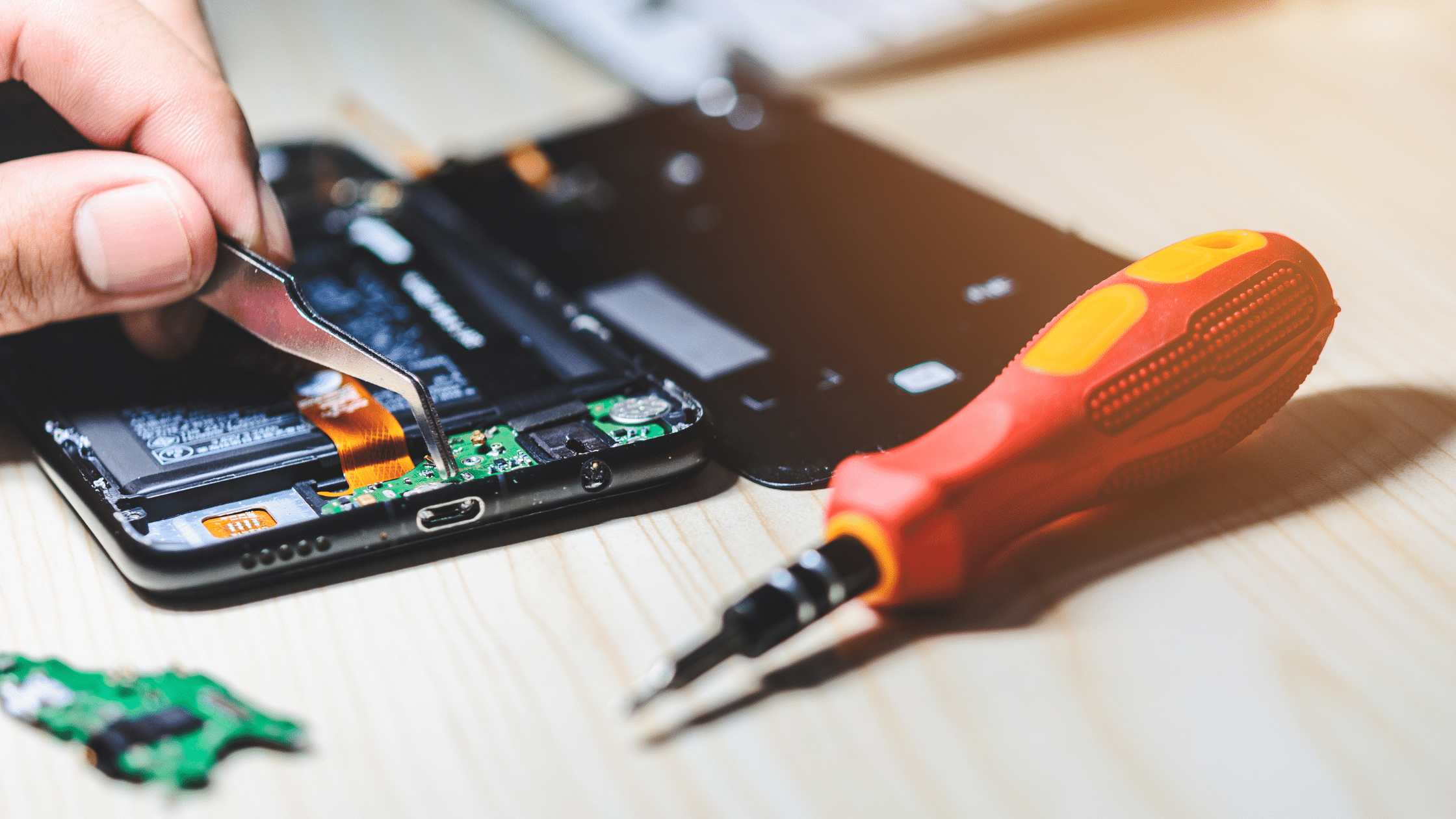
If you have tried basic troubleshooting and your phone microphone is not working across multiple applications, the issue may be hardware-related.
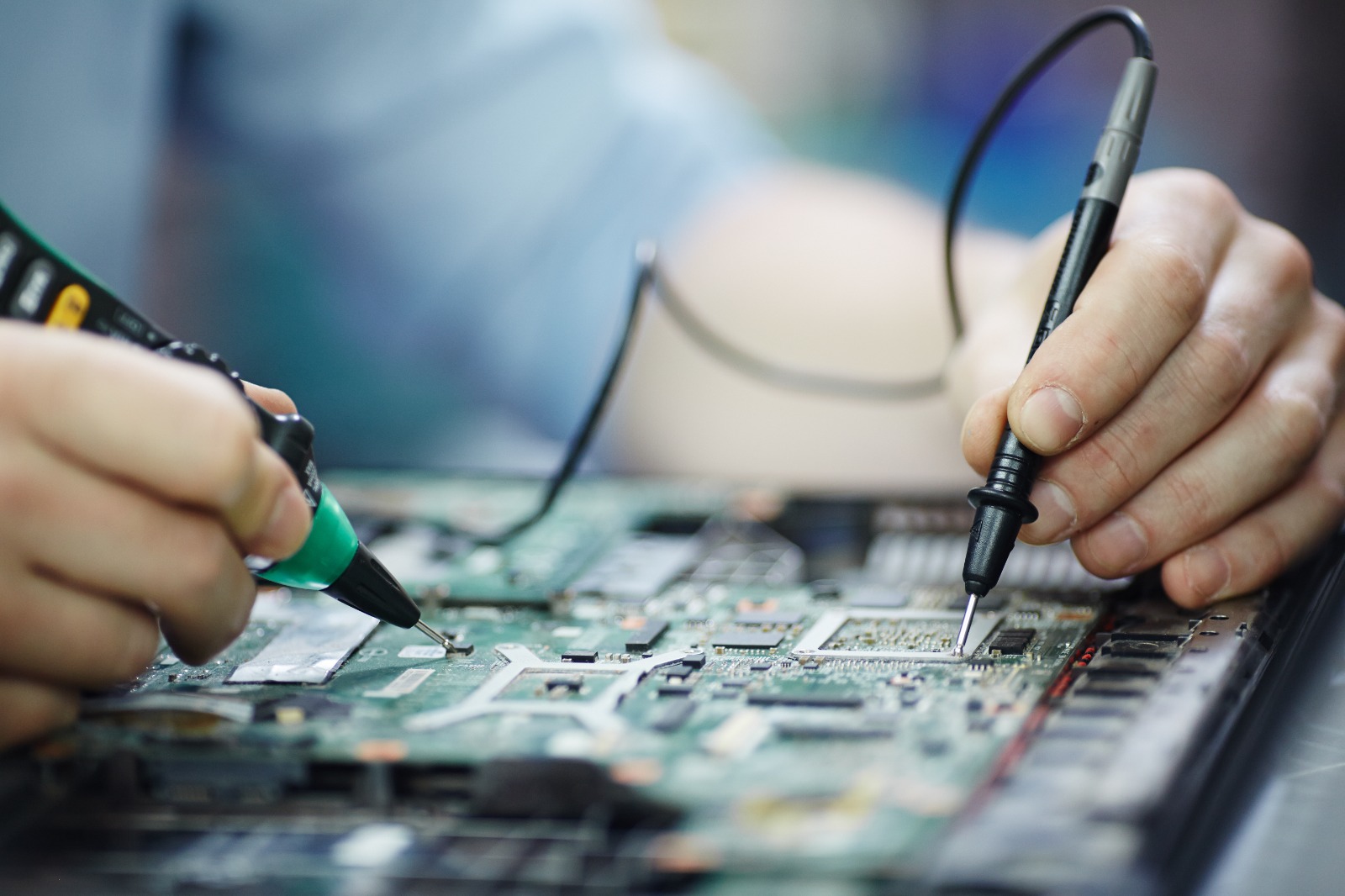
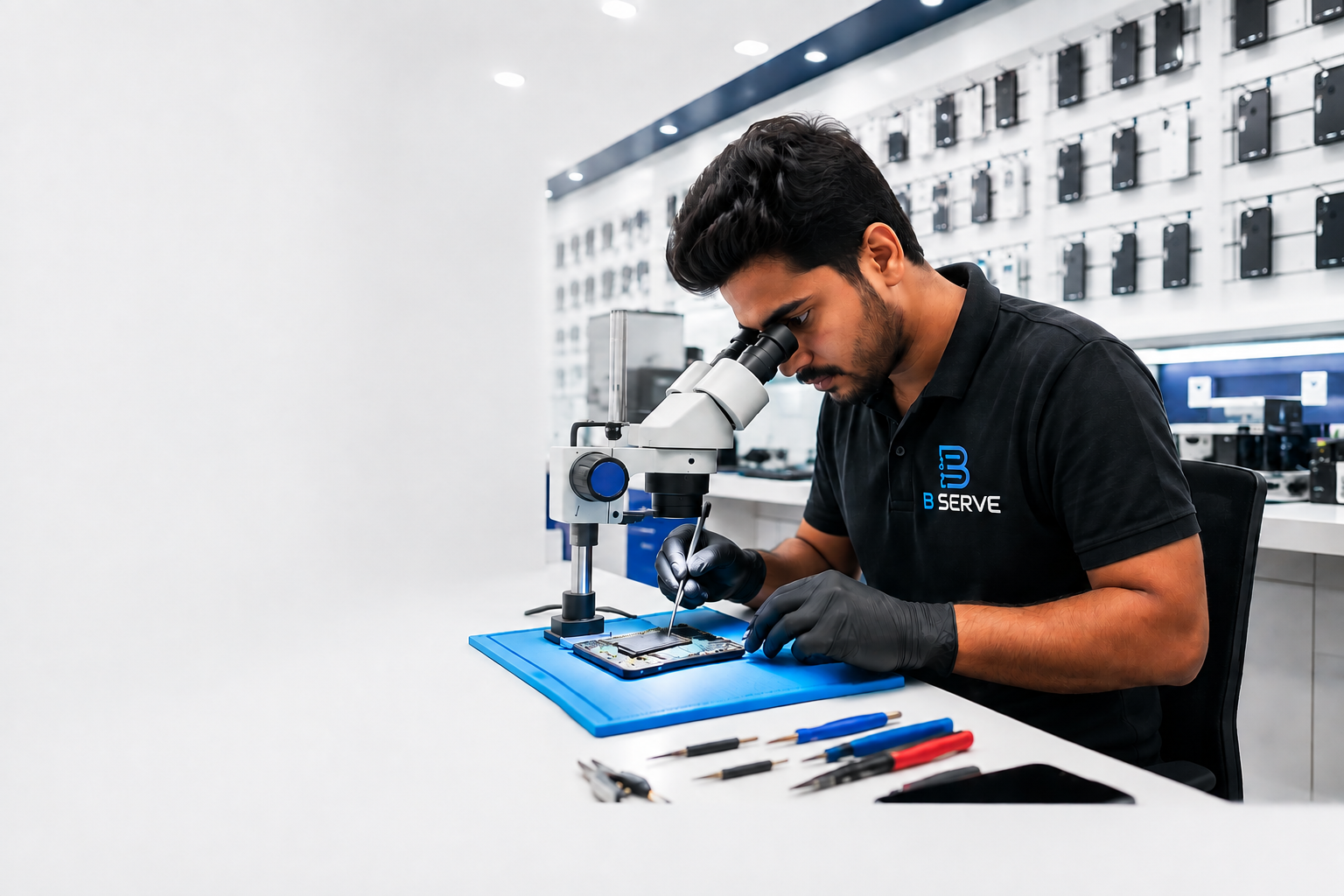
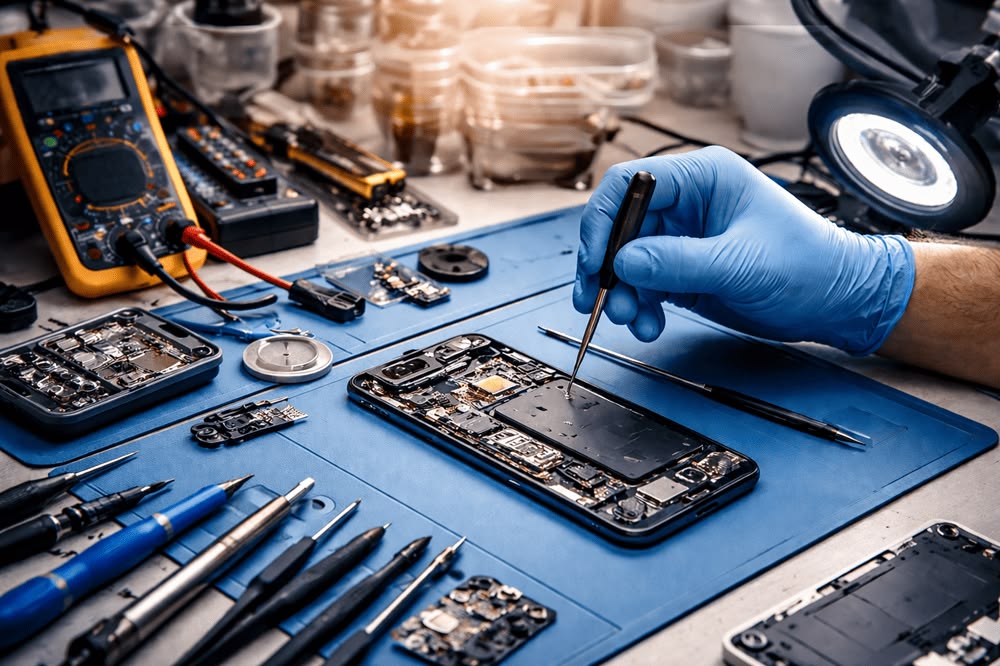
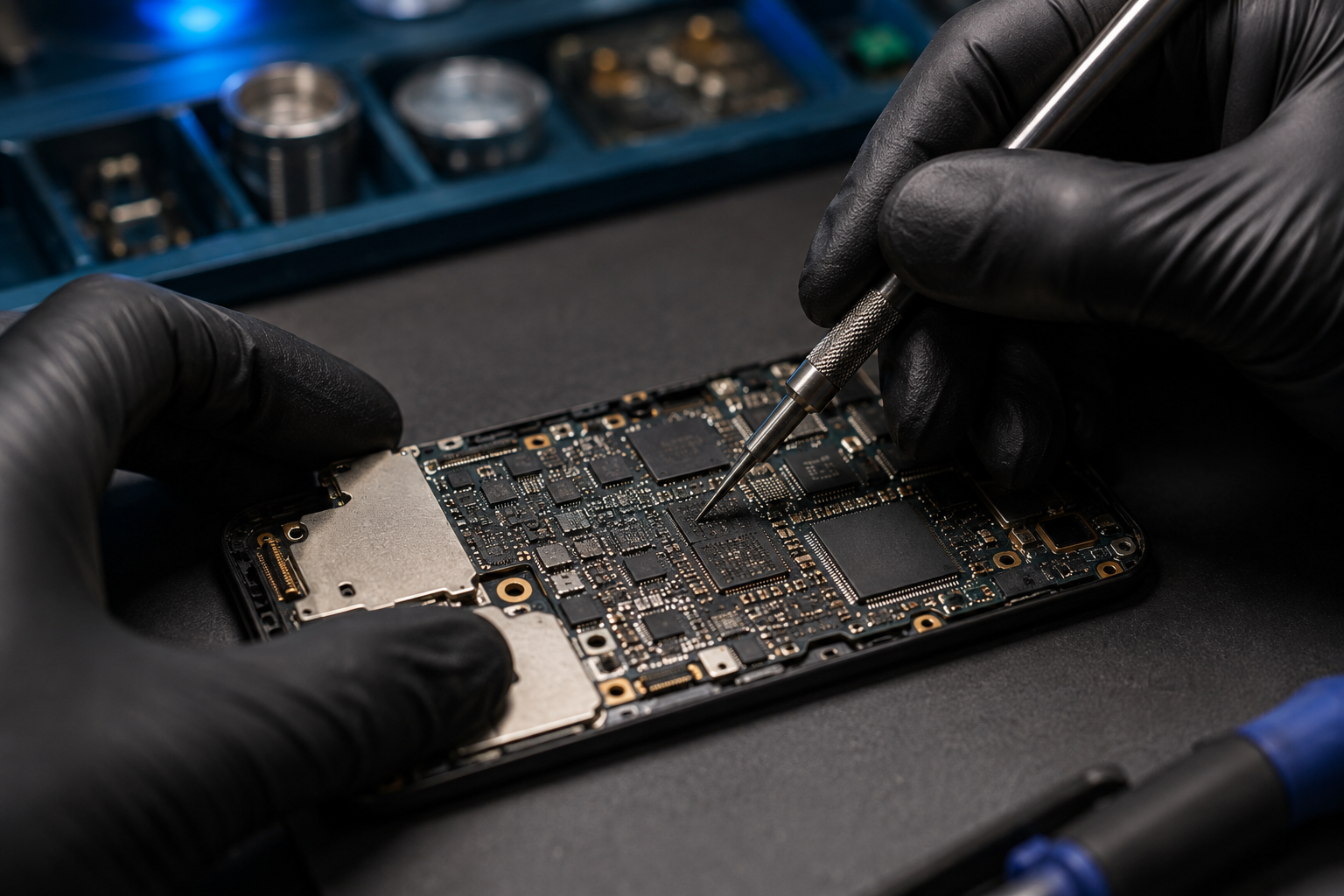
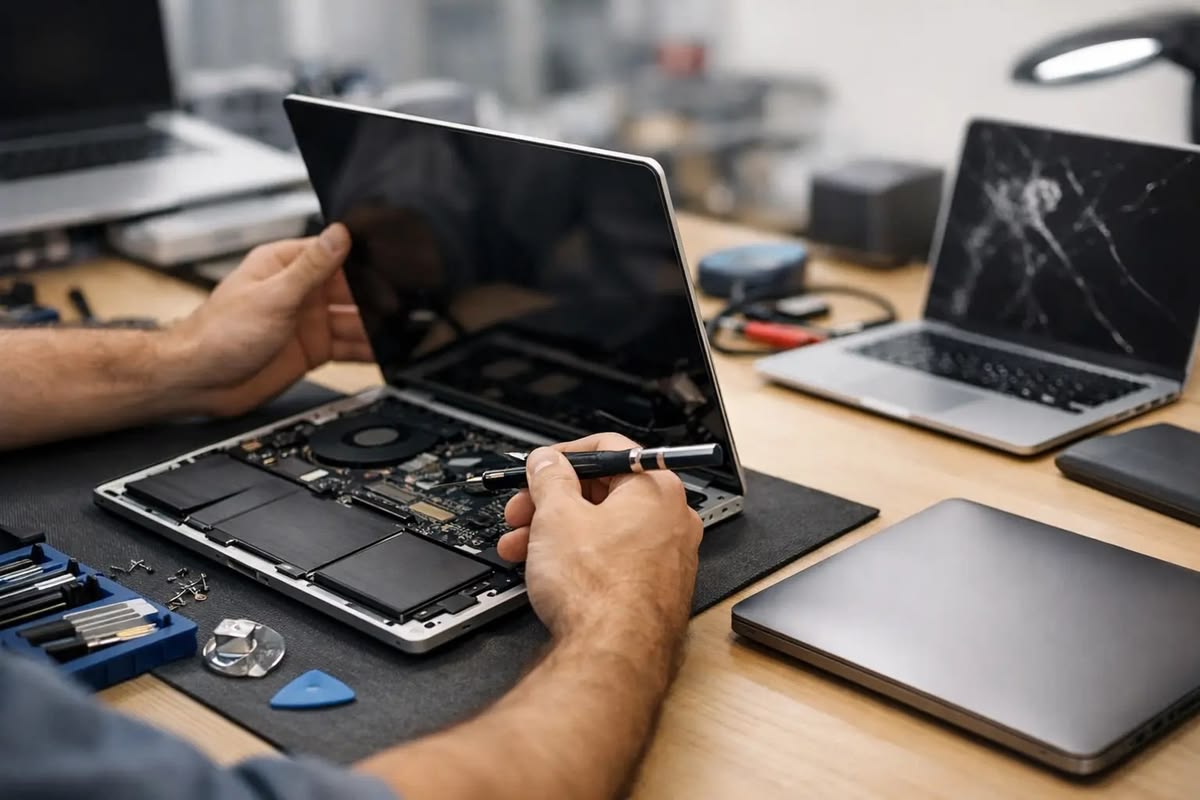
A technician can inspect the microphone, connectors, audio circuitry, and motherboard to identify the actual cause.
Professional diagnosis is particularly important when the phone has suffered a drop, liquid exposure, or previous repair.
You can reduce the risk of microphone-related issues by following a few simple habits:
A phone microphone not working can be caused by something simple, such as blocked openings, app permissions, Bluetooth connections, or a temporary software problem. However, persistent microphone failure can also indicate physical or internal damage.
Start with simple checks such as restarting the phone, checking permissions, disconnecting Bluetooth devices, and testing the microphone with different applications. If the microphone still does not work, professional diagnosis can help identify the exact problem and prevent unnecessary part replacement.
B Serve provides smartphone and gadget repair services, including smartphone, laptop, tablet, iPhone, MacBook, smartwatch, and other electronic gadget repairs. The company serves customers in Malappuram, Kottakkal, Tirur, and Perinthalmanna.