Blog

Blog

How Often Should You Service Your Smartphone? A Complete Maintenance Guide Post : bserve | 2026-09-30

How Often Should You Service Your Smartphone? A Complete Maintenance Guide

Smartphones have become an essential part of everyday life. We use them for communication, work, entertainment, online payments, navigation, photography, and many other activities. Because of regular use, smartphones can gradually develop issues such as battery performance problems, charging difficulties, overheating, slow performance, storage problems, and software errors.

This raises an important question: How often should you service your smartphone?

There is no fixed service interval that applies to every phone. The ideal maintenance schedule depends on the smartphone's age, usage, battery condition, environment, and overall performance. Some phones may only need occasional inspection, while heavily used devices may benefit from more frequent checks.

In this guide, we explain when you should service your smartphone, what technicians typically check, and how regular maintenance can help keep your device working reliably.

Why Is Smartphone Servicing Important?

Regular smartphone maintenance can help identify small problems before they become more serious.

A professional smartphone service may help detect:

  • Battery deterioration
  • Charging port problems
  • Dust accumulation
  • Overheating
  • Speaker and microphone issues
  • Sensor problems
  • Software-related issues
  • Storage and performance problems
  • Physical or liquid damage
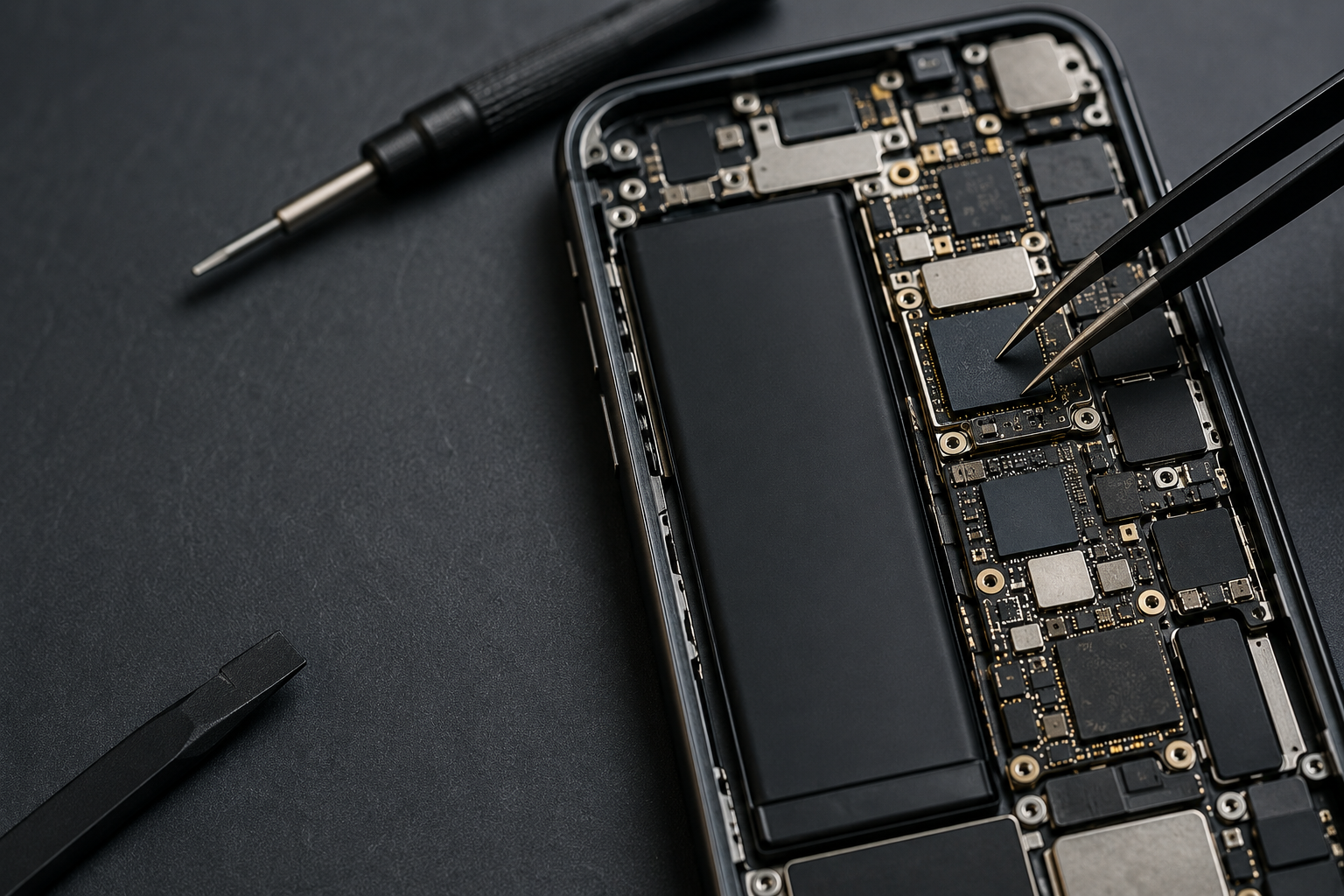
  • Loose or damaged internal components

Servicing does not necessarily mean repairing a damaged component. It can also involve inspection, cleaning, testing, software maintenance, and preventive checks.

How Often Should You Service Your Smartphone?

For most users, a professional inspection once every 12 to 18 months can be a reasonable maintenance interval, especially as the phone gets older.

However, you may need service sooner if you notice warning signs.

A smartphone used heavily for gaming, business, navigation, photography, or other demanding tasks may require more frequent attention.

Similarly, phones used in dusty, humid, or physically demanding environments may need additional inspection.

The most important factor is not simply the calendar. Your phone's condition and symptoms should guide the timing of service.

Smartphone Maintenance Based on Phone Age

New Smartphones

A relatively new phone that is working normally may not require routine professional servicing.

Instead, focus on:

  • Software updates
  • Battery care
  • Screen protection
  • Storage management
  • Keeping charging ports clean
  • Using reliable chargers and cables

If a problem appears, have the phone checked rather than waiting for a scheduled service.

Smartphones Around 1–2 Years Old

After one or two years of regular use, battery performance and general device condition may begin to change.

Consider having the phone inspected if you notice:

  • Faster battery drain
  • Increased heating
  • Slow charging
  • Reduced performance
  • Charging interruptions
  • Speaker or microphone problems

This is also a useful stage to check the charging port, battery condition, and overall hardware.

Older Smartphones

As a smartphone becomes older, different components can gradually wear out.

Older phones may experience:

  • Battery degradation
  • Charging port wear
  • Display problems
  • Speaker issues
  • Button problems
  • Storage limitations
  • Software compatibility issues
  • Performance slowdowns

Periodic professional inspection can help determine whether a repair, maintenance procedure, or eventual replacement is appropriate.

Signs That Your Smartphone Needs Servicing

You do not need to wait for a scheduled maintenance check if your phone is showing warning signs.

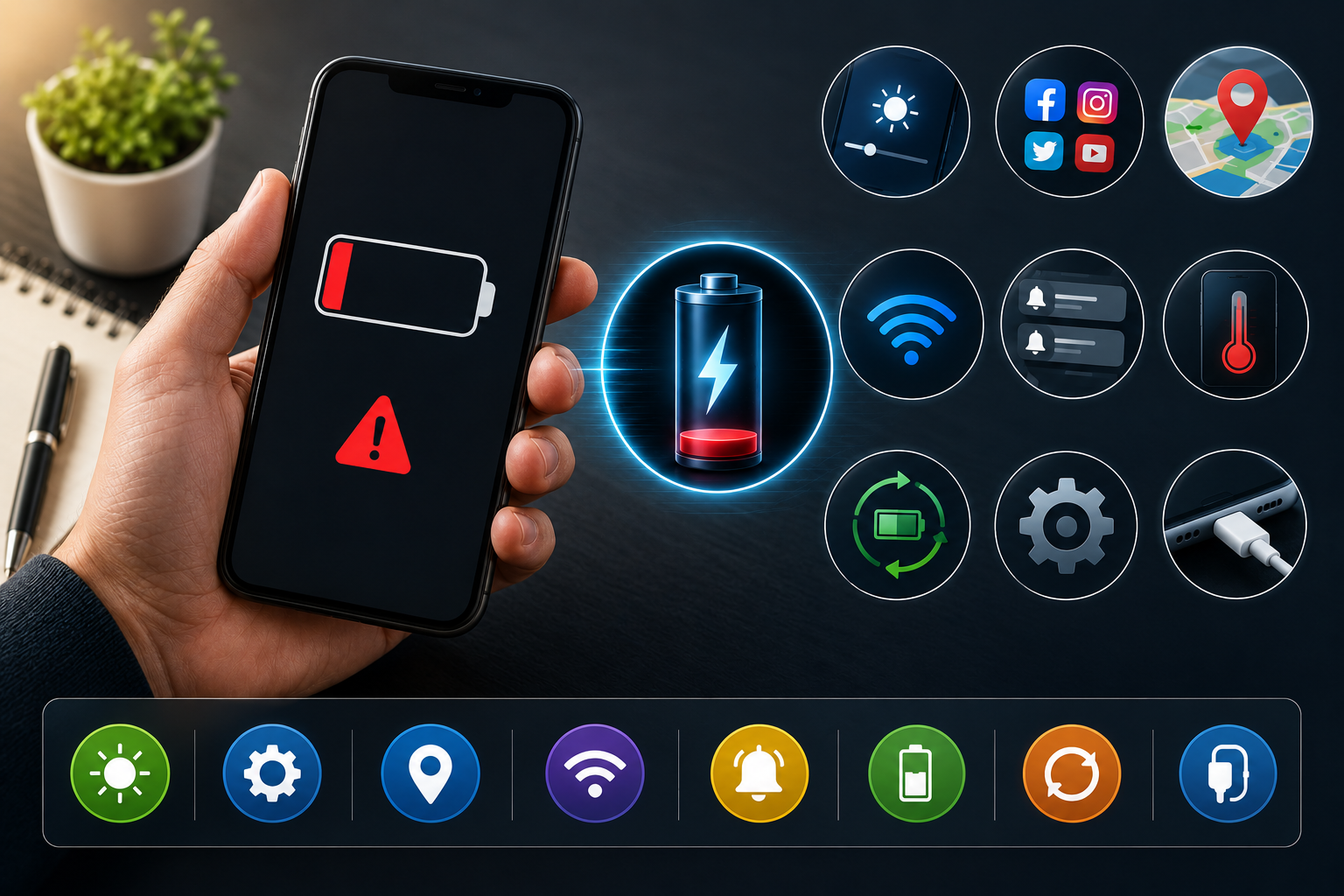
1. Battery Drains Quickly

If your battery is suddenly draining much faster than usual, several factors could be responsible.

Possible causes include:

  • Battery degradation
  • Background applications
  • Poor network conditions
  • High screen brightness
  • Software issues
  • Excessive device temperature

A technician can inspect the battery and determine whether replacement or other troubleshooting is required.

2. Phone Overheats Frequently

Occasional warmth during intensive use can be normal, but unusual or frequent overheating should not be ignored.

Overheating can be related to:

  • Battery problems
  • Charging issues
  • Heavy applications
  • Software problems
  • Internal hardware faults
  • Poor ventilation

If your phone becomes unusually hot during normal use, professional diagnosis is recommended.

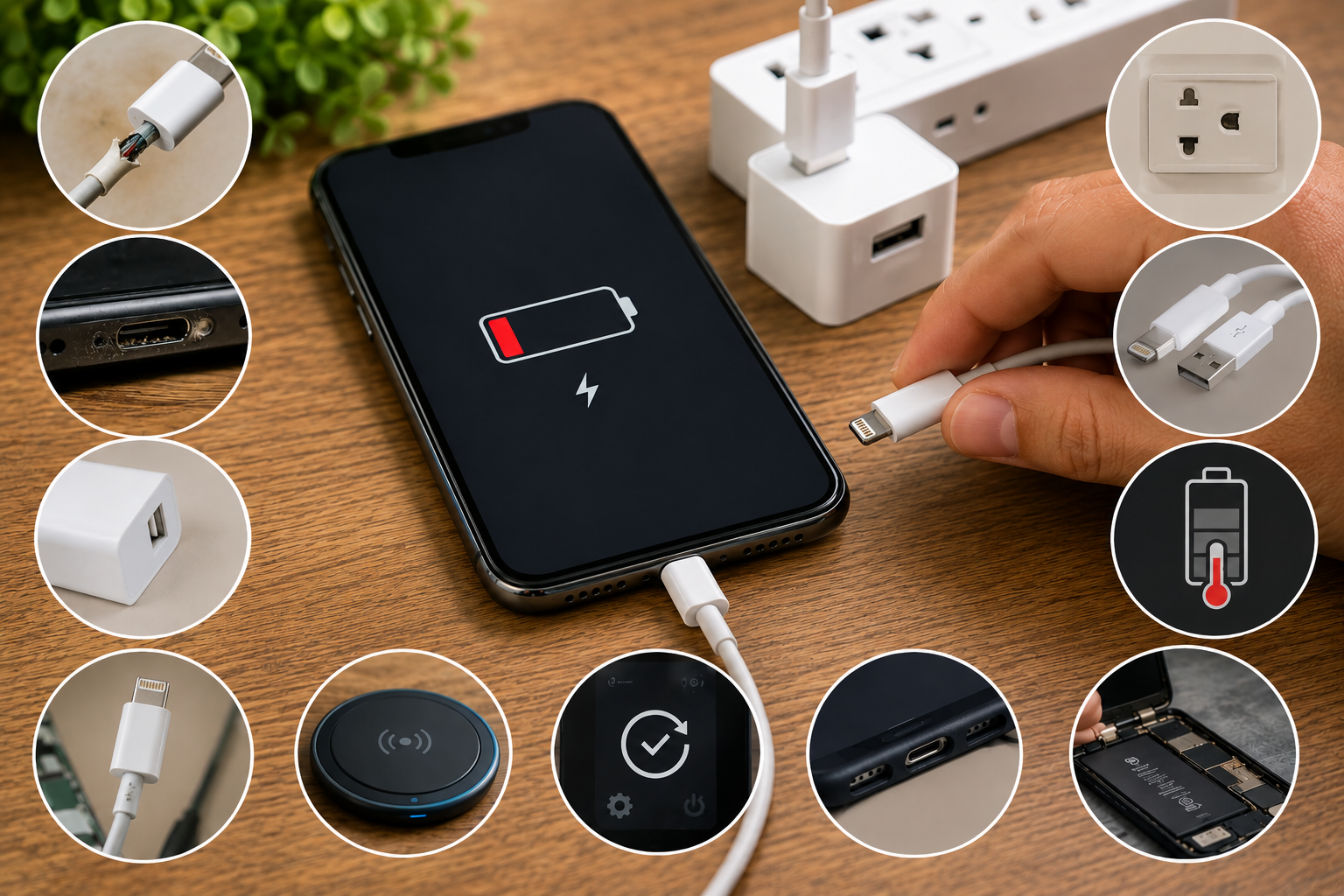
3. Charging Becomes Difficult

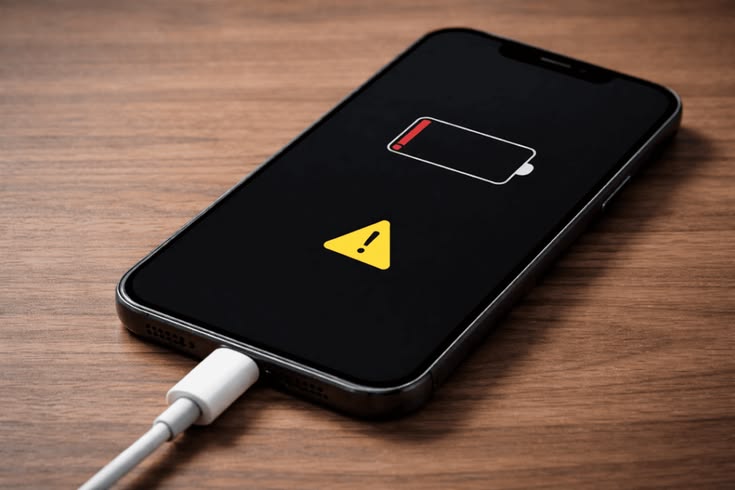
Charging problems are among the most common reasons for smartphone service.

You may notice:

  • Phone charges slowly
  • Charging stops randomly
  • Cable connection feels loose
  • Phone only charges at a certain angle
  • Fast charging no longer works

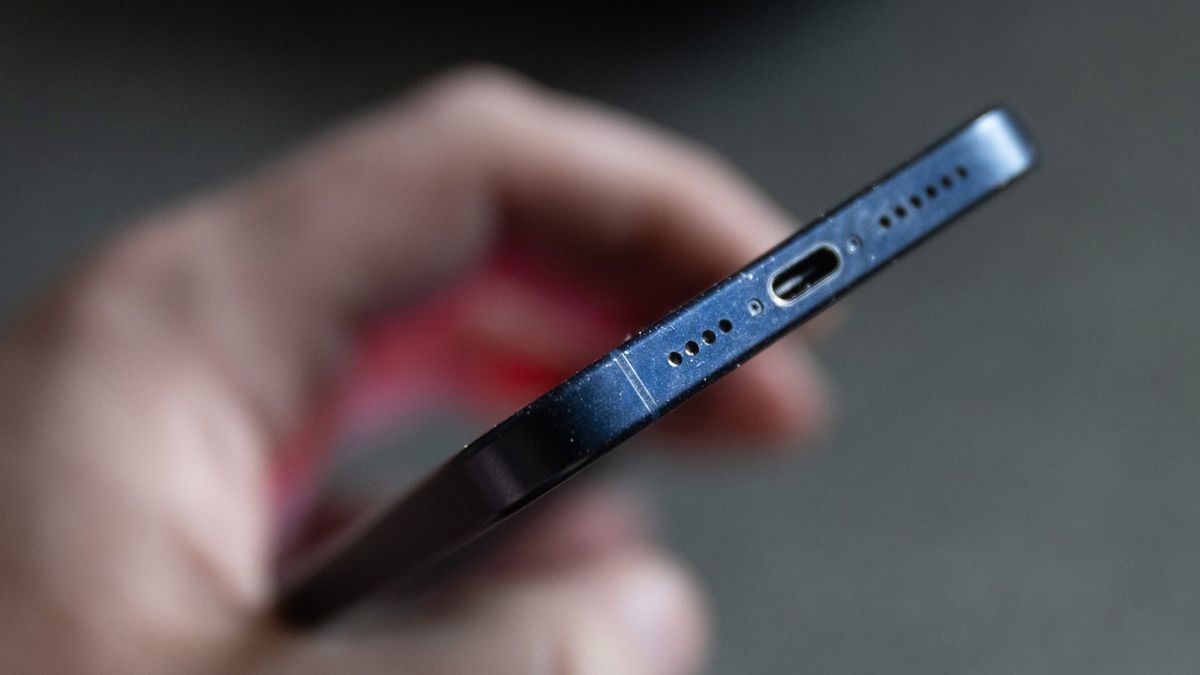
Dust inside the charging port, damaged cables, port wear, or internal charging circuit problems may be responsible.

4. Phone Becomes Slow

A smartphone can become slower over time due to storage limitations, software changes, background applications, or aging hardware.

Before assuming that a hardware component has failed, check:

  • Available storage
  • Recently installed applications
  • Software updates
  • Background processes
  • Battery condition

If performance remains poor, a technician can perform additional diagnostics.

5. Speaker or Microphone Problems

If calls become difficult to hear or other people cannot hear you clearly, the speaker or microphone may require inspection.

Dust, blockage, component damage, moisture, or hardware faults can affect audio performance.

Professional cleaning and testing can help identify the actual cause.

What Does Smartphone Servicing Include?

The exact service process depends on the phone's condition and the repair center.

A professional inspection may include:

Physical Inspection

The technician checks the phone for:

  • Cracked display
  • Damaged frame
  • Loose buttons
  • Back panel damage
  • Signs of impact
  • Liquid damage

Battery Check

The battery may be checked for performance, charging behavior, heating, and signs of deterioration.

Charging System Inspection

The charging port, cable connection, and charging behavior can be tested.

Speaker and Microphone Testing

Audio components can be checked to identify sound or microphone-related problems.

Sensor Testing

Modern smartphones contain several sensors, including:

  • Proximity sensor
  • Accelerometer
  • Gyroscope
  • Ambient light sensor
  • Compass sensor
  • Fingerprint sensor, depending on the model

Testing these components can help identify hidden problems.

Software Check

Technicians may also check for software-related problems, application issues, and abnormal system behavior.

Should You Service Your Phone Even If It Works Normally?

Preventive inspection can be useful, especially for older smartphones or devices used heavily.

However, routine servicing does not necessarily mean opening the phone.

Basic maintenance such as cleaning the exterior, checking charging accessories, managing storage, updating software, and monitoring battery performance can often be performed by the user.

Professional inspection becomes more useful when the phone shows symptoms or has experienced a drop, liquid exposure, overheating, or another incident.

How Often Should You Clean Your Smartphone?

External cleaning can be performed regularly because smartphones accumulate fingerprints, dust, and dirt through everyday use.

Use a soft microfiber cloth for the display and exterior.

The charging port and speaker openings should be handled carefully. Avoid inserting sharp metal objects into ports or openings because this can damage delicate components.

If a port is heavily blocked or difficult to clean safely, professional cleaning is preferable.

Smartphone Servicing After Water Exposure

If your phone has been exposed to water or another liquid, do not wait for the next scheduled service.

Liquid can cause corrosion and internal damage even when the smartphone initially appears to work normally.

If liquid enters the device:

  1. Disconnect the charger.
  2. Avoid repeatedly switching the phone on and off.
  3. Do not use excessive heat to dry it.
  4. Avoid inserting objects into ports.
  5. Seek professional inspection as soon as possible.

Early diagnosis can help identify potential internal damage.

Smartphone Servicing After a Drop

A phone may continue working after a fall even when internal components have been affected.

After a significant drop, check:

  • Display
  • Touchscreen
  • Cameras
  • Speakers
  • Microphone
  • Charging
  • Buttons
  • Sensors
  • Network connectivity

If something behaves differently after the impact, professional inspection is recommended.

How to Extend the Life of Your Smartphone

Regular servicing is only one part of smartphone maintenance.

You can also protect your phone by:

  • Using a protective case
  • Installing a screen protector
  • Avoiding extreme temperatures
  • Keeping the device away from moisture
  • Using compatible charging accessories
  • Keeping software updated
  • Avoiding unnecessary storage overload
  • Cleaning the phone carefully
  • Avoiding physical impacts
  • Addressing problems early

Good daily habits can reduce unnecessary repairs and help maintain device performance.

When Should You Visit a Professional Repair Center?

You should consider professional smartphone service when:

  • Battery performance drops significantly
  • The phone overheats repeatedly
  • Charging becomes unreliable
  • The display develops problems
  • Touch stops responding correctly
  • The speaker or microphone fails
  • Sensors stop working
  • The phone has suffered liquid damage
  • The phone has experienced a serious fall
  • The device repeatedly restarts or shuts down

A professional technician can diagnose the cause instead of replacing components unnecessarily.

Why Professional Smartphone Servicing Matters

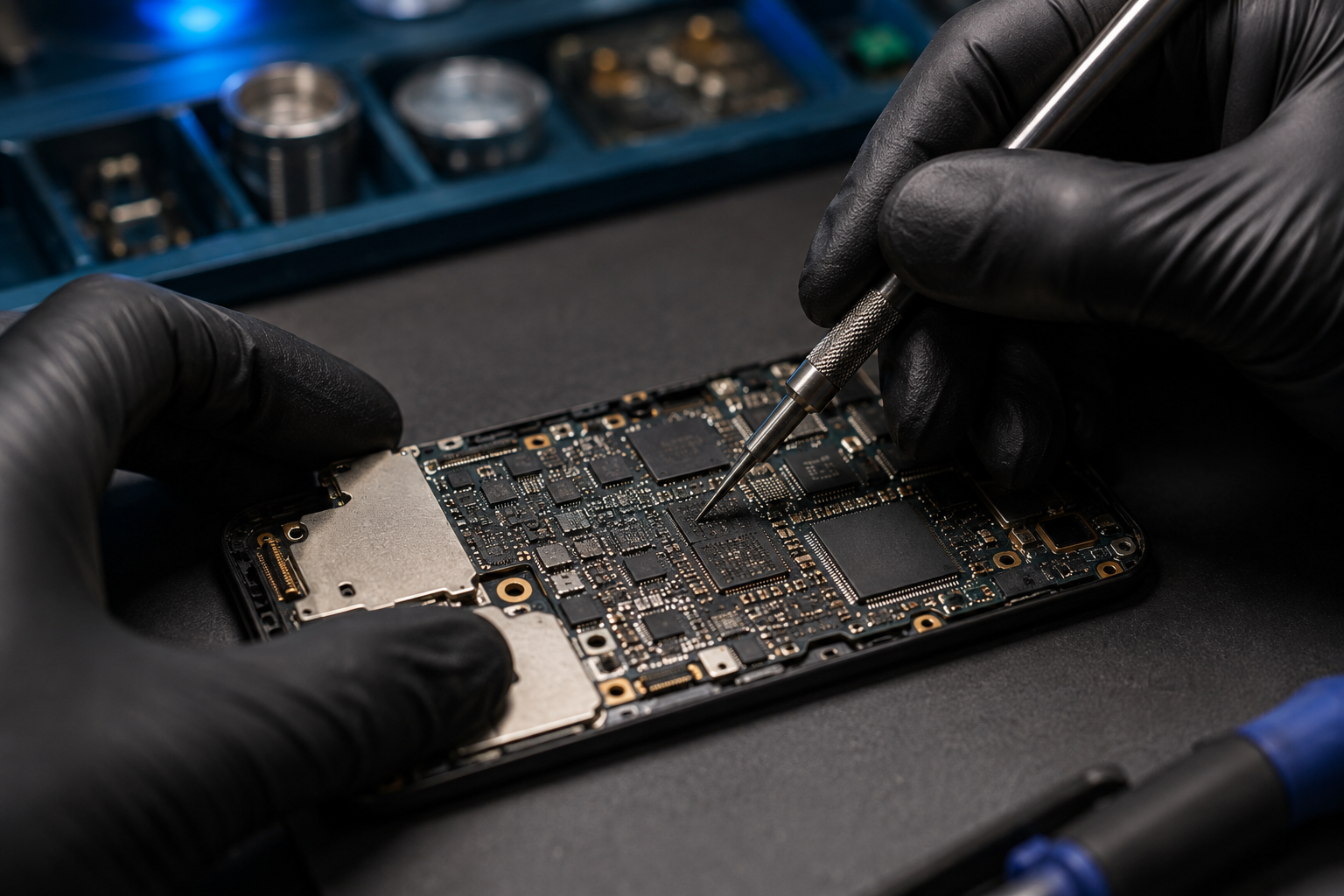
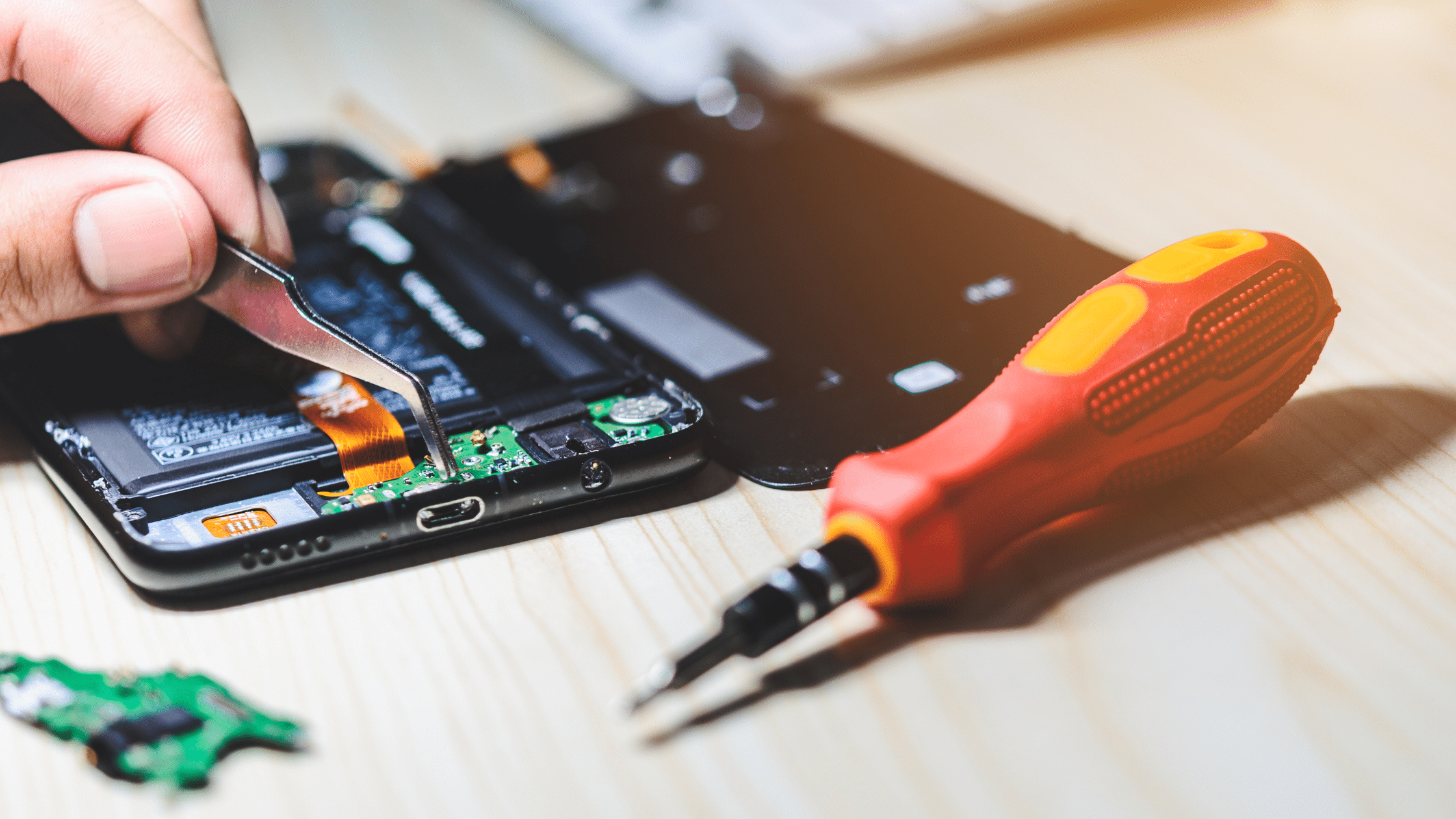
Modern smartphones contain compact components and delicate connectors. Attempting to open a device without the right tools or technical knowledge can cause additional damage.

Professional technicians can use appropriate diagnostic methods to identify hardware and software problems.

A proper inspection can help determine whether your phone needs cleaning, software troubleshooting, component replacement, or more advanced repair.

For professional smartphone repair and maintenance services, you can explore B Serve.

Conclusion

So, how often should you service your smartphone? There is no universal schedule for every device. A phone that works normally may only require regular user maintenance, while an older or heavily used smartphone may benefit from professional inspection approximately every 12 to 18 months.

More importantly, do not ignore warning signs such as rapid battery drain, overheating, charging problems, slow performance, speaker issues, or sensor failures.

Regular care, timely diagnosis, proper accessories, and professional servicing when necessary can help extend the useful life of your smartphone and reduce the risk of unexpected repairs.

Recent Post
Best Mobile Phone Service Center in Tirur
Post : bserve | 2025-12-24
Best Mobile Phone Service Cent...
Why Everyone’s Talking About the iPhone 17- Features That Stand Out
Post : B Serve | 2025-10-23
Why Everyone’s Talking About t...
Gadget Repair Service
Post : B Serve | 2025-09-13
How to Choose the Right Gadget...
laptop repairing
Post : Bserve | 2025-08-25
Laptop Running Slow? Common Ca...
Apple service centre in Kerala
Post : B Serve | 2025-07-30
Common iPhone Problems and How...
 B Serve solves various problems of mobile phones, laptops, tablets, and other devices.
Post : B Serve | 2025-04-26
Professional repair services:...
Smart Watch Repair: Common Issues and Professional Solutions.
Post : B Serve | 2025-06-12
Smart Watch Repair: Common Iss...
On-Site Pick-Up & Drop Service for Gadget Repairs in Malappuram
Post : B Serve | 2025-06-26
On-Site Pick-Up & Drop Service...
#1 Mobile Repair Shop in Tirur – 100% Reliable Service | B Serve
Post : bserve | 2026-02-18
Top Mobile & Laptop Repair Cen...
Best Mobile Phone Service Center in Tirur
Post : bserve |
B Serve – Best Mobile Service...
Top Mobile Repair Shop in Malappuram, Kerala for iPhone & Android
Post : bserve | 2026-05-20
Top Mobile Repair Shop in Mala...
Post : bserve | 2026-05-23
iPhone Repair Guide: Everythin...
Post : bserve | 2026-05-17
Best Mobile Service Center in...
Mobile Repair Shop – iPhone Repair, Android Repair & Gadget Service
Post : bserve | 2026-05-15
Mobile Repair Shop – iPhone Re...
Post : bserve | 2026-05-19
Laptop Heating Issue, Laptop S...
Mobile Repairing Shop in Kerala
Post : bserve | 2026-06-14
Mobile Repairing Shop in Keral...
Post : bserve | 2026-06-08
Mobile Repairing Shop in Kotta...
Post : bserve | 2026-06-12
Gadget Repairing Shop in Tirur...
Post : bserve | 2026-06-18
Android & iPhone Repairing Sho...
Can iPhone Motherboard Be Repaired? Expert Guide
Post : bserve | 2026-07-04
Can iPhone Motherboard Be Repa...
Post : bserve | 2026-07-13
OPPO Mobile Repairing Centre N...
Mobile Repairing Service Center in Kerala
Post : bserve | 2026-07-27
Mobile Repairing Service Cente...
Mobile Repairing Service Center in Perinthalmanna
Post : bserve | 2026-08-04
Mobile Repairing Service Cente...
Post : bserve | 2026-08-06
Mobile Repairing Service Cente...
B Serve Mobile Repairing Institute in Perinthalmanna
Post : bserve | 2026-08-17
B Serve Mobile Repairing Insti...
Best Mobile Repairing Shop in Kottakkal
Post : bserve | 2026-08-27
Best Mobile Repairing Shop in...
mobile repairing shop Tirur
Post : bserve | 2026-08-27
Mobile Repairing Shop Tirur –...
  best mobile repair shop in Perinthalmanna
Post : bserve | 2026-08-27
Best Mobile Repair Shop in Per...
Why Is My Phone Not Charging? 10 Causes and Solutions
Post : bserve | 2026-09-04
Why Is My Phone Not Charging?...
Phone Battery Draining Fast
Post : bserve | 2026-09-04
Phone Battery Draining Fast: C...
Laptop Not Turning On
Post : bserve | 2026-09-04
Laptop Not Turning On: Complet...
 chip-level mobile repair.
Post : bserve | 2026-09-10
What Is Chip-Level Mobile Repa...
Why Is My Phone Overheating While Charging? Causes and Solutions
Post : bserve | 2026-09-14
Why Is My Phone Overheating Wh...
Why Is My Phone Showing No Service? Causes and Solutions
Post : bserve | 2026-09-16
Why Is My Phone Showing No Ser...
Why Is My Phone Speaker Not Working? Causes and Repair Solutions
Post : bserve | 2026-09-18
Why Is My Phone Speaker Not Wo...
How to Fix Bluetooth Not Connecting on Your Phone: Causes and Solutions
Post : bserve | 2026-09-21
How to Fix Bluetooth Not Conne...
Mobile Phone Camera Not Focusing? Common Causes and Repair Solutions
Post : bserve | 2026-09-22
Mobile Phone Camera Not Focusi...
phone microphone not working
Post : bserve | 2026-09-22
Why Is My Phone Microphone Not...
smartphone overheating while using mobile data
Post : bserve | 2026-09-24
How to Fix a Smartphone That O...
gaming console overheating
Post : bserve | 2026-09-26
Gaming Console Overheating: Ca...
gaming console not turning on
Post : bserve | 2026-09-26
Gaming Console Not Turning On:...
gaming console motherboard problems
Post : bserve | 2026-09-26
How to Diagnose Gaming Console...
Mobile Phone Proximity Sensor Not Working: Causes, Diagnosis and Repair
Post : bserve | 2026-09-30
Mobile Phone Proximity Sensor...
How to Protect Your Phone After Screen Replacement: Essential Tips
Post : bserve | 2026-09-30
How to Protect Your Phone Afte...
How Often Should You Service Your Smartphone? A Complete Maintenance Guide
Post : bserve | 2026-09-30
How Often Should You Service Y...
Mobile phone Wi-Fi not working
Post : bserve | 2026-10-08
Mobile Phone Wi-Fi Not Working...
laptop service center Malappuram
Post : bserve | 2026-10-08
Laptop Maintenance Guide: Comm...
best mobile service centre Perinthalmanna
Post : bserve | 2026-10-08
Mobile Phone Repair Checklist:...
CTA Icon
Whatsapp Icon